How to Choose the Best Type C Hub for Your Devices and Needs
In today's fast-paced digital landscape, the demand for versatile and efficient connectivity solutions has skyrocketed, making the Type C Hub an essential accessory for many users. As reported by research firms like ResearchAndMarkets, the USB Type C adoption rate is expected to reach 78% by 2025, reflecting its growing integration across various device ecosystems. This surge is largely driven by the increasing number of laptops, smartphones, tablets, and peripherals that feature USB Type C ports, highlighting the critical role of Type C Hubs in enhancing productivity and providing seamless device interaction.
Choosing the right Type C Hub can significantly impact the effectiveness of your devices, enabling users to expand their connectivity options and enhance their workspaces. With numerous types of hubs available, tailored to diverse needs, understanding the specifications and compatibility is crucial. According to a study from Statista, 65% of consumers prioritize versatility and the number of ports available when selecting a hub. This statistic emphasizes the importance of informed choices in a market flooded with options, ensuring users can find a Type C Hub that not only meets their personal or professional needs but also elevates their digital experience to new heights.

Understanding the Basics of Type C Hubs and Their Features
When selecting the best Type C hub for your devices, it's essential to understand the various features and functionalities these hubs offer. Type C hubs have rapidly gained popularity due to their versatility and ability to support multiple connections through a single port. According to recent industry reports, over 60% of laptops and mobile devices now come equipped with USB Type C ports, highlighting the need for compatible hubs to enhance their functionality.
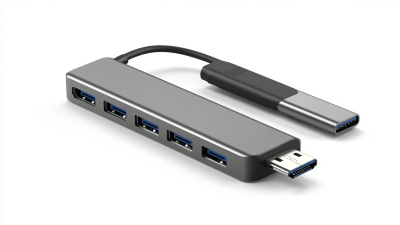
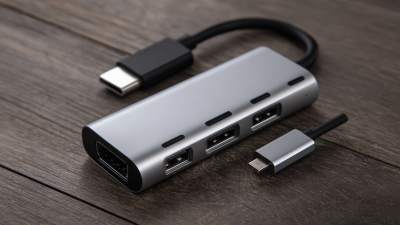
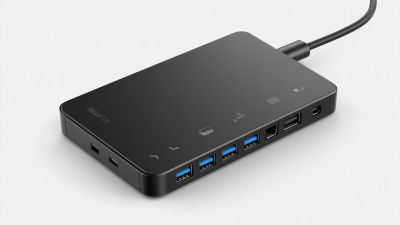
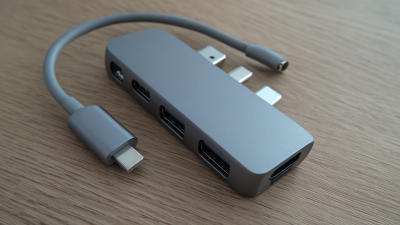
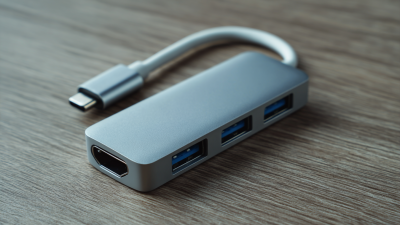
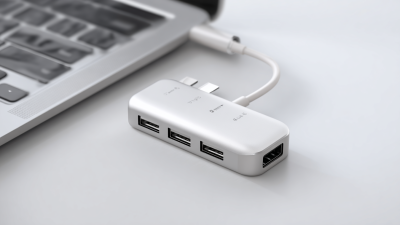
Most Type C hubs include several ports like HDMI, USB-A, and Ethernet, catering to diverse user needs. Features such as Power Delivery (PD) allow for charging your devices while simultaneously using the hub, thereby increasing efficiency. Furthermore, recent studies show that hubs with integrated SD card slots are preferred by content creators, as they facilitate quick data transfers from cameras and other devices. It's crucial to consider the specifications and compatibility with your devices, ensuring that the hub not only meets your current needs but is also adaptable for future devices.
Tips: When choosing a Type C hub, look for those with high-speed data transfer capabilities. A hub that supports USB 3.1 or higher can significantly reduce transfer times, making it ideal for large files. Additionally, ensure that the hub has a robust build quality, as this can enhance its durability and reliability over time. Finally, check for customer reviews focusing on the hub's performance under real-world usage to gauge its effectiveness before making your purchase.
Identifying Your Device Compatibility and Requirements
When choosing a Type C hub, the first step is to assess the compatibility of your devices. Not all Type C ports are created equal; therefore, it is essential to verify your device's specifications to ensure it supports the functionalities you need. For instance, some devices may only support data transfer, while others can also provide charging capabilities or video output. Consulting the user manual or the manufacturer's website can offer clarity on the exact specifications and capabilities of your device’s Type C port.
Next, identify your specific requirements based on how you intend to use the hub. Do you need additional USB ports for peripherals, or are you looking to connect to external displays? Consider the types of connections you frequently use, such as HDMI, USB-A, or Ethernet, and ensure that the hub has the corresponding ports. Furthermore, if portability is a concern, the size and weight of the hub might influence your decision as well. Taking the time to evaluate both device compatibility and personal requirements will lead you to the most suitable Type C hub that enhances your productivity.
Assessing Data Transfer Speeds and Charging Capabilities
When selecting a Type C hub, assessing data transfer speeds is crucial. Most Type C hubs support USB 3.0 or USB 3.1 standards, allowing for transfer rates of up to 5Gbps and 10Gbps, respectively. These speeds can significantly impact your productivity, especially if you frequently transfer large files or work with high-resolution media. Therefore, when evaluating a hub, look for specifications that indicate the supported USB version, as this will determine how quickly you can move files between devices.
In addition to data transfer speeds, charging capabilities also play a vital role in choosing the right Type C hub. Many hubs can deliver power to your device while simultaneously offering data transfer, which is crucial for users who need to keep their devices charged during intense use. It's essential to check how much power delivery the hub supports—ideally, it should provide at least 60 watts for most laptops or devices. This dual functionality ensures you can maintain productivity without worrying about running low on battery, making it a key consideration in your selection process.
How to Choose the Best Type C Hub for Your Devices and Needs - Assessing Data Transfer Speeds and Charging Capabilities
| Hub Type |
Data Transfer Speed |
Charging Capability |
Number of Ports |
Compatibility |
| Basic Hub |
USB 3.0 (up to 5 Gbps) |
No |
3 |
Laptops, Tablets |
| Multi-Function Hub |
USB 3.1 (up to 10 Gbps) |
Yes (60W) |
4 |
Laptops, Smartphones |
| Docking Station |
Thunderbolt 3 (up to 40 Gbps) |
Yes (85W) |
6 |
Laptops, Desktops |
| Portable Hub |
USB 3.0 (up to 5 Gbps) |
No |
4 |
Laptops, Tablets |
| Advanced Hub |
USB 3.2 (up to 20 Gbps) |
Yes (100W) |
5 |
Laptops, Smartphones, Tablets |
Evaluating Additional Features and Ports for Enhanced Functionality
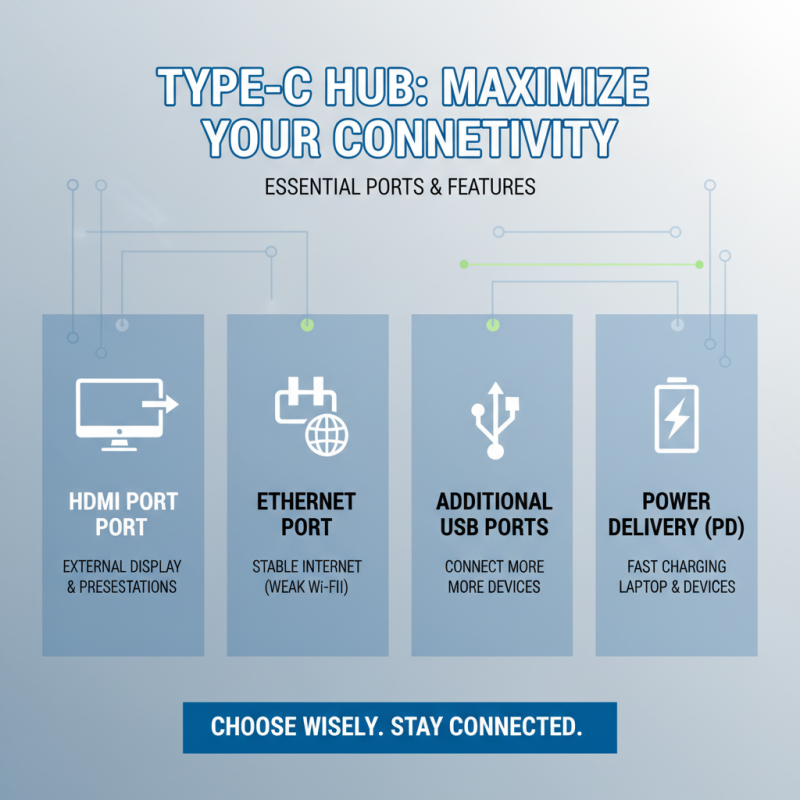
When choosing a Type C hub, evaluating additional features and ports is crucial for maximizing functionality and ensuring compatibility with your devices. Beyond the basic USB outlets, look for hubs that offer a mix of HDMI, Ethernet, and additional USB ports. An HDMI port can enable you to connect your laptop to external displays for presentations or multimedia presentations, while an Ethernet port can provide a stable internet connection, which is particularly beneficial in environments with weak Wi-Fi signals.
Furthermore, consider hubs that include card readers for SD or microSD cards, especially if you frequently transfer data from cameras or other devices. This can streamline your workflow significantly. Additionally, check for power delivery capabilities in a hub, allowing you to charge your laptop while using it, which eliminates the need for multiple cables. Some models even feature additional tools like built-in audio jacks or AV outputs, further enhancing their utility. By assessing these added functionalities, you can select a Type C hub that meets your specific needs, ensuring that your devices remain interconnected and productive.
Making Informed Decisions Based on Budget and Brand Reputation
Choosing the right Type C hub can significantly enhance your device's functionality, but how do you make a choice that's both economical and reliable? Budget is often a key factor in decision-making. Establishing a clear budget allows you to filter options effectively, ensuring you don't overspend on features that may be unnecessary for your typical usage. Analyze your specific requirements to find a hub that fits your financial constraints without compromising essential features like data transfer speed or build quality.
In addition to budget, brand reputation plays a crucial role. Consider brands that are known for producing reliable, high-quality products. Research user reviews and expert recommendations to gauge a brand's trustworthiness. Established companies often have a track record of customer service and product longevity, which can be invaluable. By prioritizing well-regarded brands, you not only mitigate risk but also ensure that your investment is sound, providing peace of mind that your chosen hub will meet your needs effectively and efficiently.

 USB C Docking & Hub
 USB C Docking Station
 USB C Hub-H Series
 USB C Hub-H Series High End
 USB C Hub-X Series High End
 HDMI Cable
 4K HDMI Cable
 8K HDMI Cable
 16K HDMI Cable
 AOC HDMI Cable
 HDMI Conversion Cable
 8K DisplayPort Cable
 16K DisplayPort Cable
 DisplayPort Conversion Cable
 XLR Cable
 VGA Cable
 DVI Cable
 Type C To HDMI
 Type C to DP
 Type C to DVI
 Type C Adapter
 USB A to C Cable
 USB C to C Cable
 Micro USB Cable
 USB4 Cable