Inquiry
Form loading...

Why Choose a Docking Station USB C Adapter for Your Devices?

As technology continues to advance, the use of a Docking Station USB C Adapter has become essential for many professionals and tech enthusiasts. According to a recent report by Statista, the global USB-C market is expected to reach a valuation of over $14 billion by 2025. This surge reflects the growing demand for versatile connectivity solutions in a rapidly evolving digital landscape.

The Docking Station USB C Adapter enables users to connect multiple devices seamlessly. Its functionality allows for simultaneous charging, data transfer, and video output. This characteristic is crucial as remote working trends demand more reliable and efficient setups. Research from market analytics firms highlights that 75% of remote workers value efficient workspace solutions. However, while many devices support USB-C, not all provide the same performance or compatibility, leading to potential frustration.

For those considering a Docking Station USB C Adapter, understanding the variety and specifications is vital. Many low-cost options may lack the durability and speed necessary for optimal performance. Reflecting on these considerations can guide consumers to make informed choices. Balancing price with quality is a persistent challenge in the tech accessory market—one worth pondering as we embrace an increasingly interconnected world.
Why Choose a Docking Station USB C Adapter for Your Devices?

Benefits of Using a Docking Station USB C Adapter for Connectivity

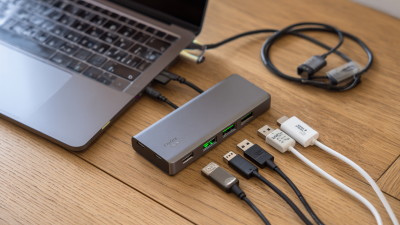
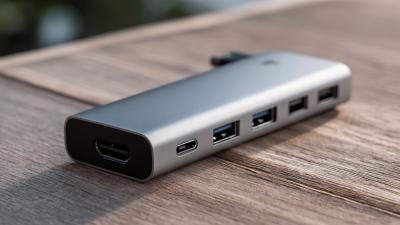
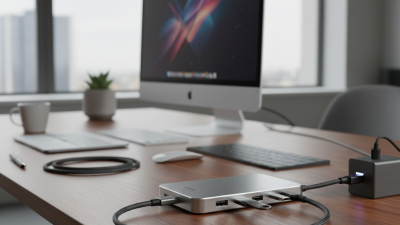
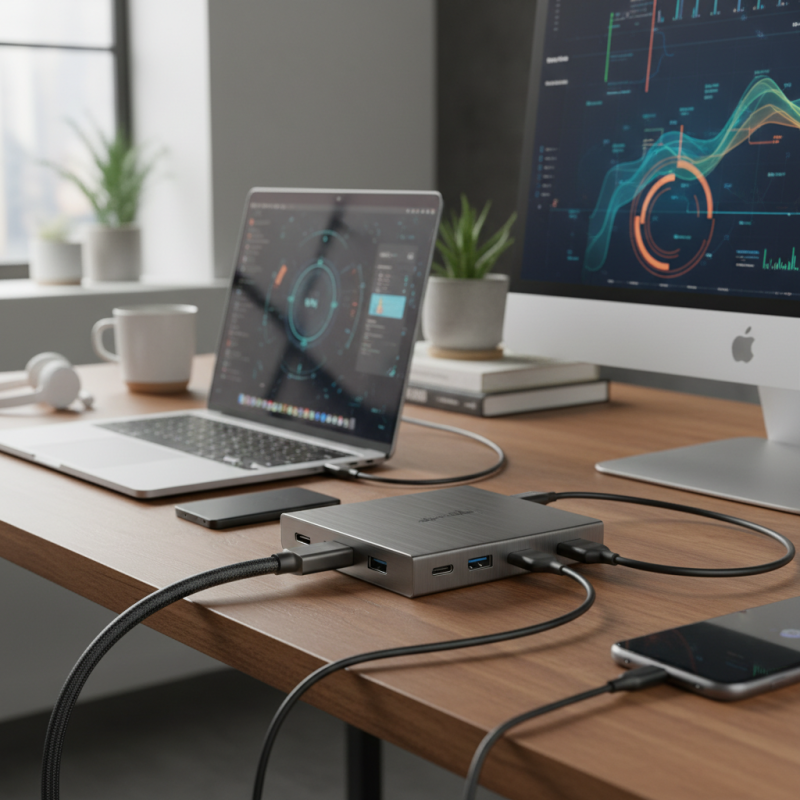
A docking station USB C adapter is an essential tool for enhancing connectivity. It enables you to connect multiple devices through a single USB C port. This kind of adapter offers a variety of ports, including HDMI, USB-A, and Ethernet. Users often find it simplifies their workspace. No one likes dealing with cluttered cables.

The versatility of a docking station means you can use it with laptops, tablets, and even smartphones. Enjoy seamless connections for presentations or video calls. Many professionals appreciate the speed that these adapters provide. For instance, transferring large files becomes much quicker.

However, it’s important to choose an adapter that meets your needs. Not all models support the same features. Some may lack sufficient power delivery or fail to support specific resolutions. Users sometimes overlook compatibility issues. This can lead to frustration. Always check what your devices require before making a purchase.

Why Choose a Docking Station USB C Adapter for Your Devices? - Benefits of Using a Docking Station USB C Adapter for Connectivity

Feature Description Benefit
Multiple Ports Supports HDMI, USB-A, Ethernet, and more Connect multiple devices easily
Fast Charging Provides power delivery to your laptop Keep devices charged while working
Compact Design Lightweight and portable Easy to carry for travel
Plug and Play No software installation required Simple setup and usability
High Data Transfer Speeds Supports USB 3.1 for fast data transfer Quickly transfer large files

Key Specifications and Features to Consider in USB C Docking Stations

Why Choose a Docking Station USB C Adapter for Your Devices?

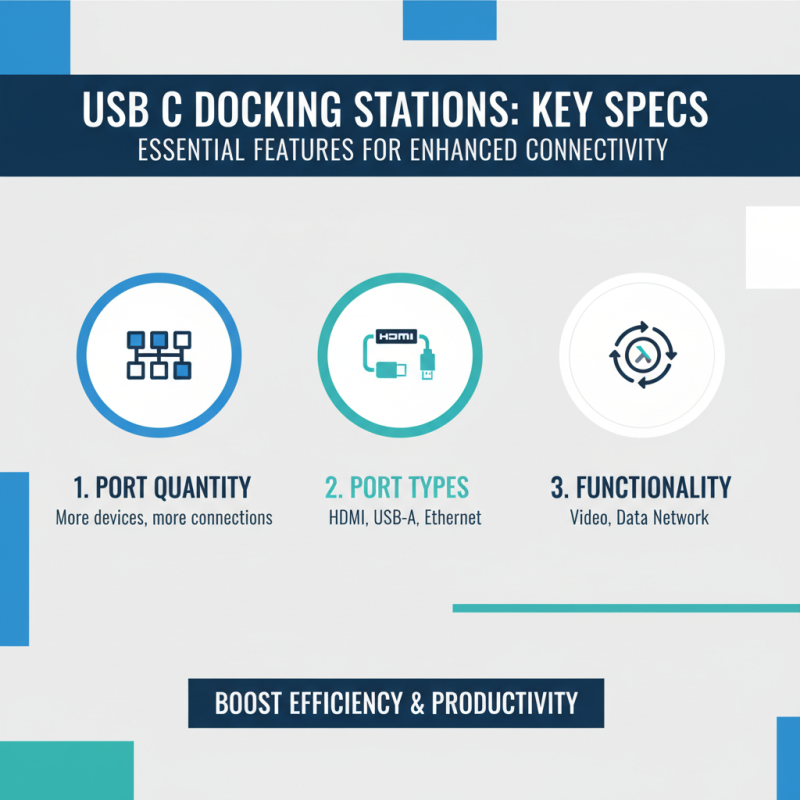
When selecting a USB C docking station, several key specifications and features stand out. The first consideration should be the number of ports available. A variety of ports enables connectivity to multiple devices. Look for options that include HDMI, USB-A, and Ethernet. Each port type serves a unique function that enhances efficiency.

Another essential feature is the power delivery capability. A good docking station can charge your devices while connected. Aim for one that supports fast charging. It’s also worth examining data transfer speeds. USB 3.0 and Thunderbolt 3 options provide faster connectivity. This can significantly improve workflow during demanding tasks.

Build quality matters, too. A robust construction will ensure longevity. Lightweight options are great for portability but may compromise durability. Users often overlook the importance of compatibility. Make sure your devices are supported to avoid frustration. High-quality materials and reliable performance often dictate a docking station’s effectiveness. A few poorly constructed units could lead to overheating or connection issues. Always research before you buy.

Industry Statistics on Device Compatibility and Market Growth Trends

The market for USB-C docking stations is rapidly expanding. Recent statistics show that over 70% of new laptops and devices support USB-C. This trend signifies a shift towards a more unified standard. Users appreciate the versatility and efficiency this connection offers. Having a reliable docking station can maximize the potential of these USB-C devices.

As the demand for compatibility grows, many industries are adopting USB-C technology. Studies indicate that by 2025, USB-C may become the predominant connector in consumer electronics. This is driven by its ability to deliver power, transfer data, and connect peripherals efficiently. However, not all devices will transition smoothly. Some older models still rely on outdated connectors, creating potential frustration for users.

Choosing the right docking station can be challenging. Compatibility is key, yet not all products offer the same features. Users need to consider what devices they use most. Some might require multiple HDMI ports; others may need an Ethernet connection. This variety adds complexity to the decision. Embracing USB-C is beneficial, but it also requires careful thought on equipment selection. Understanding these market trends can empower consumers to make informed choices.

Performance Enhancements: Speed and Efficiency of USB C Components

In today's fast-paced digital world, speed and efficiency have become essential. A USB C docking station significantly enhances performance. It allows users to connect multiple devices seamlessly, improving productivity. These adapters typically support USB 3.1, which offers faster data transfer rates than previous standards. This means transferring large files can take mere seconds, not minutes.

Moreover, many USB C components support power delivery. This feature ensures devices can charge rapidly while connected. It eliminates the need for multiple chargers. However, not every docking station performs equally. Users should check compatibility and specifications to avoid mismatched expectations.

While USB C technology is impressive, it’s still evolving. Some users might face issues with device recognition or overheating. These experiences encourage continuous development in the industry. As manufacturers refine their products, we can expect even more reliable and efficient solutions in the future.

Future Trends in USB C Technology and Docking Station Innovations

USB-C technology is rapidly evolving. As more devices adopt this standard, the importance of a reliable docking station becomes evident. Future trends indicate a shift towards multifunctional dockers that offer more than just basic connectivity. Expect to see innovations that integrate power delivery, high-speed data transfer, and support for multiple monitors. These advancements will enhance productivity for both professionals and gamers.

Tips: When choosing a docking station, consider your specific needs. Check compatibility with your devices and ensure it supports the latest USB-C protocols. This may save you from experiencing frustrating slowdowns or connection issues.

Moreover, dock technology is becoming more compact. With sleek designs, manufacturers are prioritizing portability without sacrificing functionality. Future iterations may include built-in wireless charging or cloud integration features. This is exciting but also raises questions about longevity and adaptability. Users will need to evaluate if a new model is worth the investment over existing equipment.

Tips: Stay informed about emerging USB-C upgrades. Anticipate future trends by following reliable tech news sources. This will help you make better decisions when upgrading your existing docking solutions.

Usage Trends of USB-C Adapters in Different Devices