Why Choose a Hub USB 2.0 for Your Device Needs?
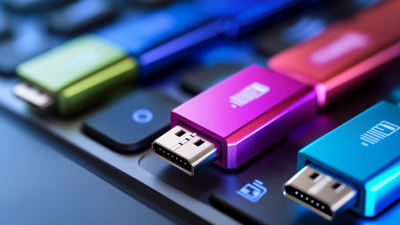
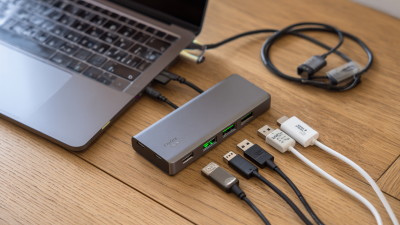
In today’s digital age, technology plays a vital role in our daily lives. Whether for work or leisure, efficient connectivity is key. A Hub USB 2.0 provides a solution to this need. It offers multiple ports, making it easier to connect various devices at once. This is especially useful for users with limited USB ports on their computers.
Choosing a Hub USB 2.0 can streamline your workspace. However, not all hubs are created equal. Some may lack power or speed. While a Hub USB 2.0 is generally reliable, it may not meet the demands of high-speed devices. It’s essential to consider compatibility and speed requirements before making a purchase.
Looking at your setup can reveal some gaps. Do you have enough ports? Are they the right type for your devices? A Hub USB 2.0 could enhance your efficiency but requires thoughtful selection. These devices can simplify connections but ultimately need to fit your specific needs. Reflect on whether an upgrade is truly necessary for your workflow.
Benefits of Using a Hub USB 2.0 for Multiple Devices
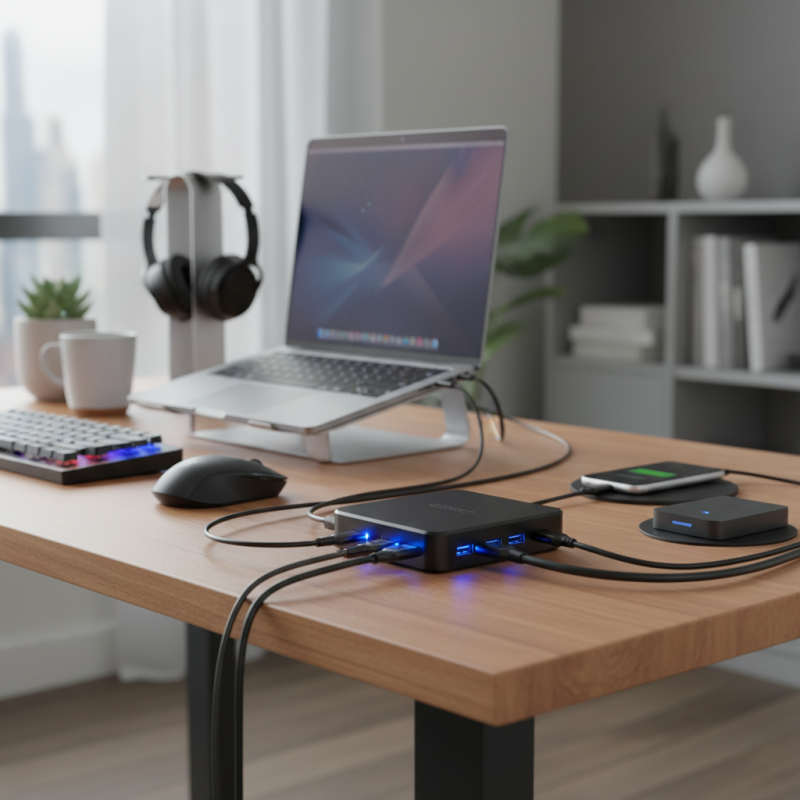
Using a Hub USB 2.0 for your device needs brings significant advantages. The ability to connect multiple devices with one hub simplifies workflows. According to industry reports, over 60% of users experience increased productivity when using USB hubs. This is particularly true in environments where multiple peripherals are essential, such as in offices or creative studios.
USB 2.0 hubs are designed with convenience in mind. They often feature multiple ports for connecting printers, scanners, and external drives simultaneously. Data transfer speeds of up to 480 Mbps are quite effective for many applications. However, some users may find that performance can drop when all ports are in use. This can lead to frustration and requires careful management of connected devices.
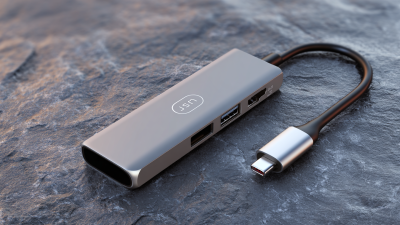
Moreover, these hubs often come in compact designs, making them easy to transport. Professionals on the go have reported a need for lightweight solutions as they travel. A USB 2.0 hub fills this gap, yet it's worth noting that it lacks the high-speed capabilities of newer USB technologies. Balancing speed and connectivity is a common challenge for many users, but a well-chosen USB 2.0 hub can still meet a wide range of needs.
Benefits of Using a Hub USB 2.0 for Multiple Devices
### Key Features of Hub USB 2.0 Technology
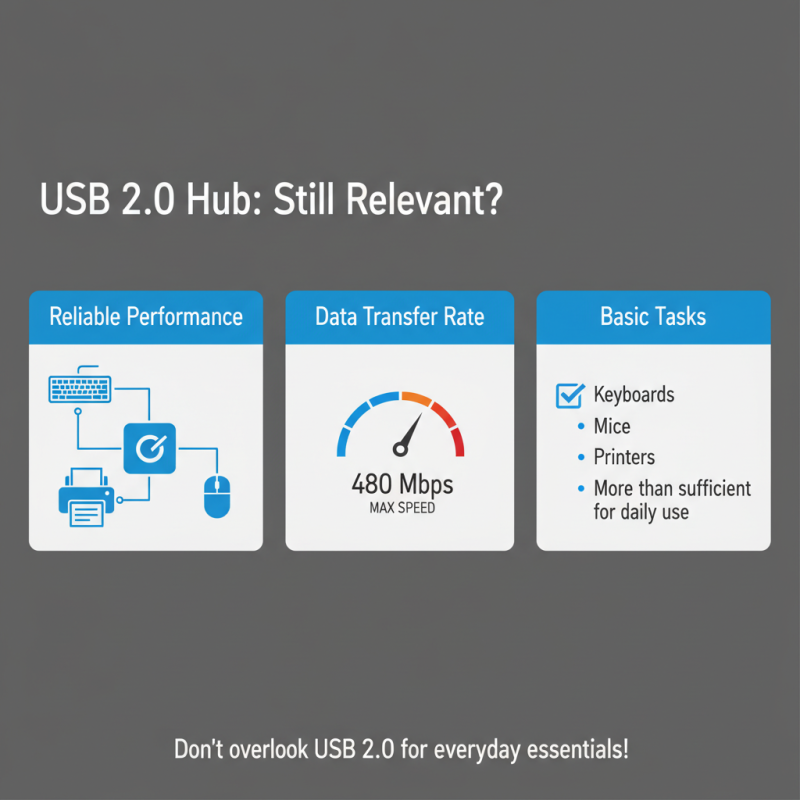
Hub USB 2.0 technology offers seamless connectivity for various devices. With speeds reaching up to 480 Mbps, it provides efficient data transfer for files and peripherals. This speed is essential for users dealing with large files. According to industry reports, USB 2.0 still holds about 30% of the market share in device connections, proving its ongoing relevance.
One of the key features of Hub USB 2.0 is its ability to support multiple devices simultaneously. Users can connect printers, keyboards, and external storage with ease. The flexibility to add up to 127 devices makes it suitable for both home offices and professional environments. Additionally, USB 2.0 hubs are generally backward compatible, allowing older devices to connect without trouble.
Tips: Always check the power supply for USB hubs. Insufficient power can slow down device performance. Be mindful of cable lengths. Longer cables may cause signal degradation. While USB 2.0 is reliable, consider your future needs. If you plan to upgrade devices, USB 3.0 offers higher speeds and better efficiency. Think twice before settling on USB 2.0 if speed is a priority.
Why Choose a Hub USB 2.0 for Your Device Needs? - Key Features of Hub USB 2.0 Technology
| Feature |
Description |
Benefits |
| Multiple Ports |
Allows connection of multiple USB devices at once. |
Increases productivity by enabling simultaneous usage of devices. |
| Compact Design |
Lightweight and portable, easy to carry. |
Ideal for travel and on-the-go professionals. |
| Plug and Play |
No drivers required for installation. |
User-friendly and convenient for all users. |
| Backward Compatibility |
Compatible with USB 1.1 and earlier devices. |
Protects investment in older technology. |
| Speed |
Data transfer rates up to 480 Mbps. |
Quick file transfers enhance overall efficiency. |
### Compatibility of Hub USB 2.0 with Various Devices
When it comes to choosing a USB hub, compatibility is key. A Hub USB 2.0 can work seamlessly with a variety of devices. This includes computers, printers, and cameras. It opens up opportunities for connecting multiple peripherals at once. You won’t have to worry about running out of ports.
Many users report issues with device recognition. Sometimes, the hub may struggle to power all connected devices. This can lead to frustrating experiences. It's essential to check that your devices support USB 2.0. Not all newer devices do. Additionally, consider your power needs. Some devices, like external hard drives, may require more power than USB 2.0 can deliver.
Tip: Always connect directly to the wall for devices needing extra power. You may need a powered USB hub for heavy-use devices.
Testing your setup periodically is wise. Things change, and what worked before may not work now. Keeping your drivers updated can prevent compatibility issues. Not every device handles the USB connection in the same way.
Tip: Check device manuals for specific compatibility notes. A little research can save big headaches down the line.
### Comparison of Hub USB 2.0 to Other USB Standards
When selecting a USB hub, many overlook the capabilities of USB 2.0. This standard offers reliable performance for devices like keyboards, mice, and printers. Unlike newer versions, USB 2.0 has a maximum data transfer rate of 480 Mbps. For basic tasks, however, this speed is often more than sufficient.
Comparing USB 2.0 to its successors, such as USB 3.0 or 3.1, reveals some limitations. These newer standards support faster speeds, reaching up to 10 Gbps. If you are frequently transferring large files, USB 3.0 might be ideal. Yet, for everyday usage, USB 2.0 remains a steady choice. Many users find themselves sticking with USB 2.0 despite its slower speeds.
The simplicity of USB 2.0 really counts for most devices. It establishes connections quickly and works seamlessly. There’s something to be said about its reliability. However, the choice ultimately requires reflection on your specific needs. Will you regret not opting for a faster standard later on?
### Tips for Selecting the Right Hub USB 2.0 for Your Needs
When choosing a USB 2.0 hub, size matters. A compact hub fits neatly on a desk, saving space. However, too small may not have enough ports. Make sure to check how many devices you plan to connect. Four or more ports often feel just right. But beware of overcrowding; it can lead to power issues.
Not all USB hubs are created equal. Look for quality materials that enhance durability. A flimsy hub might fail under heavy use. Some hubs come with additional features, like built-in cables or LED indicators. These can be helpful, but they aren’t always necessary.
Assess your specific needs carefully.
Compatibility is key. Ensure that the devices you intend to connect support USB 2.0. Some users find that certain combinations do not work well together. This can be frustrating. Always consider how often you'll be switching devices in and out.
If you like flexibility, a hub that allows easy disconnection is ideal.

 USB C Docking & Hub
 USB C Docking Station
 USB C Hub-H Series
 USB C Hub-H Series High End
 USB C Hub-X Series High End
 HDMI Cable
 4K HDMI Cable
 8K HDMI Cable
 16K HDMI Cable
 AOC HDMI Cable
 HDMI Conversion Cable
 8K DisplayPort Cable
 16K DisplayPort Cable
 DisplayPort Conversion Cable
 XLR Cable
 VGA Cable
 DVI Cable
 Type C To HDMI
 Type C to DP
 Type C to DVI
 Type C Adapter
 USB A to C Cable
 USB C to C Cable
 Micro USB Cable
 USB4 Cable