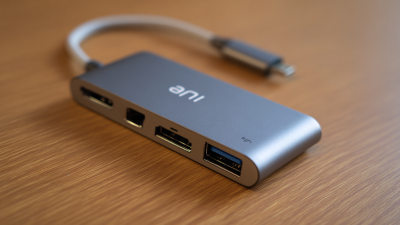
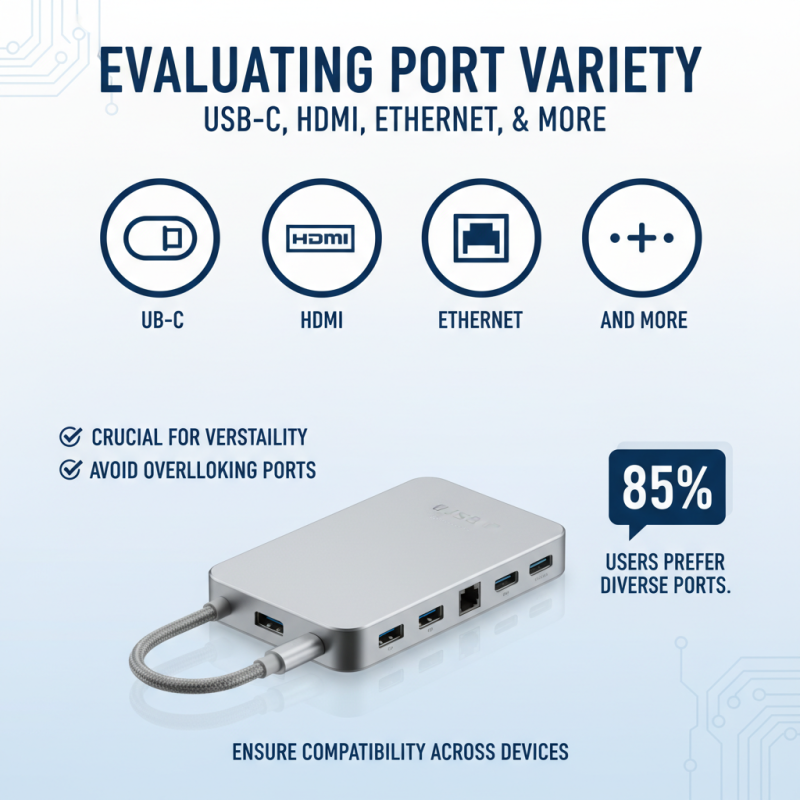
How to Choose the Best Type C Charging Hub for Your Needs?
In today's tech-driven world, finding the right Type C Charging Hub can be a daunting task. With numerous options available, it's essential to understand your specific needs. Different hubs serve varied purposes, from basic charging to extensive connectivity options.
When selecting a Type C Charging Hub, consider the devices you'll connect. Evaluate features such as ports, power delivery, and data transfer speeds. A higher power output may be critical for powering laptops or tablets. Conversely, a minimalist hub might suit casual users who only require additional USB ports.
It's important to recognize that no hub is perfect. Some may lack specific functionalities, while others might not be compatible with your devices. Reflect on your daily usage patterns and make an informed choice that balances both functionality and budget. Ultimately, a well-chosen Type C Charging Hub can significantly enhance your tech experience.
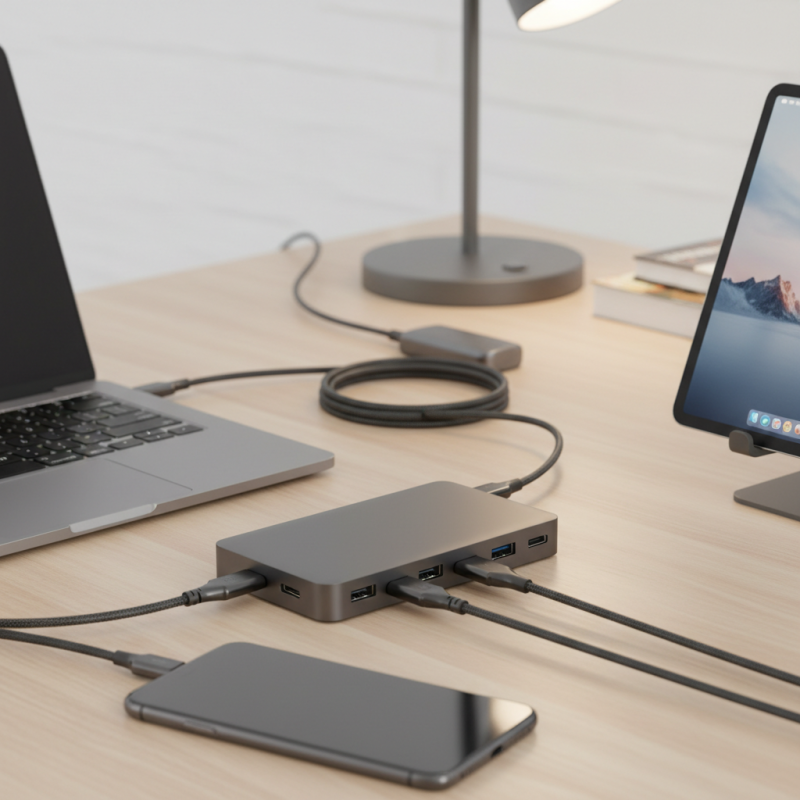
Understanding the Importance of Type C Charging Hubs in Modern Devices
In today's digital landscape, the significance of Type C charging hubs cannot be overstated. A report from the International Data Corporation (IDC) highlights that by 2025, more than 80% of all devices will feature USB Type C connectors. This shift underscores the necessity for reliable charging solutions that cater to our numerous devices. Type C hubs not only facilitate faster charging but also enable data transfer and connectivity across various platforms.
Recent studies indicate that users often underestimate their power needs. Many devices require different wattages, and mismatches can lead to inefficiencies. For instance, using a hub with inadequate output may slow down charging speeds or even harm battery life in the long term. Engaging with professionals in the field, it becomes clear that understanding your specific requirements can greatly enhance user experience. Yet, many consumers overlook this crucial aspect, leading to suboptimal choices in charging hubs.
As wireless technology continues to evolve, few users consider the full scope of their charging solutions. Simple features like multiple ports and cable management can significantly impact everyday usage. Maintaining awareness of the latest industry standards can guide users toward making better-informed decisions. It's not just about having a hub; it's about choosing the right one for your level of connectivity needs.
Key Features to Consider When Selecting a Type C Charging Hub
Choosing the right Type C charging hub can be challenging. You need to consider several critical features to meet your specific needs. First, the number of ports matters. More ports mean more devices can charge simultaneously. Look for hubs with at least three USB-C ports.
Power delivery is another important feature. Different hubs provide varying wattages. If you plan to charge a laptop, aim for a hub that offers at least 60W. This ensures your laptop charges efficiently while other devices are plugged in.
Additionally, data transfer speed is essential. Some hubs provide USB 3.0 support, which allows for faster data exchange. If you frequently transfer large files, this feature could enhance your workflow. While it can be tempting to select a hub solely based on price, sometimes the cost reflects better build quality and longevity. Think about how often you will use the hub. Spending a little more for reliability can save you money in the long run.
Ensure the hub's compatibility with your devices. Not all Type C hubs work seamlessly with every gadget. Read reviews and user experiences for insights. Sometimes, features that appear attractive may not perform well in real use.
How to Choose the Best Type C Charging Hub for Your Needs? - Key Features to Consider When Selecting a Type C Charging Hub
| Feature |
Description |
Importance Level |
| Number of Ports |
Consider the number of devices you will charge simultaneously. |
High |
| Power Delivery (PD) |
Look for hubs that support high wattage for fast charging. |
High |
| Data Transfer Speed |
Check for USB 3.1 or Thunderbolt support for faster data transfer. |
Medium |
| Build Quality |
Durable materials can enhance the hub's lifespan. |
Medium |
| Size and Portability |
Compact designs are better for travel. |
Medium |
| Compatibility |
Ensure it works with various devices and operating systems. |
High |
| Additional Features |
Look for extra features like HDMI ports, SD card slots, etc. |
Low |
Assessing Power Delivery (PD) Specifications for Efficient Charging
When choosing a Type C charging hub, understanding Power Delivery (PD) specifications is essential. PD influences how quickly and efficiently your devices charge. A higher wattage rating indicates faster charging capabilities. For example, a hub with 60W can charge laptops rapidly, while a 30W option works well for smartphones and tablets. Assessing your devices' power requirements can help you select the appropriate hub.
It’s not just about speed. Consider the number of ports you need. A hub with multiple ports can charge several devices simultaneously. However, keep in mind that not all ports may support PD. Sometimes, manufacturers offer a mix of PD and standard USB ports. It can be tricky to ensure compatibility. Detailed power specifications matter here.
User reviews provide valuable insights, but always be cautious. Some feedback may be biased or driven by brand loyalty. Researching forums or tech websites can yield more objective information. It's wise to reflect on your charging habits as well. Do you often work while charging? Do you travel regularly? Understanding your usage patterns will guide your selection process.
Comparing Compatibility with Devices: Laptops, Tablets, and Smartphones
When choosing a Type C charging hub, compatibility with your devices is crucial. Laptops, tablets, and smartphones have different power and data requirements. Before making your decision, check the specifications of your devices. Some laptops may need more power than others. They often require a hub that supports fast charging.
Tablets typically have lower power needs. However, they still benefit from a hub that allows data transfer and multiple connections. Look for hubs with HDMI or SD card slots. These features enhance functionality. Smartphones usually have similar requirements to tablets. Yet, if you use them for heavy tasks, ensure the charging hub meets those demands.
It can be challenging to find a hub that meets all your needs. Compatibility issues may arise, particularly with older devices. Researching user reviews can reveal potential conflicts. Ultimately, your choice may depend on how you use your devices. Keep in mind that not all hubs deliver the same performance. Consider your own experiences and preferences, and don’t hesitate to rethink your choices.

 USB C Docking & Hub
 USB C Docking Station
 USB C Hub-H Series
 USB C Hub-H Series High End
 USB C Hub-X Series High End
 HDMI Cable
 4K HDMI Cable
 8K HDMI Cable
 16K HDMI Cable
 AOC HDMI Cable
 HDMI Conversion Cable
 8K DisplayPort Cable
 16K DisplayPort Cable
 DisplayPort Conversion Cable
 XLR Cable
 VGA Cable
 DVI Cable
 Type C To HDMI
 Type C to DP
 Type C to DVI
 Type C Adapter
 USB A to C Cable
 USB C to C Cable
 Micro USB Cable
 USB4 Cable