What is a Docking Station USB C Adapter and How Does It Work?
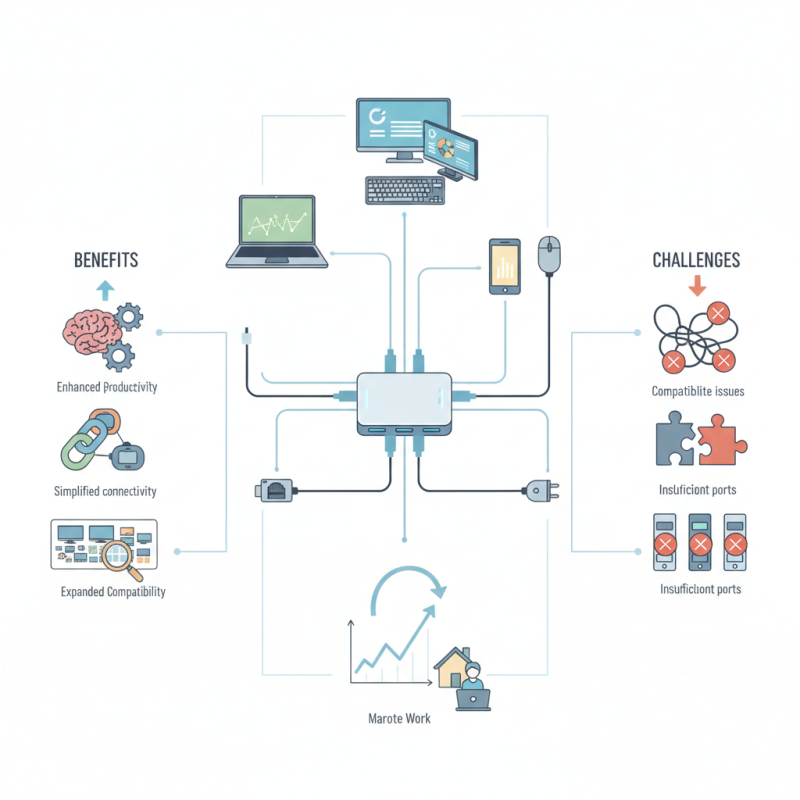
In today's tech-driven world, a Docking Station USB C Adapter is becoming essential. Reports indicate that nearly 75% of professionals use multiple devices simultaneously for enhanced productivity. This adapter simplifies connectivity and expands device compatibility. It bridges laptops, monitors, and accessories.
Despite its benefits, users often overlook some flaws. For instance, compatibility issues can arise with certain devices. Additionally, many adapters lack sufficient ports for all necessary connections. This can lead to frustration. Understanding these limitations is crucial.
The market for USB C docking solutions is projected to grow at a remarkable rate, driven by increasing remote work trends. Adopting the right Docking Station USB C Adapter could greatly boost efficiency. Yet, users need to remain vigilant about their specific requirements when choosing one.
What is a Docking Station USB C Adapter?
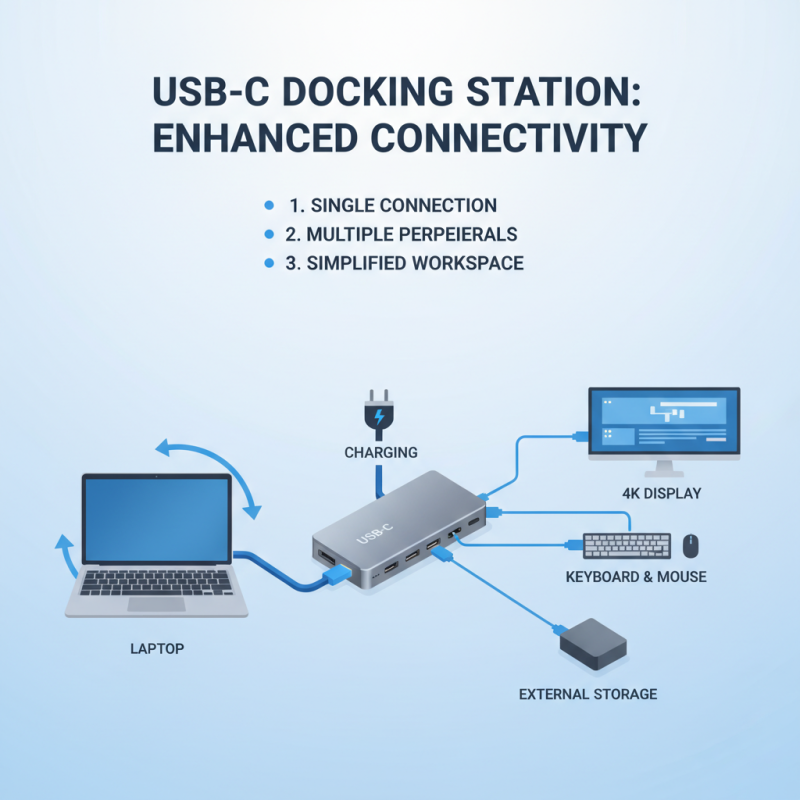
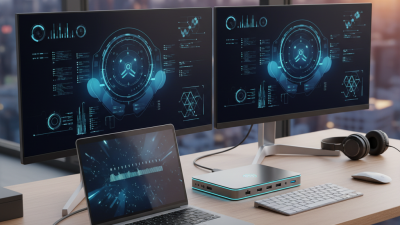
A Docking Station USB C adapter is a versatile tool for enhancing connectivity. It allows devices with USB C ports to connect to multiple peripherals. This includes monitors, keyboards, and storage devices. Users can streamline their workspace using a single connection. Imagine connecting your laptop to an external monitor while charging it simultaneously. It simplifies tasks and minimizes clutter.
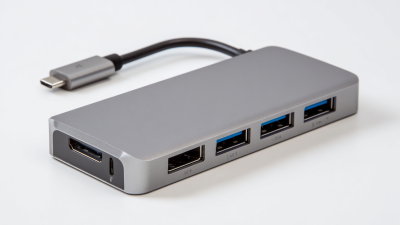
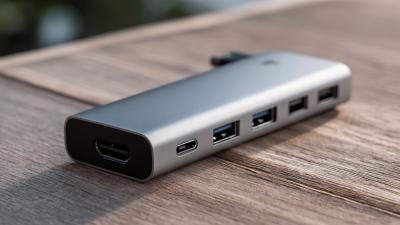
This device works by converting the USB C output into various ports. A typical docking station might offer HDMI, USB-A, and Ethernet connections. This makes it easy to connect various gadgets. Unfortunately, not all devices are compatible. Some users may find their specific laptop models lack support for certain features. Testing with your unique setup is often necessary.
While these adapters offer convenience, they can also present challenges. Users may face issues with data transfer speeds or video output resolution. It's important to read reviews and user feedback. Sometimes, the experience might not match the expectations. Adapting to new technology requires patience and willingness to troubleshoot problems as they arise.
Key Features of USB C Docking Stations
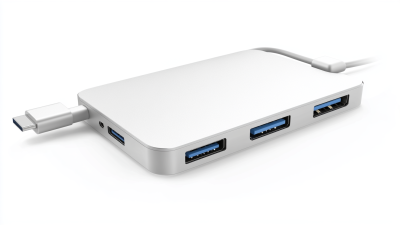
USB C docking stations have become essential tools for modern tech users. They expand the connectivity options for laptops and other devices. This versatility allows users to connect multiple peripherals like monitors, keyboards, and external drives. The convenience of one single USB C port transforming into several output ports is a game changer.
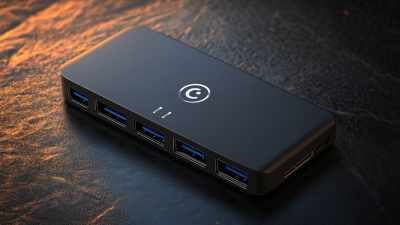
Key features of USB C docking stations include HDMI or DisplayPort outputs for video transmission. Many docking stations support dual or triple monitor setups. This capability enhances productivity and multitasking. Additionally, USB C docking stations often provide multiple USB-A ports for older devices and fast data transfer. The inclusion of Ethernet ports also ensures a stable internet connection.
Tips: When choosing a docking station, consider your needs. Not all devices support the same features. Some users find issues with compatibility. Always verify the specifications. Additionally, read reviews for real user experiences. تhis helps avoid making uninformed decisions. Adapting to USB C technology can feel overwhelming at times, but exploration leads to better understanding.
How Docking Stations Enhance Connectivity and Functionality
Docking stations serve as powerful hubs that enhance connectivity and expand functionality for multiple devices. By using a docking station USB C adapter, users can connect laptops and tablets to various peripherals. This could include monitors, keyboards, and external storage. The convenience of a single connection streamlines workspace management.
Embracing a docking station can be a game-changer for productivity. It allows for multiple USB ports, HDMI outputs, and even Ethernet connections. This versatility caters to the needs of professionals and gamers alike. However, not all connections are seamless. There can be compatibility issues, especially with older devices. This might require users to troubleshoot or update their hardware.
Moreover, the need for energy efficiency grows as technology advances. Some docking stations support charging through USB C, which is great for convenience. Yet, reliance on one device can sometimes lead to frustration. If a docking station fails, it disrupts the entire setup. Finding the right docking station may involve trial and error. Users should consider their unique needs before making a choice.
Comparing Different Types of USB C Docking Stations
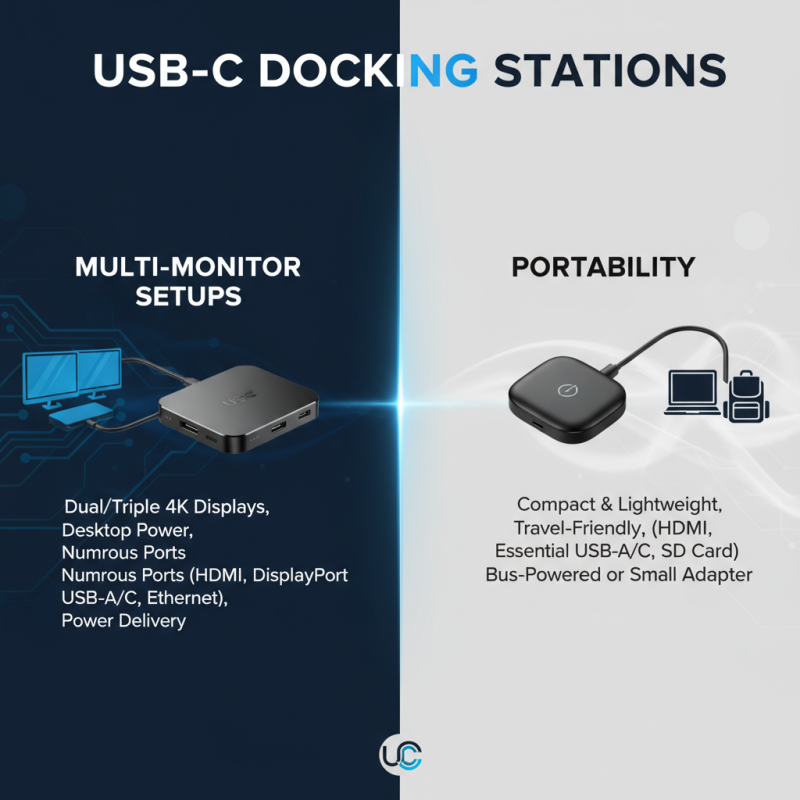
When exploring USB C docking stations, you’ll find a variety of options. Some are designed for multiple monitor setups. Others focus on portability. Each type serves a specific purpose.
For professionals needing high-resolution displays, a multi-port dock might be ideal. These docks often support dual 4K output. Creative individuals may benefit from enhanced graphics. Yet, not all devices handle multiple monitors well. Compatibility issues can lead to frustration.
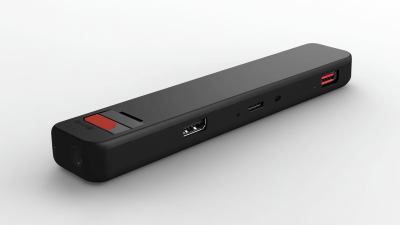
Portability is key for frequent travelers. Slim, lightweight docking stations fit easily into bags. They usually offer essential ports like HDMI and USB-A. However, these may lack additional connections. This limitation can be an inconvenience.
Tips: Always check your device specifications before purchasing. Compatibility is crucial. Consider where you'll use the dock most. If you often work on the go, choose a lightweight model. It can make a big difference.
Remember, not every docking station fits every need. It’s essential to evaluate your usage patterns. This reflection will guide you in finding the right match.
Common Uses and Applications for USB C Docking Stations
USB C docking stations have become essential for modern users. They enable seamless connections between laptops and various peripherals. Common applications include extending a display, connecting multiple USB devices, and accessing high-speed internet through Ethernet. Many users appreciate the ability to have a single connection point for multiple devices. This convenience can simplify workspaces significantly.
In offices, docking stations often allow quick transitions from mobile to desktop setups. Professionals can easily plug in their devices and gain access to larger monitors, keyboards, and external drives. This boosts productivity. In educational environments, students can connect their laptops to projectors and collaborate on projects more effectively. However, some might find it challenging to manage all connections. It can lead to clutter and confusion if not organized properly.
Home users also benefit from docking stations, especially with the rise of remote work. They can quickly connect their tablets or laptops to their home entertainment systems. This allows for streaming content seamlessly. Still, not everyone realizes the importance of choosing the right docking station for their needs. Compatibility issues can arise, requiring users to research and assess before making a purchase. This process can be time-consuming and frustrating, but necessary for effective use.
What is a Docking Station USB C Adapter and How Does It Work? - Common Uses and Applications for USB C Docking Stations
| Dimension |
Description |
| Ports Available |
USB A, USB C, HDMI, Ethernet, SD card reader |
| Power Delivery |
Up to 100W to charge connected devices |
| Support for Multiple Displays |
Yes, supports dual 4K displays or triple 1080p displays |
| Common Use Case |
Office setups, home theaters, and gaming stations |
| Operating System Compatibility |
Windows, macOS, Linux, and Chrome OS |
| Transfer Speed |
Up to 10 Gbps with USB 3.1 support |

 USB C Docking & Hub
 USB C Docking Station
 USB C Hub-H Series
 USB C Hub-H Series High End
 USB C Hub-X Series High End
 HDMI Cable
 4K HDMI Cable
 8K HDMI Cable
 16K HDMI Cable
 AOC HDMI Cable
 HDMI Conversion Cable
 8K DisplayPort Cable
 16K DisplayPort Cable
 DisplayPort Conversion Cable
 XLR Cable
 VGA Cable
 DVI Cable
 Type C To HDMI
 Type C to DP
 Type C to DVI
 Type C Adapter
 USB A to C Cable
 USB C to C Cable
 Micro USB Cable
 USB4 Cable