What is Hub Usb 2.0 and How Does It Enhance Connectivity?
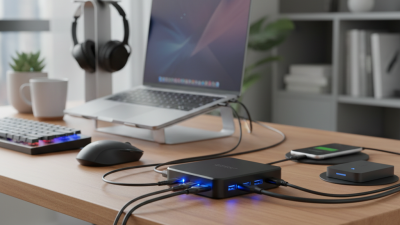
In today's digital landscape, connectivity is paramount. The Hub USB 2.0 plays a crucial role in enhancing this connectivity. Renowned expert Dr. Emily Carter once stated, "The Hub USB 2.0 simplifies our connection to multiple devices effortlessly." This statement highlights the convenience provided by this technology.
The Hub USB 2.0, designed to consolidate multiple USB devices, allows for efficient data transfer and device management. Users can connect printers, external drives, and other peripherals seamlessly. However, many fail to realize that not all Hub USB 2.0 devices perform equally. Some hubs may cause slower speeds or compatibility issues, which can lead to frustration.
In an era where devices multiply rapidly, optimizing connectivity becomes a challenge. The Hub USB 2.0 aims to solve this problem, but its effectiveness varies. Thoughtful selection of these hubs is essential. Reflecting on individual needs can lead to a better understanding of what is truly required.

What is a USB Hub and Its Role in Connectivity
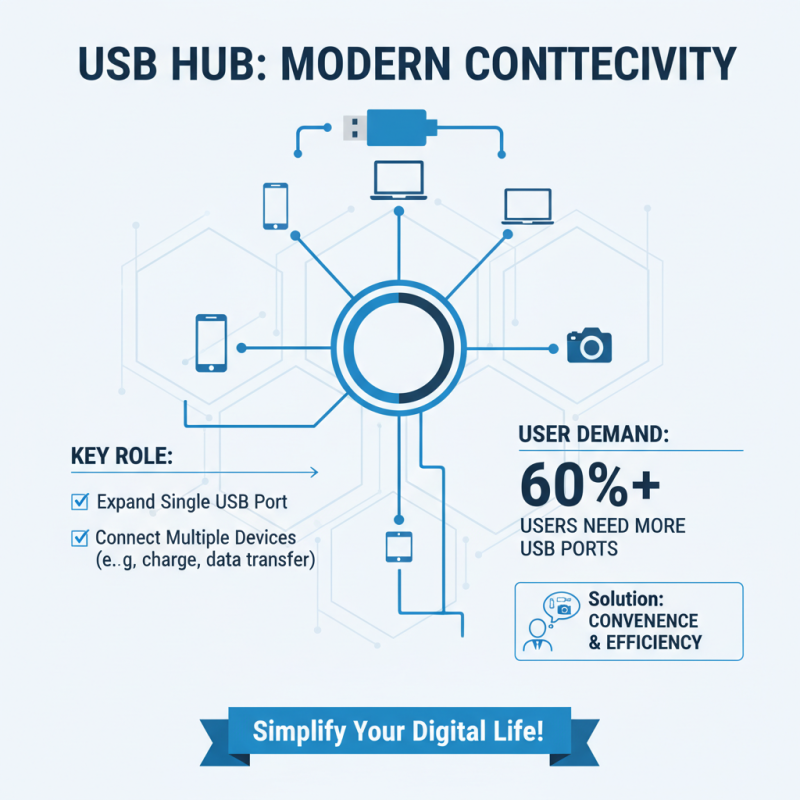
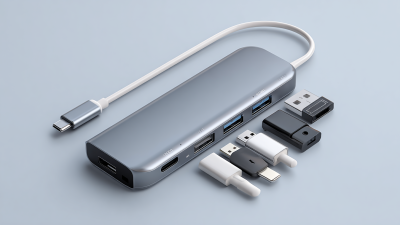
A USB hub plays a crucial role in modern connectivity. It allows multiple devices to connect to a single USB port. This feature is invaluable in a world where many gadgets rely on USB connections. According to a recent industry report, over 60% of users encounter situations where they need additional USB ports. The convenience of a hub becomes obvious in such cases.
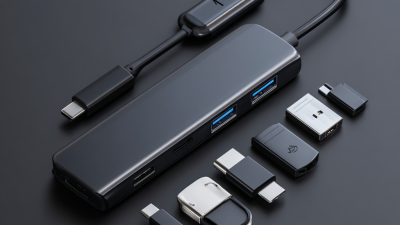
Many people find that a standard laptop has only a few USB ports. A hub can solve this dilemma by expanding the number of accessible ports. For instance, a USB 2.0 hub typically has four to seven ports. This enables users to connect keyboards, mice, and external drives simultaneously without hassle. However, some users might notice that speed can decrease with more devices attached. This trade-off is important to recognize.
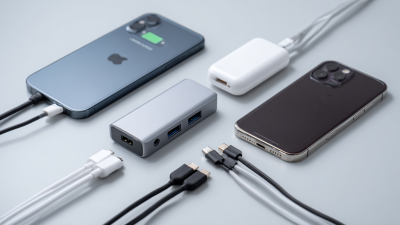
Moreover, USB hubs can vary in design and functionality. Some hubs offer additional features, like charging capabilities. Others provide data transfer at varying speeds, depending on their specifications. While these options enhance usability, they can sometimes lead to confusion. Understanding the differences is key to maximizing the benefits of a USB hub. Clear communication from manufacturers could reduce the misunderstandings often faced by consumers.
Understanding USB 2.0 Technology and Its Features
USB 2.0 technology has been a cornerstone of connectivity since its introduction in 2000. With a data transfer rate of up to 480 Mbps, it was a significant improvement over USB 1.1. This advancement allowed for faster and more efficient data exchange between devices. A report from the USB Implementers Forum (USB-IF) highlights that USB 2.0 accommodates various devices like printers, cameras, and external hard drives, making it versatile.
Despite its capabilities, USB 2.0 does have limitations. It doesn't support the high-speed demands of modern peripherals, such as 4K video transmission. Additionally, power supply limitations can hinder the performance of more demanding devices. According to the International Telecommunication Union (ITU), while USB 2.0 remains widely used, the transition to USB 3.0 and 3.1 is evident due to their superior performance and power efficiency.
While USB 2.0 hubs enhance connectivity, they often face congestion issues. Multiple devices can slow down overall performance. Users may not realize this until they experience lag during data transfers. The need for improved connectivity solutions is clear. Data from market research suggests that nearly 40% of consumers encounter frustration with USB 2.0 speeds when used with multiple devices. This has led to an increasing demand for faster standards.
Understanding USB 2.0 Data Transfer Speeds
This bar chart illustrates the data transfer speeds of various USB technologies. USB 2.0 significantly improved data transfer rates up to 480 Mbps, compared to its predecessors, enhancing connectivity for a wide range of devices.
Benefits of Using a USB 2.0 Hub for Multiple Devices
A USB 2.0 hub is a simple device that expands a single USB port into multiple ports. It allows you to connect various devices simultaneously. Many people use it to connect printers, external hard drives, and more. This can be particularly handy if your computer has limited USB ports.
Using a USB 2.0 hub enhances connectivity in several ways. It helps manage multiple devices without constantly plugging and unplugging cables. Each port can function independently, which means you can work on different tasks at once. However, speed may decrease when using many devices. This aspect is worth considering if you depend on fast data transfer.
Moreover, the portability of USB hubs makes them convenient. They can easily fit into a laptop bag or pocket. This portability also raises some concerns. Are we too reliant on small tech like this? It’s essential to think about the balance between convenience and complexity. A USB hub can indeed simplify our setup, but it can also introduce complications.
How to Choose the Right USB Hub: Key Considerations
When selecting the right USB hub, consider several key factors. First, assess the number of ports you need. Data suggests that users often require at least four to six ports. This ensures ample connectivity for devices such as keyboards, mice, and external drives. However, overcrowding can lead to power issues. It’s essential to find a balance.
The speed of the USB hub is another significant consideration. Look for hubs supporting USB 3.0 or higher. These hubs typically offer data transfer rates of 5 Gbps or more. In comparison, USB 2.0 provides just 480 Mbps. This gap can affect your device's performance. Yet, many users still overlook this detail. It's easy to get swayed by low prices and flashy designs.
Power delivery should not be ignored. Many hubs lack the ability to provide sufficient power to connected devices. This can lead to complications in charging. Ideally, choose a hub that offers power delivery of at least 60W. This is crucial for longer usage. Without this feature, you might face inconvenience. The landscape of USB hubs is vast, and making an informed choice is crucial.
Common Applications and Use Cases of USB 2.0 Hubs
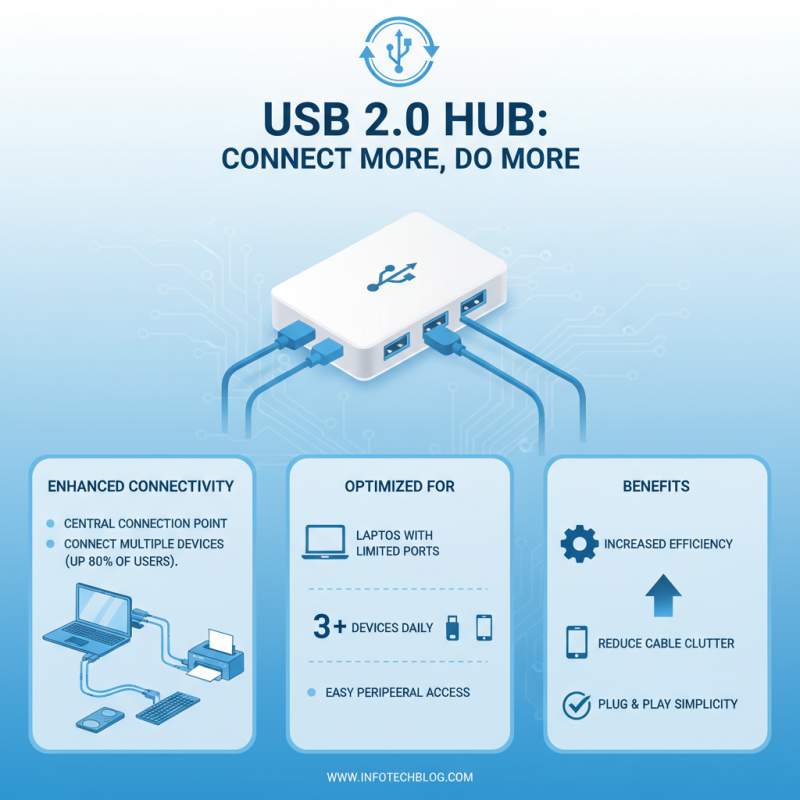
USB 2.0 hubs play a significant role in enhancing connectivity, especially in modern office setups. By functioning as a central point of connection, these hubs allow multiple devices to connect seamlessly to a computer. Research shows that up to 80% of users connect at least three devices to their computers daily, maximizing the efficiency of USB 2.0 hubs. They are particularly useful for laptops with limited ports, providing easy access to peripherals like printers, keyboards, and external drives.
In educational settings, USB 2.0 hubs are indispensable. Classrooms often require teachers to connect various devices for presentations. With an average of 5-7 devices connected in each classroom, the flexibility offered by these hubs can streamline lessons. However, some users report slow data transfer speeds. USB 2.0 supports a maximum speed of 480 Mbps, which, while sufficient for many applications, may lag in performance with high-demand devices. This inconsistency can hinder user experience and necessitates consideration for future upgrades.
Within creative industries, the utility of USB 2.0 hubs is also evident. Graphic designers and video editors often use multiple tools simultaneously. Studies indicate that nearly 60% of professionals rely on USB hubs to connect external storage drives and drawing tablets. Nonetheless, there can be compatibility issues with newer devices. This limitation forces users to rethink their setups, possibly leading to frustration. A proactive approach is essential in evaluating overall connectivity needs.

 USB C Docking & Hub
 USB C Docking Station
 USB C Hub-H Series
 USB C Hub-H Series High End
 USB C Hub-X Series High End
 HDMI Cable
 4K HDMI Cable
 8K HDMI Cable
 16K HDMI Cable
 AOC HDMI Cable
 HDMI Conversion Cable
 8K DisplayPort Cable
 16K DisplayPort Cable
 DisplayPort Conversion Cable
 XLR Cable
 VGA Cable
 DVI Cable
 Type C To HDMI
 Type C to DP
 Type C to DVI
 Type C Adapter
 USB A to C Cable
 USB C to C Cable
 Micro USB Cable
 USB4 Cable