What is Hub USB C to DisplayPort and How Does It Work?
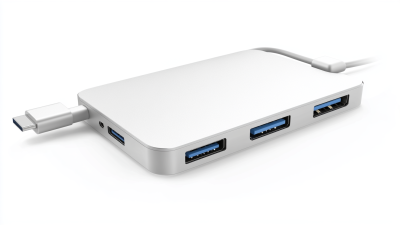
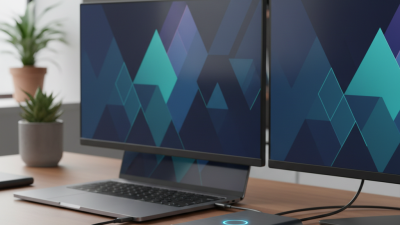
In today's digital world, connectivity is crucial. Many devices, such as laptops and monitors, use different connection formats. One essential tool for seamless connections is the Hub USB C to DisplayPort. This device bridges the gap between USB-C sources and DisplayPort displays. It allows users to connect their laptops to external monitors, enhancing their experience.
Understanding how the Hub USB C to DisplayPort works can be informative. It transmits high-quality video and audio signals, offering a superior viewing experience. This hub supports various resolutions and refresh rates, catering to both casual users and professionals. Yet, there are limitations to consider, like compatibility with specific devices.
Users often overlook the importance of choosing the right hub. Many factors can affect performance, such as cable quality and device compatibility. The Hub USB C to DisplayPort is a fantastic innovation, but it requires careful consideration for optimal use.
What is a Hub USB C to DisplayPort?
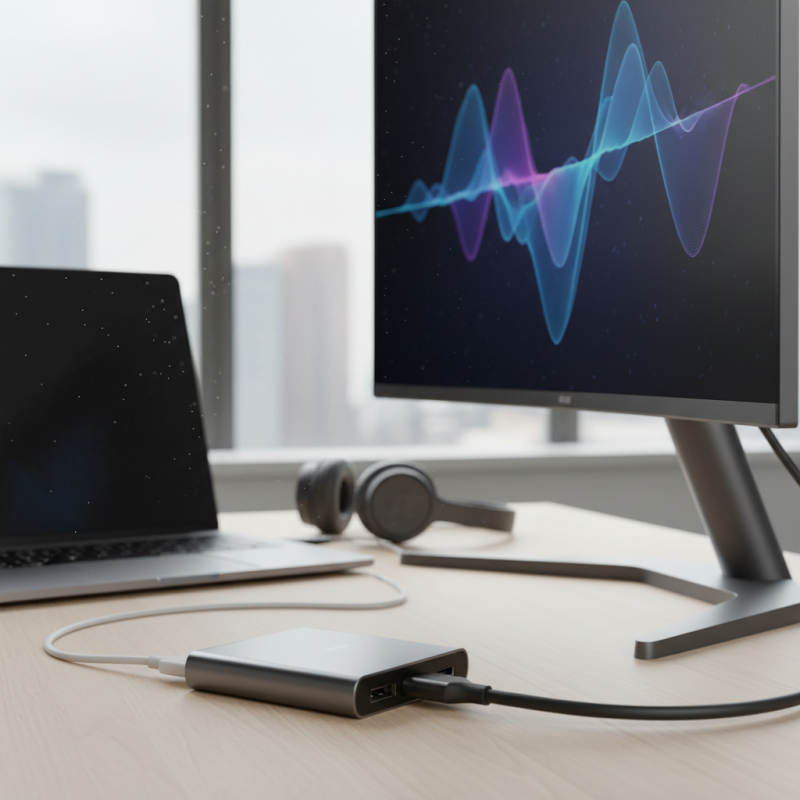
A Hub USB C to DisplayPort serves as a bridge for connecting devices with
USB-C ports to displays that accept DisplayPort input.
This type of hub simplifies the process of connecting a laptop or tablet to external monitors, projectors, or TVs while allowing high-resolution video output.
Users often find themselves unable to connect their USB-C devices directly to older display technologies.
This is where a Hub USB C to DisplayPort becomes essential.
When using this hub, it’s important to note that not all USB-C ports support video output.
Some USB-C ports are limited to data transfer. Check your device specifications before making a connection.
The hub typically contains circuitry that converts the USB-C signal to DisplayPort. This conversion allows for seamless communication between the devices.
However, users sometimes face issues like flickering screens or no display at all.
It may require checking connections, power sources, or even device compatibility.
The design of these hubs is usually compact, enhancing mobility for users on the go.
A common challenge users report is having limited ports on their laptops.
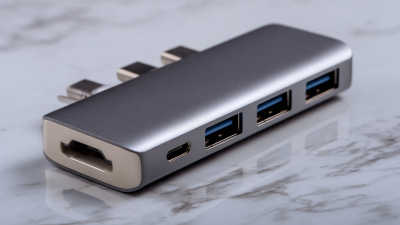
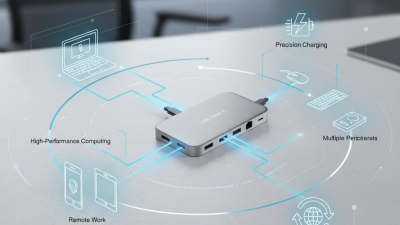
A Hub USB C to DisplayPort often includes multiple outlets, like USB-A or HDMI, making it a flexible solution.
Still, some users might find their hub too basic, lacking extra features or additional connections they desire.
Each setup varies, and it can take time to find the right fit for your needs.
Key Features of Hub USB C to DisplayPort Adapters
When discussing Hub USB C to DisplayPort adapters, it's important to highlight their key features. These devices allow users to connect USB-C enabled laptops or tablets to DisplayPort monitors. This setup enables high-definition video and audio transmission. According to the USB Implementers Forum, USB-C connections can support video output of up to 4K resolution at 60Hz. This is crucial for professionals needing crisp visuals.
An intriguing characteristic is the backward compatibility with earlier DisplayPort versions. This provides flexibility, allowing connections with older monitors. Additionally, many adapters support pass-through charging. This means users can power their devices while using the adapter. However, it’s essential to check the specifications to ensure compatibility with your devices.
Tips: When choosing a Hub USB C to DisplayPort adapter, consider the cord length. Shorter cables can limit your workspace options. Ensure the adapter meets your resolution needs. Check if firmware updates are available; they can fix performance issues and enhance functionality.
While these adapters improve productivity, they may not be perfect. Some users report lag or color issues depending on the monitor's quality. Testing with your specific hardware is vital before making a commitment. Ultimately, understanding the capabilities and limitations can make a significant difference in your overall experience.
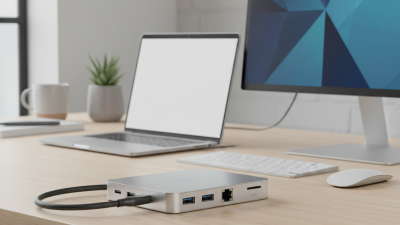
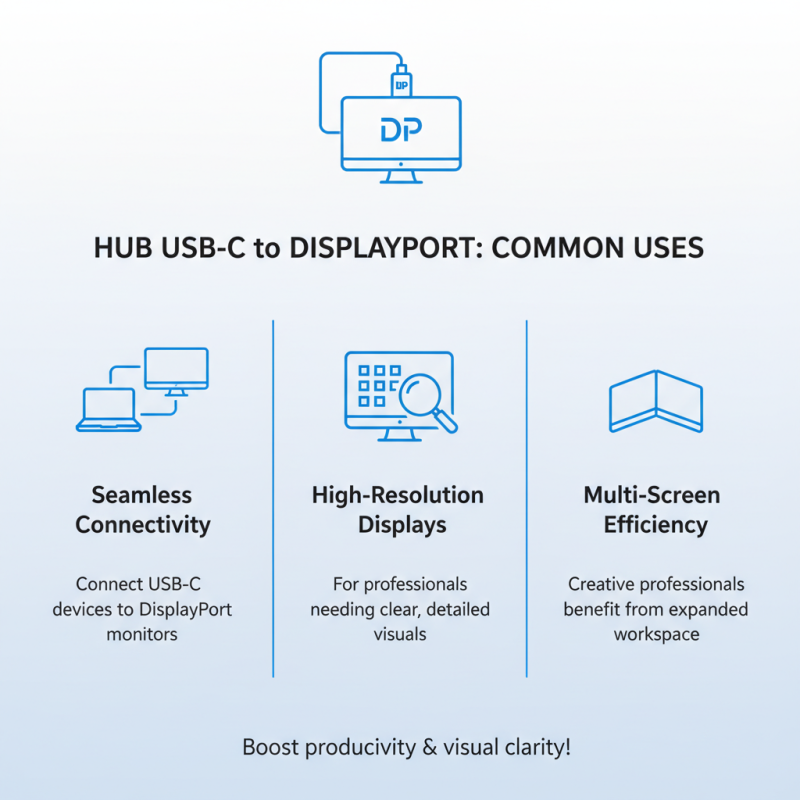
Usage of Hub USB C to DisplayPort Adapters
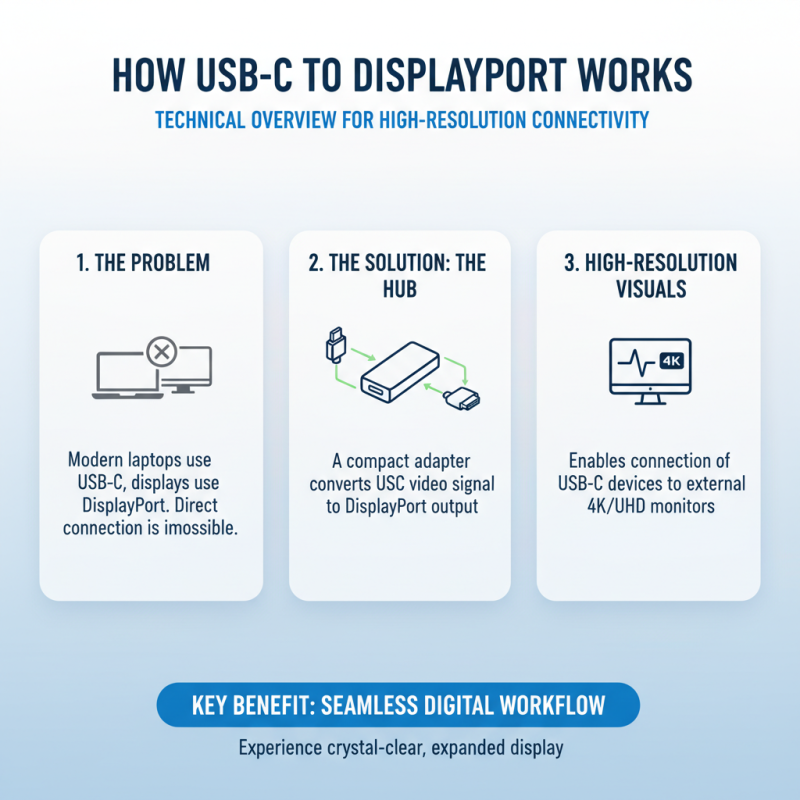
How Hub USB C to DisplayPort Works: A Technical Overview
The Hub USB C to DisplayPort is a crucial tool for modern connectivity. It allows users to connect USB C devices to DisplayPort monitors. This feature is increasingly important in our digital era, where high-resolution displays are the norm.
This hub operates by converting the signal from USB C to DisplayPort. When a device is connected, the hub processes and transmits video and audio signals. The result is often a sharp and clear output. Users can enjoy 4K resolution at 60Hz for an immersive experience. However, compatibility can sometimes be an issue. Not all USB C devices support video output. Always check specifications before purchasing.
Tips: Ensure your device supports alternate modes for optimal performance. Look for hubs that specify compatibility with your operating system. Test the connection at different resolutions to find your device’s best performance level. Regular firmware updates can enhance functionality.
Understanding this technology brings better user experiences. Issues can arise, such as flickering screens or no signal. Investigate potential causes, like cable quality or port compatibility. Patience may be required as you troubleshoot these issues.
Compatibility Considerations for Hub USB C to DisplayPort Devices
When considering Hub USB C to DisplayPort devices, compatibility is crucial. These hubs seamlessly connect USB C devices to monitors using DisplayPort technology. This innovation supports high-definition displays, making it ideal for gamers and designers alike. However, not all USB C ports function identically. According to the Institute of Electrical and Electronics Engineers (IEEE), only USB C ports with DisplayPort Alternate Mode support video output.
Many laptops and desktops are now equipped with USB C ports. Yet, some older devices may lack compatibility. For instance, Apple MacBook models made after 2016 typically support this technology, while older Windows laptops may not. Always check the device specifications to confirm compatibility. Users often overlook this detail, leading to frustrations.
Tip: Utilize USB C cables certified for video output. This ensures the best performance and reduces issues related to incompatible connections.
Moreover, the cable length can play a role in performance. IEEE studies suggest that longer cables might experience signal degradation. A good practice is to keep the cable under six feet for optimal results. Users frequently report problems with longer cables, often leading to a subpar viewing experience.
Tip: Test connections before important presentations or tasks. Ensuring everything works correctly can save a lot of stress.

 USB C Docking & Hub
 USB C Docking Station
 USB C Hub-H Series
 USB C Hub-H Series High End
 USB C Hub-X Series High End
 HDMI Cable
 4K HDMI Cable
 8K HDMI Cable
 16K HDMI Cable
 AOC HDMI Cable
 HDMI Conversion Cable
 8K DisplayPort Cable
 16K DisplayPort Cable
 DisplayPort Conversion Cable
 XLR Cable
 VGA Cable
 DVI Cable
 Type C To HDMI
 Type C to DP
 Type C to DVI
 Type C Adapter
 USB A to C Cable
 USB C to C Cable
 Micro USB Cable
 USB4 Cable