Top 10 Best USB C Docking Stations You Should Know?
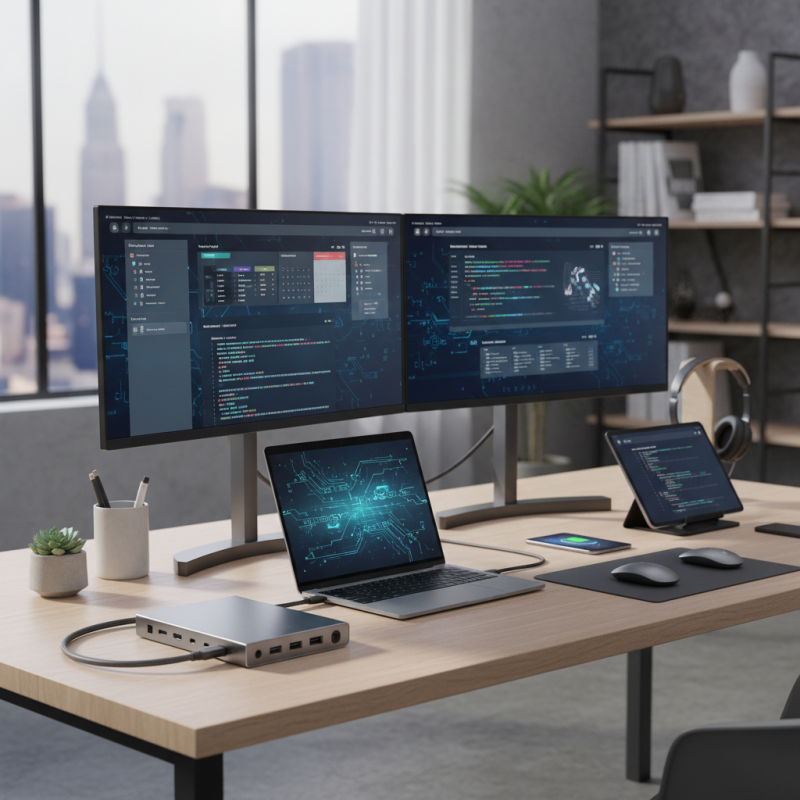
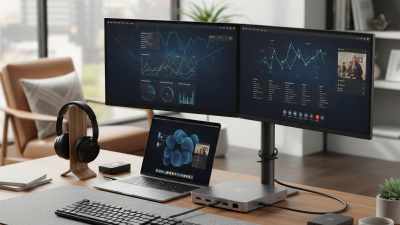
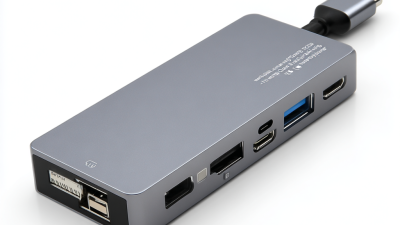
In today’s tech-savvy world, a Docking Station USB C has become essential for anyone utilizing multiple devices. These stations expand connectivity options and streamline workspaces. Think about the countless possibilities—from connecting your laptop to multiple monitors to charging devices simultaneously.
Choosing the right docking station can be overwhelming. Each model boasts unique features and specifications. A great docking station enhances productivity. However, not all options deliver the same performance. Some may fall short in power delivery or port variety, causing frustration. Evaluating user experiences is vital before making a decision.
This guide presents the top 10 USB C docking stations worth knowing. Each station is assessed based on functionality, design, and value. Explore the choices that best fit your needs, enabling you to navigate your tech landscape with ease.
Overview of USB C Docking Stations
USB C docking stations have transformed how we connect our devices. They simplify our workspace by consolidating multiple connections into one single hub. You can easily connect monitors, keyboards, mice, and more with just one cable. This flexibility offers convenience, especially for professionals on the go.
Many users overlook the importance of compatibility. Not all USB C docks support every device. Some can fast-charge laptops, while others may only provide basic connectivity options. Before purchasing, always check specifications. It’s crucial to ensure your devices can fully utilize the features offered. Mistakes can lead to frustration and wasted time.
Another aspect to consider is the number of ports. A docking station with limited options may not meet your future needs. You might find yourself wishing for added HDMI or USB ports down the line. Balancing current requirements with potential future use is essential, but it can be tough. Reflecting on your needs will help you make the right choice.
Key Features to Look for in USB C Docking Stations
When choosing a USB C docking station, several key features stand out. Look for power delivery capabilities. A dock that can deliver at least 60W keeps your devices charged. Many professionals rely on this feature for uninterrupted work.
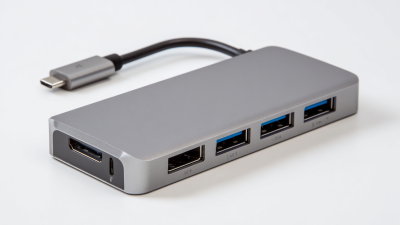
Next, consider the number of ports. A versatile docking station should offer multiple USB A and USB C ports. Also, HDMI or DisplayPort is crucial for connecting monitors. Research shows that models with dual video output enhance productivity significantly.
Tips: Prioritize docks with fast data transfer rates. A dock supporting USB 3.1 can offer speeds up to 10 Gbps. This can save you valuable time when transferring files.
It's also essential to check compatibility. Some products may not work seamlessly with all devices. User reviews often highlight this issue. A station that fits various operating systems is ideal. It reduces the headache of maintaining multiple docks for different devices. If you encounter compatibility problems, re-evaluate the specifications before purchase.
Top 10 USB C Docking Stations: Key Features Comparison
This chart compares the number of ports available on the top 10 USB C docking stations. It's essential to consider the number of ports when selecting a docking station that meets your needs, as it affects your connectivity options and overall workflow.
Comparison of the Top 10 USB C Docking Stations
When choosing a USB C docking station, several factors come into play. Port selection is critical. Many docks offer a variety of USB ports, HDMI outputs, and Ethernet connections. This flexibility allows users to connect multiple devices simultaneously. Some models might lack enough ports, which can be frustrating for multitaskers.
The design is another important aspect. Many docking stations boast sleek and compact designs, making them suitable for any workspace. However, not all are portable. If you plan to travel frequently, size matters. Weight and dimensions can be limiting. Additionally, heat management is often overlooked. Some stations get quite warm, which can affect performance.
Lastly, compatibility with your devices can vary significantly. While many work seamlessly with laptops and tablets, others may not support certain features. Research is essential. User reviews often highlight these issues. Relying solely on the specifications can mislead. Post-purchase regret can lead to a reconsideration of needs and preferences. Take time to reflect on your actual needs before choosing the right station.
User Reviews and Experiences with USB C Docking Stations
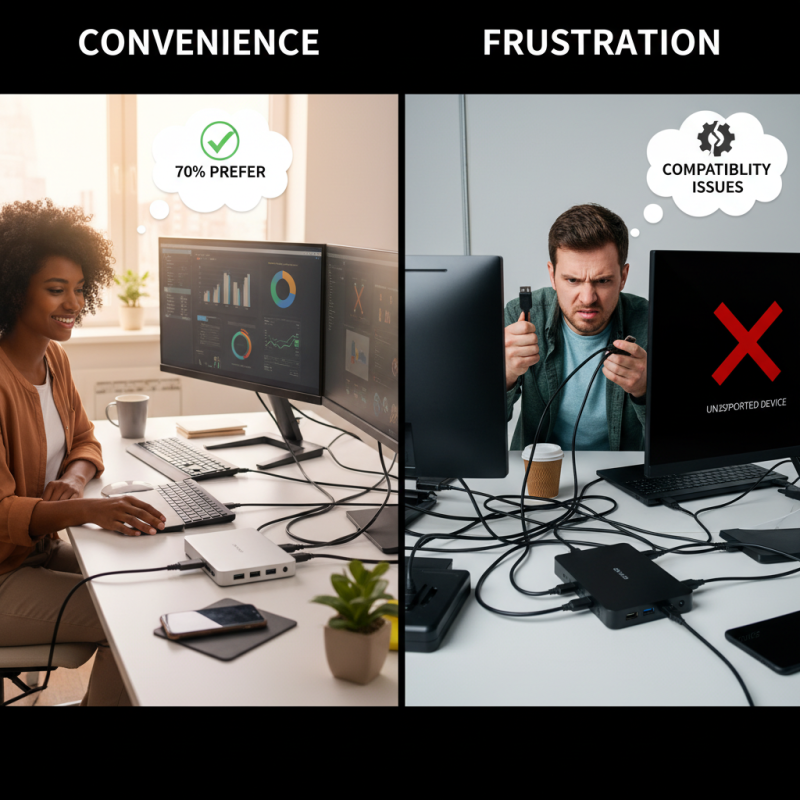
User reviews on USB-C docking stations reveal a mixed bag of experiences. Many users praise their convenience. For instance, studies indicate that around 70% of professionals prefer these docks for their ability to connect multiple devices seamlessly. Reports show that people appreciate the simplicity of connecting laptops to monitors with a single cable. However, some users faced compatibility issues. They noted that not all docking stations work well with every laptop model.
Another common concern among users is the performance speed. While many docking stations support 4K resolution, not all deliver smooth performance. A survey revealed that 40% of users encountered lag or dropped signals during use. Some wished for more robust support for diverse peripherals. Others reported frequent connection drops, especially with external drives. These experiences highlight the importance of thorough research before purchasing any docking station. Users should examine compatibility lists and reviews to make informed decisions. The growing demand for efficient workspaces makes these devices crucial, but caution is necessary when choosing the right one.
Future Trends in USB C Docking Station Technology
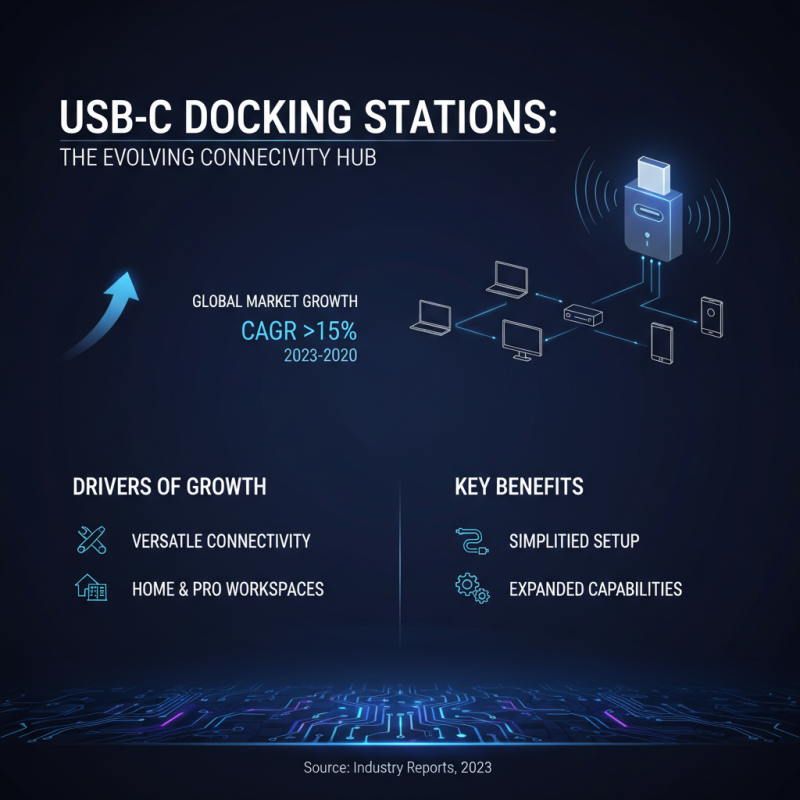
The future of USB C docking station technology is evolving rapidly. Industry reports suggest that the global market is expected to grow at a compound annual growth rate (CAGR) of over 15% from 2023 to 2030. This growth is driven by increasing demand for versatile connectivity solutions in both personal and professional settings.
Many devices now support USB C ports, enabling faster data transfer and charging capabilities. This convenience creates a wider audience for docking stations. However, some users find that compatibility issues with older devices remain a challenge. Despite advancements, inconsistencies in standards can lead to confusion. Additionally, security concerns arise with some features, like power delivery. Users want seamless integration, yet they face these hurdles daily.
Emerging technologies, such as support for multiple 4K displays, are gaining attention. Studies indicate that nearly 60% of professionals utilize dual or triple monitor setups. As businesses seek efficient workspaces, docking stations must adapt. They should address performance needs without sacrificing design. Balancing functionality and aesthetics poses a challenge for manufacturers. As the landscape changes, users require reliable options to meet their evolving demands.

 USB C Docking & Hub
 USB C Docking Station
 USB C Hub-H Series
 USB C Hub-H Series High End
 USB C Hub-X Series High End
 HDMI Cable
 4K HDMI Cable
 8K HDMI Cable
 16K HDMI Cable
 AOC HDMI Cable
 HDMI Conversion Cable
 8K DisplayPort Cable
 16K DisplayPort Cable
 DisplayPort Conversion Cable
 XLR Cable
 VGA Cable
 DVI Cable
 Type C To HDMI
 Type C to DP
 Type C to DVI
 Type C Adapter
 USB A to C Cable
 USB C to C Cable
 Micro USB Cable
 USB4 Cable