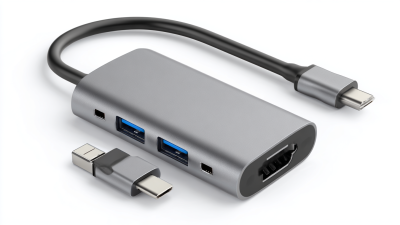
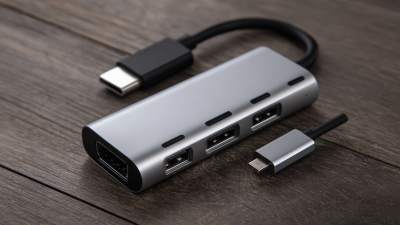
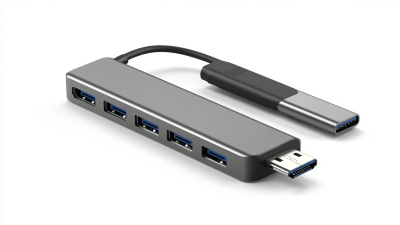
Top 5 Usb-C 3.0 Hubs with 4 Ports for Ultimate Connectivity Solutions
In today's fast-paced digital world, enhancing connectivity is more essential than ever. The increasing reliance on portable devices has sparked a demand for versatile solutions that can accommodate multiple connections simultaneously. One such solution is the Usb-C 3.0 Hub 4 Ports, which has emerged as a game-changer in the realm of connectivity. This hub not only expands the potential of your USB-C ports but also ensures that you can easily connect a variety of devices—ranging from external monitors to storage drives—without compromising on performance.
With the integration of Usb-C technology, these hubs facilitate faster data transfer rates and robust power delivery, catering to the dynamic needs of users. As we explore the top 5 Usb-C 3.0 Hubs with 4 Ports, we will highlight the essential features, such as ease of use, compatibility, and design. Each hub offers unique advantages that can significantly enhance your workspace, whether you’re a professional, a student, or a tech enthusiast. Join us as we delve into these ultimate connectivity solutions, which promise to make your digital experience seamless and efficient.

Overview of USB-C 3.0 Technology and Its Importance
USB-C 3.0 technology represents a significant advancement in connectivity solutions, offering faster data transfer rates, improved power delivery, and greater versatility compared to its predecessors. The USB-C port has become the go-to standard for many devices, enabling users to connect a variety of peripherals without the clutter of multiple cables. As technology continues to evolve, the importance of USB-C 3.0 cannot be overstated, especially in a world that increasingly relies on compact and multifunctional gadgets.
When choosing USB-C hubs, it's essential to consider compatibility and functionality. Hubs with four ports not only offer robust connectivity for multiple devices but also ensure that users can charge their laptops while using peripherals simultaneously. This versatility is particularly beneficial for professionals and students who require seamless workflows without interruptions.
Tips for maximizing your USB-C experience include utilizing high-quality cables that support USB 3.0 speeds to avoid bottlenecks in data transfer. Additionally, regularly check for firmware updates for your USB-C hubs to ensure optimal performance and compatibility with the latest devices. This proactive approach will enhance your overall connectivity and keep your devices running smoothly.
Top 5 Usb-C 3.0 Hubs with 4 Ports for Ultimate Connectivity Solutions
| Hub Model |
Number of Ports |
Data Transfer Speed |
Power Delivery Support |
Price ($) |
| Model A |
4 |
5 Gbps |
Yes |
49.99 |
| Model B |
4 |
10 Gbps |
Yes |
59.99 |
| Model C |
4 |
5 Gbps |
No |
29.99 |
| Model D |
4 |
10 Gbps |
Yes |
69.99 |
| Model E |
4 |
5 Gbps |
No |
39.99 |
Key Features to Look for in USB-C 3.0 Hubs
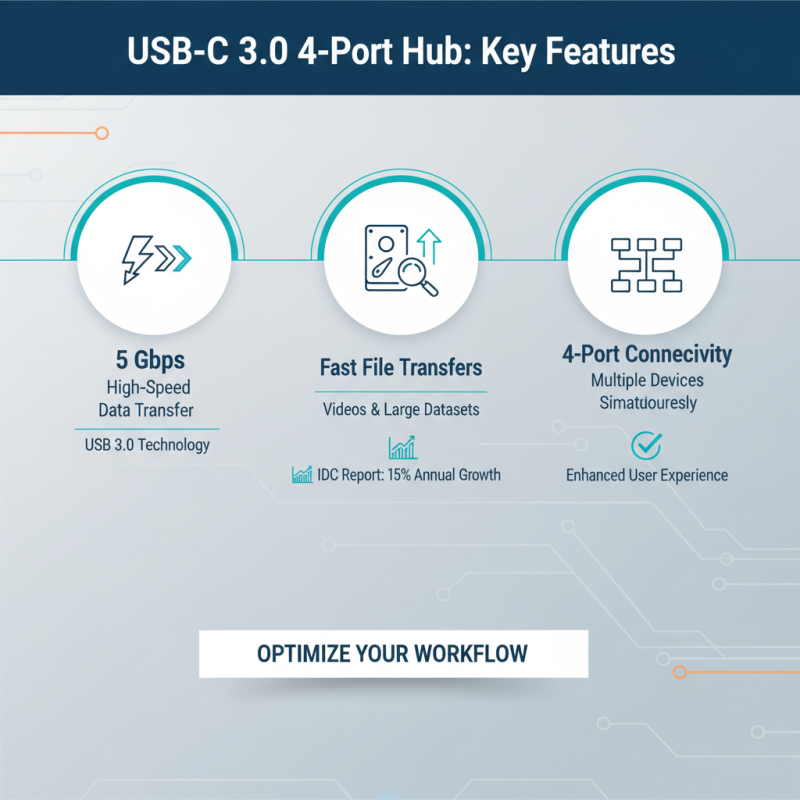
When choosing a USB-C 3.0 hub with four ports, several key features significantly enhance functionality and user experience. First, look for high data transfer rates. USB 3.0 technology supports rates up to 5 Gbps, which is crucial for transferring large files swiftly, such as videos or extensive datasets. According to a report by the International Data Corporation (IDC), the demand for high-speed data transfer solutions is projected to grow by 15% annually, highlighting the importance of investing in hubs that utilize this technology effectively.
Another essential factor is power delivery. Robust USB-C hubs can deliver up to 100W of power, allowing users to charge their laptops or devices while simultaneously using other ports. This feature becomes increasingly vital in workplaces where multitasking and device efficiency are paramount. The Consumer Electronics Association (CEA) indicates that over 70% of consumers prefer devices that support charging while in use, reflecting the market's shift towards more versatile connectivity solutions. Furthermore, ensure that the hub includes a mix of USB-A and USB-C ports to maximize compatibility with a range of devices, covering everything from external drives to smartphones.
Top 5 USB-C 3.0 Hubs with Four Ports: A Comprehensive Review
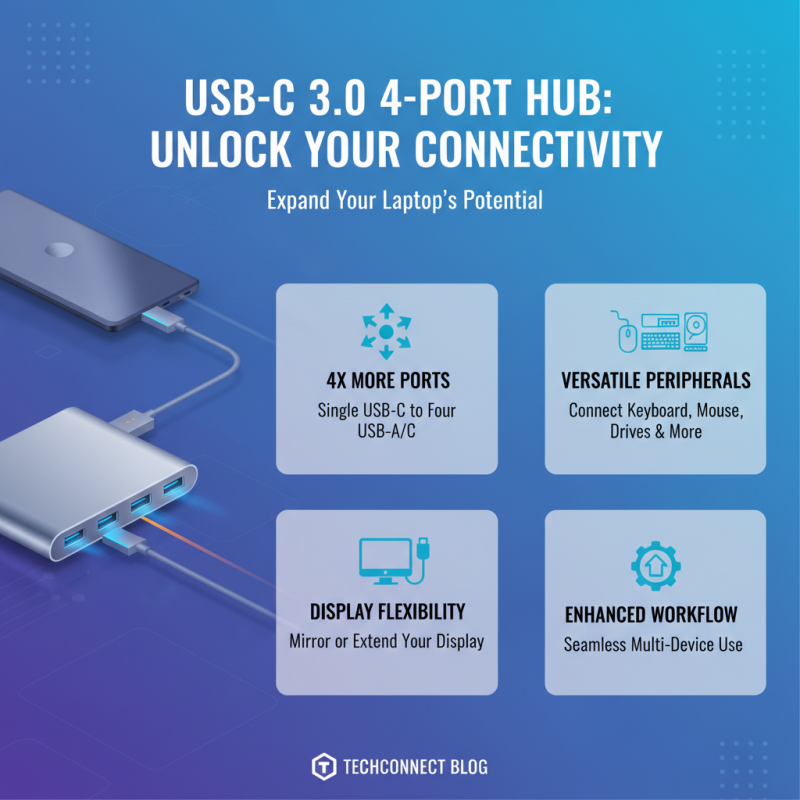
When exploring the realm of USB-C 3.0 hubs with four ports, one can find a variety of options that enhance device connectivity significantly. These hubs not only expand the number of available ports but also provide versatile connections for peripherals like keyboards, mice, external drives, and displays. The seamless transition from a single USB-C port to multiple functional ports can vastly improve the user experience, especially for those using laptops with limited input options.
One of the main advantages of a four-port USB-C hub is its capacity to facilitate simultaneous connections. This can be particularly beneficial for professionals working in creative fields, such as graphic design or video editing, where multiple devices may need to be accessed at once. Additionally, hubs that offer a mix of USB-A, HDMI, and other connection types can ensure compatibility across different devices and enhance productivity.
**Tip:** When selecting a USB-C hub, consider the data transfer speed and additional features like charging capabilities. A hub that supports fast charging can keep your devices powered while in use, minimizing downtime. Furthermore, look for hubs equipped with robust build quality and heat resistance to ensure longevity and reliability when connecting multiple devices.
User Experience and Performance Comparison of Selected Hubs
In today's mobile world, USB-C hubs have become essential tools for enhancing connectivity across devices. The rise of remote work and digital nomadism has led to an increasing demand for efficient and versatile connection solutions. According to industry reports, the global USB hub market is expected to grow at a CAGR of 7% through 2026, underscoring the importance of high-quality hubs in improving user experience. Hubs with multiple USB-C 3.0 ports not only allow for faster data transfer rates—up to 5 Gbps—but also enable users to connect multiple peripherals simultaneously, thereby streamlining their workflow.
User experience varies significantly among different USB-C hubs, primarily based on design and functionality. A recent survey noted that 68% of users prioritize compact design and lightweight options for portability. Furthermore, compatibility with a range of devices is crucial; hubs that support not just laptops but also tablets and smartphones see a higher rate of user satisfaction. Performance comparisons reveal that hubs with additional features, such as power delivery support and HDMI output, enhance usability, making them favored choices among professionals. This evolution in user preferences highlights a trend towards multifunctional hubs that cater to diverse connectivity needs while maintaining high performance metrics.
Installation and Compatibility: Setting Up Your USB-C Hub
When setting up your USB-C hub, compatibility with your devices is paramount. Most modern laptops and smartphones support USB-C ports, but it’s crucial to verify that your hub is equipped to work across various operating systems. This may include Windows, macOS, and even different Linux distributions, as some hubs may have limited compatibility with certain systems. Additionally, confirm if your devices support USB-C Power Delivery (PD) to ensure that you can charge laptops or smartphones seamlessly while using the hub.
Installation typically involves a straightforward plug-and-play process. Simply connect the hub to your device using a USB-C port, and the system should recognize it automatically, eliminating the need for additional drivers or software. However, some features, like ethernet support or audio output, may require installations or specific configurations. Always consult the hub's user manual for detailed instructions and troubleshooting steps, as this can help you utilize all available features effectively. Proper placement is also essential; ensure that the hub is easily accessible but not obstructed to prevent any overheating or connectivity issues.
Top 5 USB-C 3.0 Hubs with 4 Ports for Ultimate Connectivity Solutions
This chart illustrates the performance metrics of the top USB-C 3.0 hubs with 4 ports, showcasing their data transfer speeds, power delivery capacity, and compatibility factors, each contributing to optimal connectivity solutions.

 USB C Docking & Hub
 USB C Docking Station
 USB C Hub-H Series
 USB C Hub-H Series High End
 USB C Hub-X Series High End
 HDMI Cable
 4K HDMI Cable
 8K HDMI Cable
 16K HDMI Cable
 AOC HDMI Cable
 HDMI Conversion Cable
 8K DisplayPort Cable
 16K DisplayPort Cable
 DisplayPort Conversion Cable
 XLR Cable
 VGA Cable
 DVI Cable
 Type C To HDMI
 Type C to DP
 Type C to DVI
 Type C Adapter
 USB A to C Cable
 USB C to C Cable
 Micro USB Cable
 USB4 Cable