What is a USB C Multiport Hub and How Does It Work?
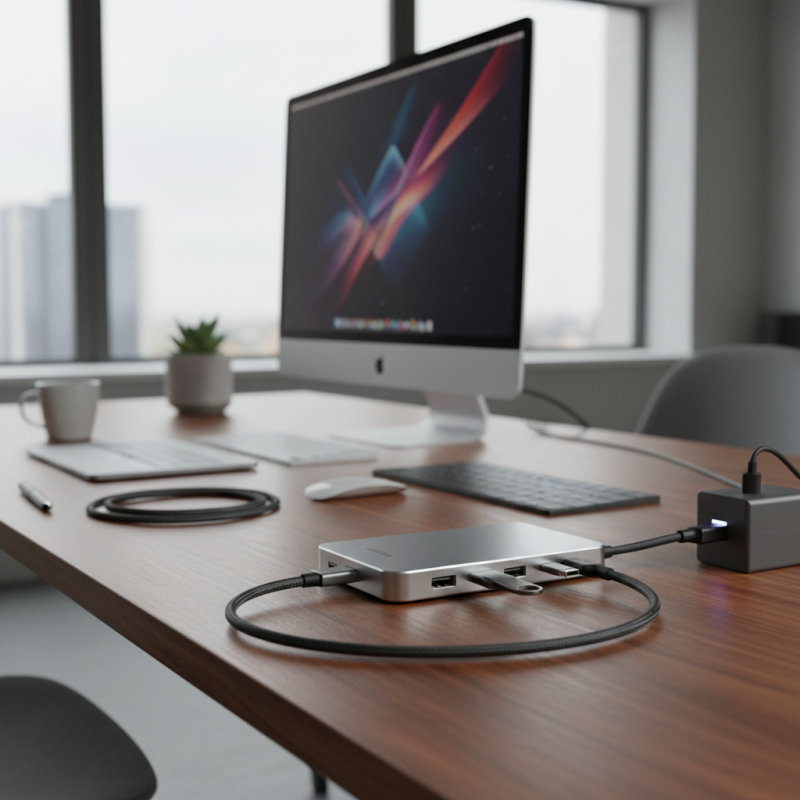
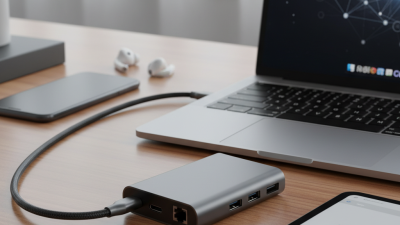
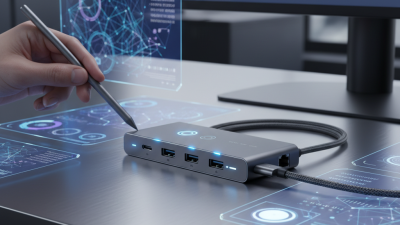
A USB C Multiport Hub is a versatile device. It extends the functionality of your laptop or tablet. This hub connects multiple peripherals using a single USB-C port.
Imagine connecting your monitor, keyboard, and USB drives simultaneously. The USB C Multiport Hub makes this possible. It eliminates the need for multiple connection points. This streamlined approach is practical in today’s tech landscape.
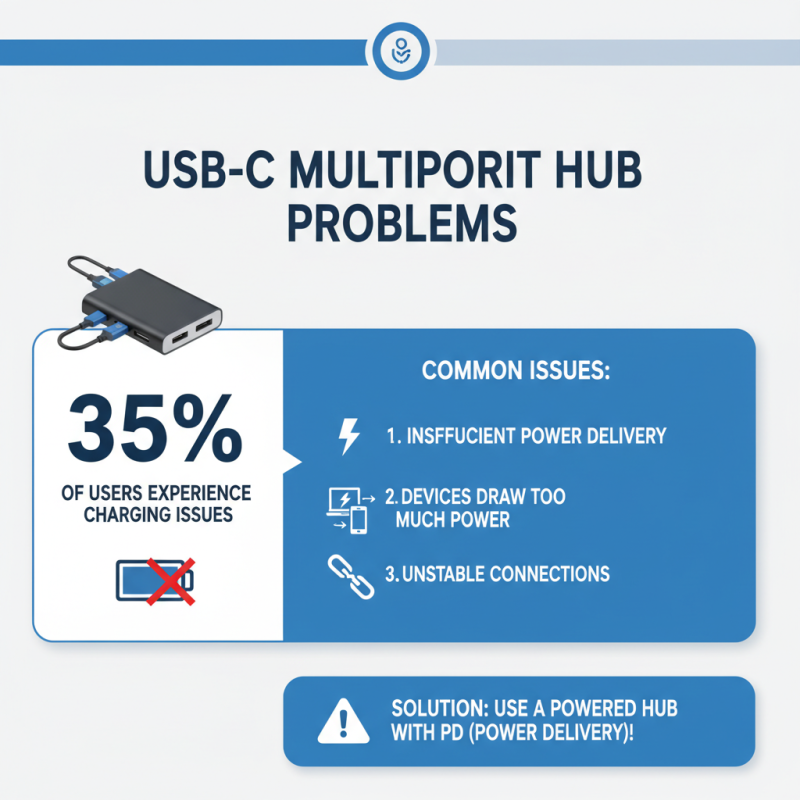
However, not all USB C Multiport Hubs are created equal. Some hubs may not support high-speed data transfer or charging. Users often encounter compatibility issues with certain devices. Reflecting on these potential pitfalls can guide better choices. Understanding the features of various hubs is essential for optimal use. Being mindful of these details can enhance your connectivity experience.
Definition and Overview of USB C Multiport Hubs
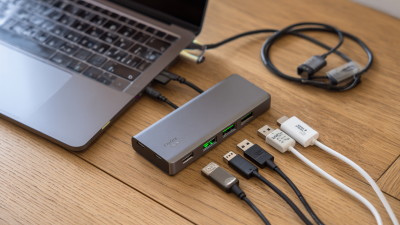
A USB C Multiport Hub is a versatile device that expands connectivity options for modern devices. It typically includes multiple ports like USB 3.0, HDMI, Ethernet, and SD card readers. They cater to the growing demand for connectivity in a world where many devices rely on USB-C technology. According to recent industry reports, the global market for USB hub devices is expected to reach $1.36 billion by 2025, highlighting their increasing significance in both personal and professional settings.
These hubs work by leveraging the high data transfer speed of USB-C. They allow users to connect several peripherals simultaneously, which is essential for productivity. For example, video output through HDMI can support high-resolution displays, catering to creative professionals. In practice, though, not all hubs deliver the promised performance. Some may struggle with power delivery or fail to support the latest USB-C features, such as video output. It’s crucial for users to research and find reliable options that meet their specific needs.
While USB C Multiport Hubs enhance functionality, they can also introduce complexities. Connectivity issues may arise due to compatibility problems. Inconsistent build quality is another concern, as some hubs may overheat or have tight ports. Existing user reviews highlight both satisfaction and frustration. This underscores the importance of weighing benefits against potential drawbacks when selecting a multiport hub.
USB C Multiport Hub Usage Statistics
This chart illustrates the usage frequency of various features provided by USB C multiport hubs. As seen, charging and data transfer functionalities are the most utilized, followed by HDMI outputs and Ethernet connections. Memory card reading remains the least used feature.
Key Features and Functionality of USB C Multiport Hubs
USB C multiport hubs are gaining attention in the tech world. These devices enhance connectivity by offering various ports through a single USB C connection. According to recent industry studies, over 70% of new laptops today use USB C ports, making multiport hubs essential for users who require multiple connections.
One significant feature of these hubs is their versatility. Most models include HDMI, USB-A, and Ethernet ports. This allows users to connect monitors, keyboards, and networks seamlessly. Reports indicate that nearly 60% of users prefer hubs with 4 or more ports. It's worth noting, however, that not all hubs deliver the same data transfer speeds. Some may struggle to maintain stable connections when multiple devices are used simultaneously.
Additionally, power delivery is a crucial factor. Many hubs support charging while in use, which can be a game-changer for mobile professionals. Yet, some users report that their devices become overheated during prolonged use. Not addressing this could lead to performance issues. Another consideration is compatibility. Some models may not work with older devices, leading to frustration. It's essential to check compatibility before purchasing. Users need to weigh these factors carefully.
Common Uses and Applications of USB C Multiport Hubs
USB C multiport hubs have become invaluable tools for modern users. They expand a single USB C port into multiple connections. This versatility allows users to connect various devices simultaneously. For instance, you can easily link a monitor, keyboard, and external hard drive at the same time. This is especially beneficial for those who work remotely or in shared spaces.
Common applications include video presentations and data transfer. Students use these hubs for their presentations. Professionals often connect multiple monitors for increased productivity. However, these hubs can sometimes fall short. Compatibility issues may arise with specific devices. Users might find themselves frustrated when a hub doesn't support certain features. The rapid evolution of technology can also lead to confusion. It’s essential to stay informed about updates and specifications to ensure seamless connectivity.
Tips for Choosing the Right USB C Multiport Hub
When choosing a USB C multiport hub, consider your device's compatibility. Ensure that the hub supports your laptop or tablet model. This can prevent frustrating connectivity issues down the line. Many hubs provide multiple ports, but not all work with every device. Do your research.
Think about the ports you need. Do you require HDMI for an external display? Maybe you need extra USB ports for peripherals. Some hubs even offer Ethernet connections for stable internet access. A good mix of options can enhance your setup. Too many unnecessary ports may lead to confusion.
Check the power delivery feature. Many hubs allow you to charge your device while using other ports. However, not all can deliver enough power. Some might leave your laptop drained during use. Read user reviews and product specs carefully. This will help avoid costly mistakes.
What is a USB C Multiport Hub and How Does It Work? - Tips for Choosing the Right USB C Multiport Hub
| Feature |
Description |
Considerations |
| Ports Available |
Includes multiple ports such as HDMI, USB-A, USB-C, and Ethernet. |
Check compatibility with your devices and required ports. |
| Power Delivery |
Supports charging of connected devices via USB-C. |
Verify the wattage output to ensure it meets your device's needs. |
| Data Transfer Speed |
Specifies speed limits, commonly ranging from USB 2.0 to USB 3.2. |
Ensure it supports the data transfer speed necessary for your applications. |
| Size and Portability |
Compact design for easy transport; can vary in size. |
Consider how often you'll be traveling with it. |
| Build Quality |
Materials used can affect durability and performance. |
Look for reviews regarding durability and reliability. |
| Price Range |
Varies widely based on features and brand. |
Set a budget, but consider the features you need. |

 USB C Docking & Hub
 USB C Docking Station
 USB C Hub-H Series
 USB C Hub-H Series High End
 USB C Hub-X Series High End
 HDMI Cable
 4K HDMI Cable
 8K HDMI Cable
 16K HDMI Cable
 AOC HDMI Cable
 HDMI Conversion Cable
 8K DisplayPort Cable
 16K DisplayPort Cable
 DisplayPort Conversion Cable
 XLR Cable
 VGA Cable
 DVI Cable
 Type C To HDMI
 Type C to DP
 Type C to DVI
 Type C Adapter
 USB A to C Cable
 USB C to C Cable
 Micro USB Cable
 USB4 Cable