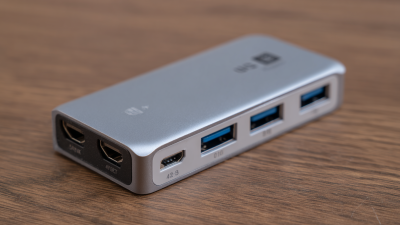
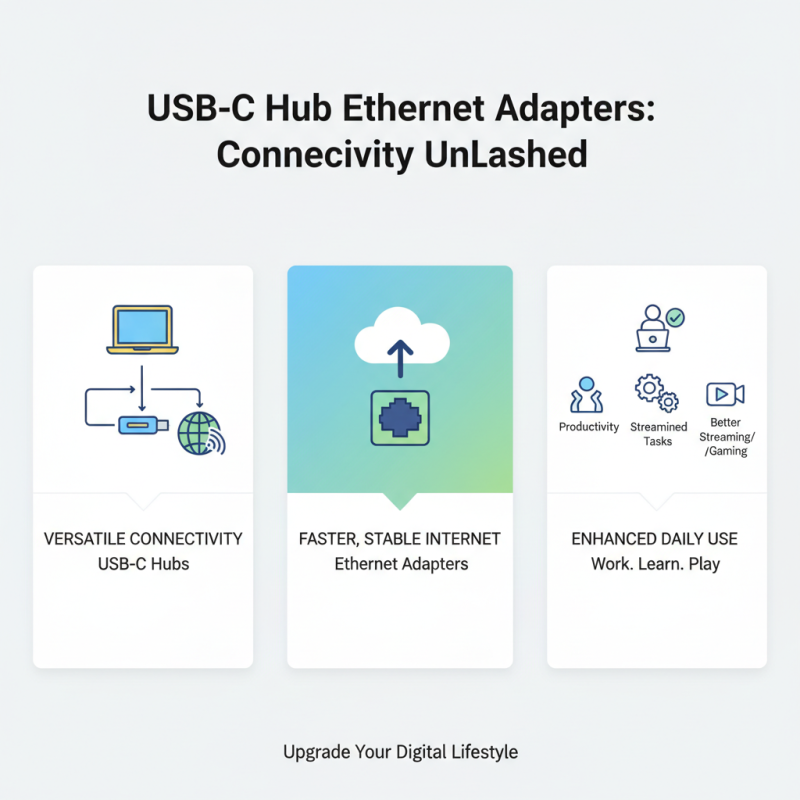
Why Choose a USB Hub Ethernet Adapter for Your Connectivity Needs?
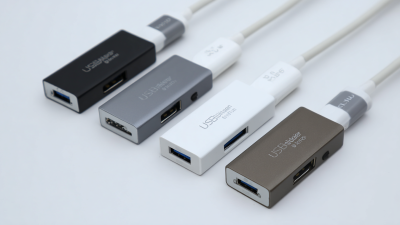
In today's connected world, finding reliable ways to connect devices is crucial. The USB Hub Ethernet Adapter stands out for its versatility and functionality. It features multiple ports, allowing you to connect various devices seamlessly. This can be particularly useful for those working from home or in shared spaces.
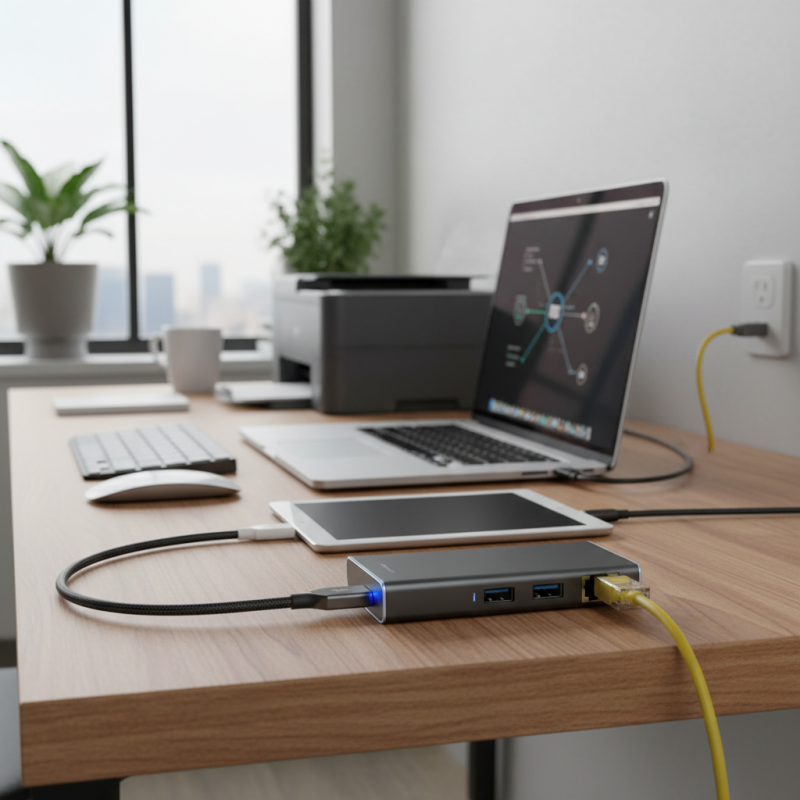
Imagine a scenario where you need to connect your laptop, tablet, and printer all at once. A USB Hub Ethernet Adapter eliminates the chaos of unplugging and replugging cables. It simplifies your workspace and increases productivity. Moreover, the Ethernet connection offers faster internet speeds than standard Wi-Fi.
Yet, it’s important to reflect on potential drawbacks. Some users may experience compatibility issues with different devices. Also, not all adapters support the same speeds. Understanding these challenges can help you choose the right adapter for your needs. Ultimately, the USB Hub Ethernet Adapter can enhance your connectivity experience when selected thoughtfully.
Benefits of Using a USB Hub Ethernet Adapter for Networking
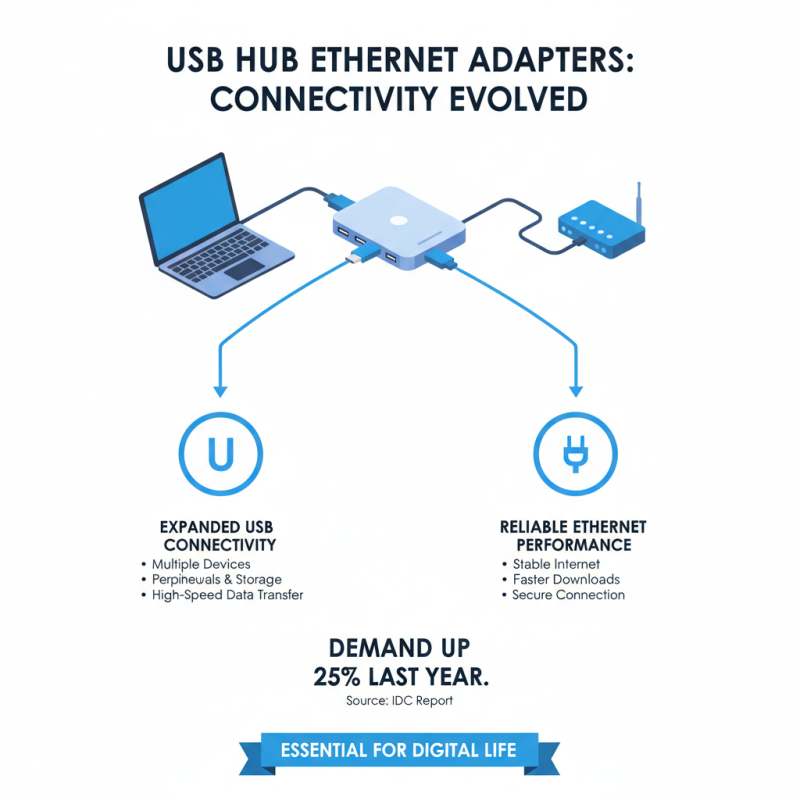
When considering connectivity needs, a USB hub Ethernet adapter stands out. It combines the benefits of USB connectivity with reliable Ethernet performance. According to a recent report from the International Data Corporation (IDC), the demand for such adapters has increased by 25% over the past year, reflecting their growing importance in our digital lives.
One of the main benefits is stability. Wi-Fi can be unreliable. In places with heavy interference, a wired connection performs better. The Ethernet link operates at speeds reaching 1 Gbps, considerably faster than typical Wi-Fi speeds. Research from Netgear indicates that wired connections can reduce latency by up to 40%. This can greatly enhance productivity, especially during video conferences or gaming sessions.
However, there are challenges. Not all USB hubs are created equal. Some may not deliver the optimal speed you expect. It's essential to consider compatibility and device specifications. Users should also reflect on their specific needs. Not every setup requires a high-performance adapter. Take time to evaluate what works best for you. A USB hub Ethernet adapter can be a game-changer, but it is not a one-size-fits-all solution.
Key Features to Look for in a USB Hub Ethernet Adapter
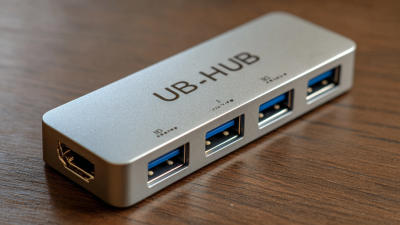
When selecting a USB hub Ethernet adapter, several key features enhance your connectivity experience. First, consider the number of ports available. A hub with multiple ports allows you to connect various devices simultaneously. This is particularly useful for users who need to work with several peripherals. Look for hubs that offer USB 3.0 support for faster data transfer speeds. Slow connections can be frustrating, especially during large file transfers.
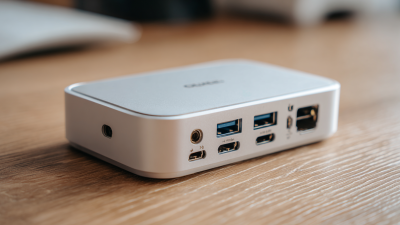
Another important feature is the type of Ethernet support. Gigabit Ethernet is essential for high-speed internet access. It helps maintain stable connections during streaming and online gaming. Also, ensure that the adapter is compatible with your operating system. Some models may have limitations with certain devices. A compatible adapter saves time and reduces connectivity issues.
Finally, check the build quality of the adapter. Sturdiness can determine longevity. Hubs with a flimsy design may fail unexpectedly. It's also wise to read user reviews. They can reveal any common problems encountered with the product. These insights might help you avoid unnecessary purchases and ensure a better experience.
Data Transfer Speeds of USB Hub Ethernet Adapters
How a USB Hub Ethernet Adapter Enhances Device Connectivity
A USB Hub Ethernet Adapter makes connecting devices easier. It combines multiple USB ports and Ethernet functionality. This is crucial for users with limited ports on laptops or tablets. Imagine needing to stream a video while charging your device. A USB hub lets you do just that.
The enhanced connectivity comes from the ability to link multiple devices. You can connect printers, external drives, and network cables simultaneously. It supports online gaming, video conferencing, and data transfer. However, the quality of connection can vary. Some adapters may not support high-speed connections.
Users sometimes forget to check compatibility. Not all USB hubs work with every device. This could lead to frustration when trying to set up systems. It's essential to ensure the adapter matches your needs. Investing a bit of time can prevent connection issues later.
Common Use Cases for USB Hub Ethernet Adapters in Daily Life
In today's digital age, connectivity is crucial. USB hub Ethernet adapters offer versatile solutions for better internet access. They cater to various daily use cases that enhance productivity and streamline tasks.
For remote workers, a USB hub Ethernet adapter can transform a regular laptop into a powerhouse. It allows for multiple connections. Suddenly, you can connect a monitor, keyboard, and mouse—all while enjoying a stable internet connection. According to industry reports, 85% of telecommuters find wired connections to be more reliable than wireless options.
Students can also benefit. Plugging in an adapter helps with online classes. Fast, stable internet means fewer interruptions during lectures. Enjoying smooth access can lead to better focus and retention of information.
Tip: When using a USB hub, consider your power needs. Some hubs require external power to support multiple devices effectively.
Another common use case is in entertainment setups. Gamers know the importance of a solid connection. A USB hub Ethernet adapter helps prevent lag, especially during intense gaming sessions.
Tip: Always check your adapter's compatibility with your devices. A mismatch can lead to frustration and wasted time.
These specific instances show how USB hub Ethernet adapters fit into our everyday lives, enhancing connectivity in meaningful ways.
Comparing USB Hub Ethernet Adapters with Other Connectivity Solutions
When comparing USB hub Ethernet adapters to other connectivity solutions, several factors emerge. A USB hub Ethernet adapter combines multiple ports, allowing for the connection of various devices. This is useful for users with limited ports on laptops. According to a recent industry report, nearly 40% of users experience connectivity issues due to inadequate ports. A USB hub addresses this need efficiently.
In contrast, traditional Ethernet connections may provide stable internet access. However, they often lack the versatility of USB hub adapters. Many users are now opting for multi-functional adapters instead of relying solely on Wi-Fi. Research indicates that 54% of tech users prefer wired connections when seeking fast and reliable internet. These adapters can often support varied standards, providing flexibility.
Despite these advantages, there are drawbacks. Not all USB hubs offer the same level of performance. Some may fall short during high data transfers, leading to frustrations. Additionally, not every user is familiar with setup procedures, which can deter potential adoption. As the demand for connectivity solutions rises, the balance between convenience and performance becomes crucial for users.
Why Choose a USB Hub Ethernet Adapter for Your Connectivity Needs? - Comparing USB Hub Ethernet Adapters with Other Connectivity Solutions
| Feature |
USB Hub Ethernet Adapter |
Traditional Ethernet Cable |
Wi-Fi Connection |
| Portability |
Highly portable, can be used on-the-go |
Limited portability, often stationary |
Very portable, especially with mobile devices |
| Speed |
Up to 1 Gbps, depending on USB version |
Typically 1 Gbps or higher |
Variable, may range from 50 Mbps to 1 Gbps or higher |
| Number of Connections |
Multiple devices via USB |
Single connection per cable |
Multiple devices can connect to the same network |
| Reliability |
Generally reliable, but USB quality may vary |
Very reliable, direct wired connection |
Variable reliability, subject to interference |
| Ease of Use |
Plug-and-play functionality |
Requires proper setup of network |
Simple to connect, but configuration may be needed |

 USB C Docking & Hub
 USB C Docking Station
 USB C Hub-H Series
 USB C Hub-H Series High End
 USB C Hub-X Series High End
 HDMI Cable
 4K HDMI Cable
 8K HDMI Cable
 16K HDMI Cable
 AOC HDMI Cable
 HDMI Conversion Cable
 8K DisplayPort Cable
 16K DisplayPort Cable
 DisplayPort Conversion Cable
 XLR Cable
 VGA Cable
 DVI Cable
 Type C To HDMI
 Type C to DP
 Type C to DVI
 Type C Adapter
 USB A to C Cable
 USB C to C Cable
 Micro USB Cable
 USB4 Cable