Why You Need a Usb Type C Hub Adapter for Your Devices Today
In today's rapidly advancing technological landscape, the importance of seamless connectivity cannot be overstated. As devices become increasingly streamlined and portable, the need for versatile accessories, such as the USB Type C Hub Adapter, has emerged as a necessity rather than a mere accessory. Industry expert Dr. Emily Chen, a leading figure in connectivity solutions, emphasizes this shift by stating, “In an era where devices are evolving toward minimalism, a USB Type C Hub Adapter is essential for maximizing functionality and enhancing user experience.”
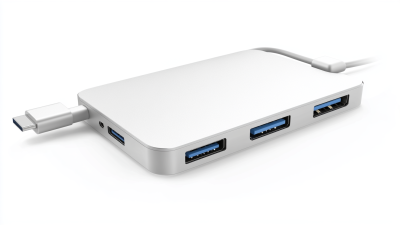
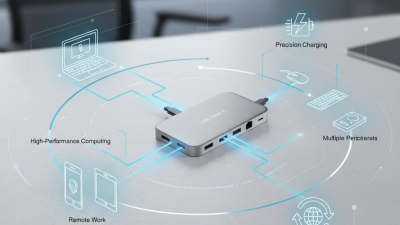
The USB Type C Hub Adapter serves as a bridge, enabling users to connect multiple devices and peripherals to their laptops or smartphones, thereby addressing the limitations of single-port devices. Whether you are a professional working from home, a student attending virtual classes, or a creative transferring large files, having the right hub adapter makes all the difference. It not only simplifies your workflow but also enhances productivity by allowing simultaneous connections of monitors, storage devices, and other essential gadgets.
In summary, the USB Type C Hub Adapter epitomizes the adaptability required in the modern tech environment. Embracing this tool can significantly elevate your efficiency and connectivity, ensuring you stay at the forefront of innovation. As we navigate through an increasingly interconnected world, understanding the role of such adapters becomes crucial for both personal and professional development.
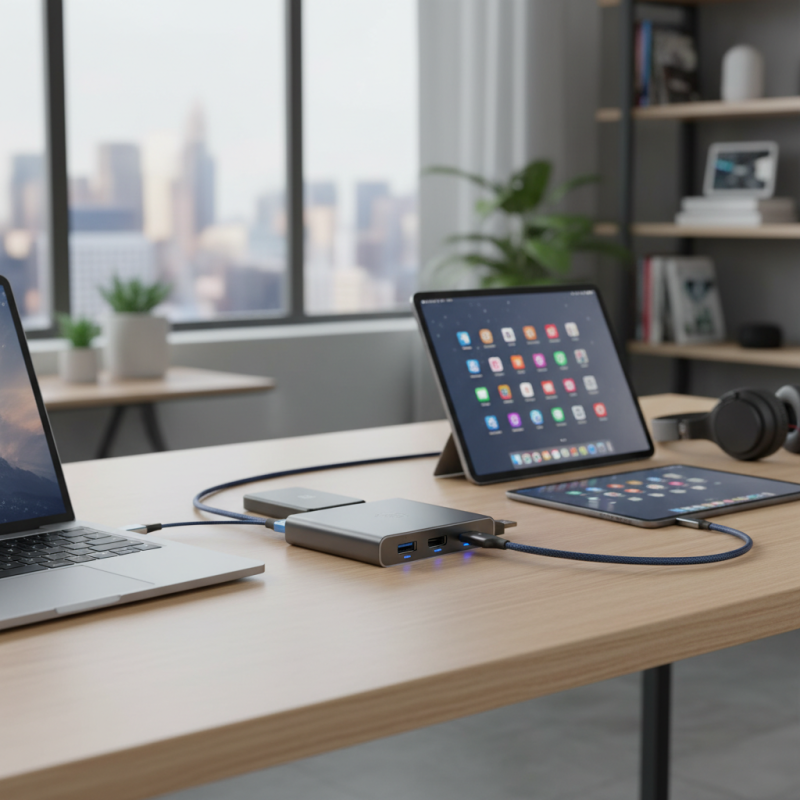
Understanding the Functionality of USB Type-C Hub Adapters
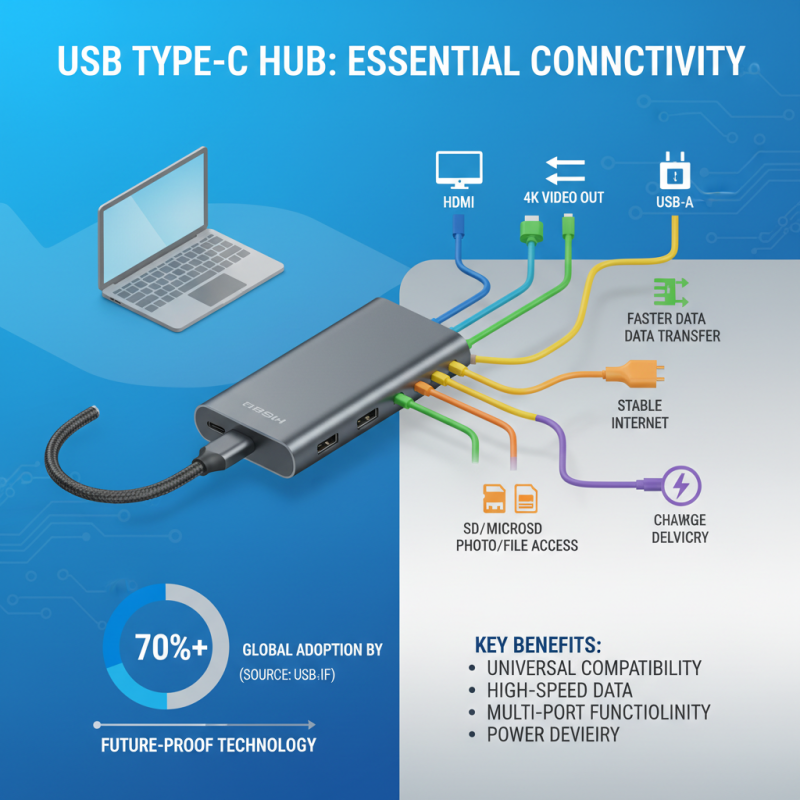
USB Type-C hub adapters have become an essential accessory for modern devices, providing unparalleled connectivity and versatility. With the rapid adaptation of USB Type-C technology across multiple platforms, it is crucial to understand how these hubs function. These adapters typically offer multiple ports, including HDMI, USB-A, Ethernet, and SD card slots, allowing users to connect various peripherals simultaneously. According to a study conducted by the USB Implementers Forum, USB Type-C is projected to account for over 70% of all USB connections by 2024, signifying a shift in technology that supports faster data transfer rates and enhanced power delivery.
One of the standout features of USB Type-C Hub Adapters is their ability to facilitate multi-device collaboration. For instance, a hub can enable users to connect their laptop to an external monitor while also linking additional USB devices like mice, keyboards, and storage drives, creating a highly productive workstation. Data from industry analysts indicate that the market for USB Type-C accessories is expected to grow at a compound annual growth rate of over 20% from 2022 to 2027, driven by increased demand for seamless integration among devices. Thus, leveraging the functionality of these hubs not only enhances efficiency but also future-proofs one's technology setup as USB-C becomes the standard connection type across the globe.
Key Features to Look for in a USB Type-C Hub Adapter
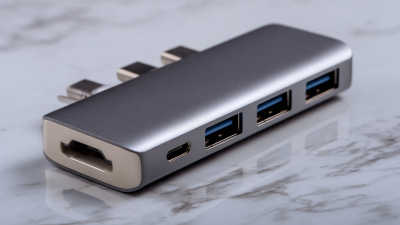
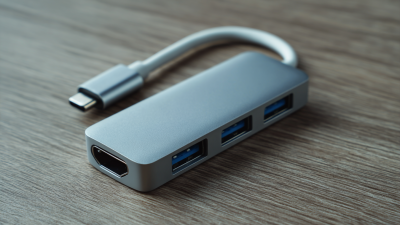
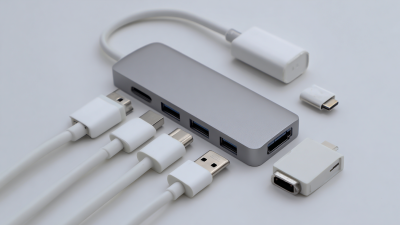
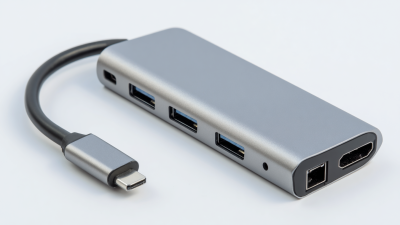
When considering a USB Type-C hub adapter, it's essential to focus on key features that will enhance your connectivity and overall user experience. First and foremost, the number of ports is crucial; a versatile hub should include a mix of USB Type-A, HDMI, and Ethernet ports, allowing you to connect multiple devices simultaneously. This is particularly important for professionals and students who often need to switch between devices like laptops, monitors, and external storage systems.
Another vital feature to consider is data transfer speed. Look for hubs that support USB 3.1 or higher, as these higher standards can provide faster data transfers, enabling efficient file management. Additionally, built-in compatibility with various operating systems ensures seamless integration with your devices. Power delivery capability is another feature to keep in mind, as it allows for fast charging of devices while simultaneously using the hub. By focusing on these key attributes, you can choose a USB Type-C hub adapter that not only meets your immediate needs but also provides flexibility for future use.
Benefits of Using USB Type-C Hubs for Multiple Devices
The rise of USB Type-C technology has ushered in a new era of connectivity, making USB Type-C hub adapters essential for modern devices. According to industry reports, the USB Type-C market is projected to reach $25 billion by 2027, driven by increased adoption across various sectors, including consumer electronics, automotive, and telecommunications. This growing trend underscores the necessity of USB Type-C hubs, especially as devices become more reliant on this versatile port for power, data transfer, and video output.
Using a USB Type-C hub adapter offers numerous benefits for users managing multiple devices. For instance, these hubs can expand a single USB-C port into several ports, including HDMI, USB-A, Ethernet, and more, effectively eliminating the need for multiple adapters. A survey by the Consumer Technology Association revealed that nearly 60% of consumers prefer multi-functional devices that can consolidate multiple functions, highlighting the demand for versatility afforded by USB Type-C hubs. Additionally, USB Type-C technology supports faster data transfer rates—up to 10 Gb/s with USB 3.2, compared to the 5 Gb/s of its predecessor—enabling efficient workflows, particularly for professionals dealing with large file sizes such as 4K video.
Furthermore, the ability of USB Type-C hubs to deliver power through charging protocols, such as Power Delivery (PD), allows users to charge multiple devices simultaneously without sacrificing performance. This is particularly beneficial for business users frequently on the go, as they can maintain connectivity and power their devices from a single outlet. As the digital landscape continues to evolve, adopting USB Type-C hubs will be critical for maximizing productivity and simplifying connections for today's tech-savvy user.
Compatibility Considerations for USB Type-C Hub Adapters
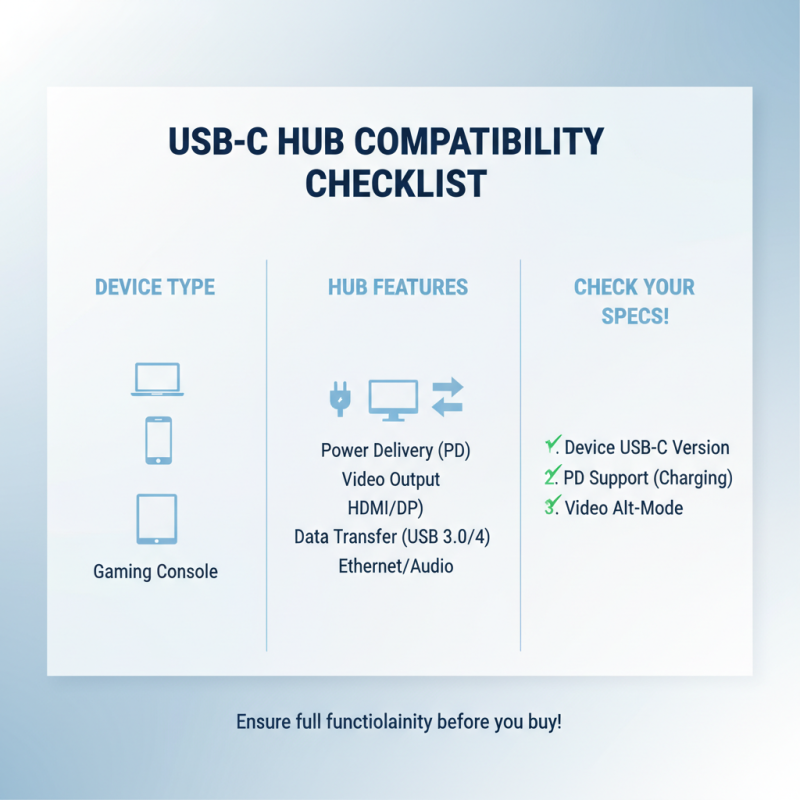
When considering the purchase of a USB Type-C hub adapter, compatibility is a key factor that should not be overlooked. USB Type-C has rapidly become the standard connector for a wide range of devices, including laptops, smartphones, tablets, and even some gaming consoles. However, not all devices support the full range of functionalities that a hub offers. For example, while many laptops support power delivery (PD) through USB-C, some older or budget models may not. It’s essential to verify the specifications of the hub adapter against your devices to ensure you can fully utilize features like data transfer speeds, video output, and charging.
Moreover, the variety of ports and functionalities provided by USB Type-C hub adapters adds another layer of compatibility considerations. Depending on your needs, you may require an adapter that offers HDMI, Ethernet, or additional USB-A ports. Not all hubs provide the same combination of ports, and some may only support certain features when connected to specific devices. It’s important to assess what peripherals and displays you plan to connect so you can choose a hub that meets your requirements and enhances your connectivity experience. Understanding these compatibility aspects will help you make an informed choice, ensuring your devices work seamlessly together.
How to Choose the Right USB Type-C Hub Adapter for Your Needs
When selecting the right USB Type-C hub adapter, it's crucial to identify your specific needs and the devices you plan to connect. Start by assessing the ports available on your devices and the types of connections required. Whether you need additional USB-A ports, HDMI output for external displays, or even an ethernet connection, knowing what you require will guide your choice. Compatibility with your operating system is another essential factor; ensure the hub works seamlessly with your laptop, tablet, or other devices.
Tip: Check the power delivery capacity of the hub. Some adapters allow you to charge your device while using connected peripherals, which can be a game-changer in maintaining productivity, especially on the go.
Another consideration is the build quality and portability of the hub. If you travel frequently or need to carry your devices around, look for a lightweight option that won’t take up much space. Durability is key; select a hub made from sturdier materials to withstand wear and tear. Lastly, read reviews and testimonials to gauge real user experiences, which can give you insight into reliability and performance.
Tip: Look for hubs with multiple connectivity options to future-proof your setup. This will allow you to adapt to new devices and technologies that may emerge, ensuring your hub remains functional in the long term.

 USB C Docking & Hub
 USB C Docking Station
 USB C Hub-H Series
 USB C Hub-H Series High End
 USB C Hub-X Series High End
 HDMI Cable
 4K HDMI Cable
 8K HDMI Cable
 16K HDMI Cable
 AOC HDMI Cable
 HDMI Conversion Cable
 8K DisplayPort Cable
 16K DisplayPort Cable
 DisplayPort Conversion Cable
 XLR Cable
 VGA Cable
 DVI Cable
 Type C To HDMI
 Type C to DP
 Type C to DVI
 Type C Adapter
 USB A to C Cable
 USB C to C Cable
 Micro USB Cable
 USB4 Cable