What is a Usb Type C Multi Port Adapter and How to Choose One?
In today's tech-driven world, a USB Type C Multi Port Adapter becomes essential for seamless connectivity. Experts like Alex Chen, a renowned technology analyst, emphasize its importance by stating, “These adapters simplify our digital lives.”
As devices evolve, the need for versatile connections grows. A USB Type C Multi Port Adapter allows one to connect multiple devices, making it a favorite among professionals and students alike. However, not all adapters are created equal. Quality varies, impacting usability and functionality.
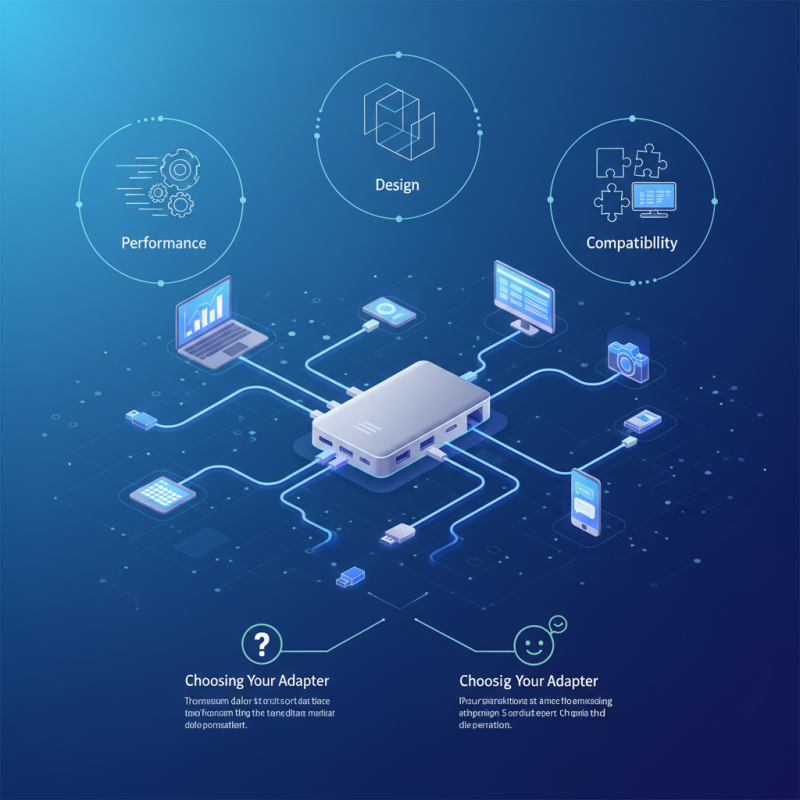
Choosing the right adapter can be overwhelming. Performance, design, and compatibility are crucial factors. When selecting, it's vital to assess your specific needs. Avoiding adapters that promise too much can lead to frustration. Reflect on your usage scenarios before making a decision to ensure satisfaction.
What is a USB Type C Multi Port Adapter?
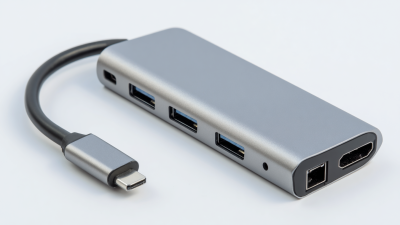
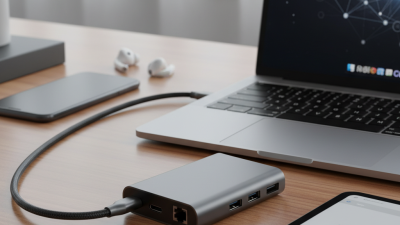
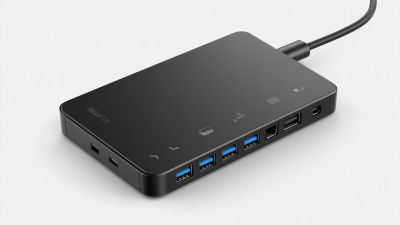
A USB Type C Multi Port Adapter is a versatile device designed to expand the connectivity options of modern laptops and mobile devices. These adapters typically include multiple ports, such as HDMI, USB-A, USB-C, and Ethernet. The versatility allows users to connect their devices to monitors, projectors, external hard drives, and networks simultaneously. According to market analysis, the demand for USB Type C adapters has surged. Reports indicate that the market is projected to grow at a compound annual growth rate (CAGR) of approximately 17% through 2026.
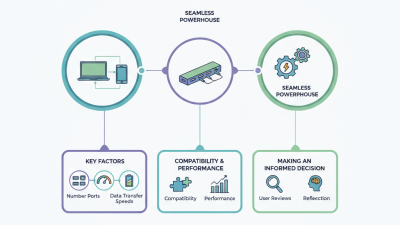
When selecting a USB Type C Multi Port Adapter, several factors should be considered. One critical aspect is data transfer speed, especially if you frequently transfer large files. For example, USB 3.1 ports can offer speeds up to 10 Gbps. Another consideration is power delivery; some adapters can charge devices while in use, maintaining optimal functionality. However, not all adapters support this feature, which can lead to unanticipated downtime. Users may also encounter limitations, such as reduced performance when multiple ports are used simultaneously. This reality emphasizes the importance of understanding the specifications of each adapter before purchase.
Compatibility is another crucial area to explore. Many adapters work best with specific operating systems, and functionality may vary. For instance, some may not support certain displays or resolutions. Research shows that approximately 25% of users encounter issues with device compatibility. This highlights the need for thorough investigation and consideration of user reviews and expert opinions before making a decision. Ultimately, choosing the right USB Type C Multi Port Adapter involves careful evaluation of features, specifications, and potential limitations.
Key Features of USB Type C Multi Port Adapters
When considering a USB Type C multi-port adapter, several key features matter. These adapters often provide a combination of ports, including HDMI, USB-A, and Ethernet. A recent report by Grand View Research indicates that the USB Type C market is projected to grow significantly, reflecting increased demand for versatile connectivity solutions. This growth underscores the importance of understanding which features to prioritize.
Power delivery is a crucial aspect. Many adapters support up to 100W charging, enabling fast power delivery to laptops and devices. Users often overlook compatibility. Not all adapters support the same functions, and some may limit performance. For instance, an adapter might offer HDMI output but may not support 4K resolution. This is where careful consideration is essential.
Data transfer speeds also vary among adapters. Look for those offering USB 3.0 or higher for optimal performance. The average speed for USB 3.0 can reach up to 5 Gbps. While convenience is a benefit, the risk of overheating is a concern with lower-quality models. Regular testing and monitoring of adapters can help identify any issues early, ensuring reliability and longevity.
What is a Usb Type C Multi Port Adapter and How to Choose One? - Key Features of USB Type C Multi Port Adapters
| Feature |
Description |
Importance |
| Number of Ports |
Refers to the total number of ports available on the adapter, including USB-A, HDMI, and others. |
More ports allow for more devices to connect simultaneously. |
| Charging Support |
Indicates if the adapter supports Power Delivery (PD) for fast charging. |
Essential for charging laptops and other devices quickly. |
| Data Transfer Speed |
The rate at which data can be transferred through the adapter, typically measured in Gbps. |
Higher speeds reduce the time it takes to transfer files. |
| Compatibility |
The range of devices the adapter can work with, including laptops, tablets, and smartphones. |
Ensures versatility across different devices. |
| Size and Portability |
Dimensions and weight of the adapter, impacting its ease of transport. |
A compact design is convenient for travel. |
| Build Quality |
Material and construction quality affecting durability. |
Higher durability enhances longevity of the adapter. |
Benefits of Using a USB Type C Multi Port Adapter
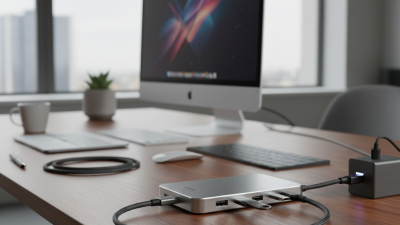
A USB Type C multi-port adapter is an essential tool for modern users. It integrates various ports into a single device. This compact solution allows you to connect multiple peripherals easily. Are you tired of carrying several cables? With this adapter, you can simplify your setup.
One key benefit is versatility. These adapters typically include HDMI, USB-A, and Ethernet ports. This means you can connect laptops to displays or wired networks effortlessly. Sharing files via USB becomes a breeze. Additionally, the power delivery feature helps charge your devices while using them. This dual functionality enhances productivity.
But not all adapters are created equal. It's important to research compatibility with your devices. Some adapters may not support fast charging or data transfer speeds. Users should pay attention to the specifications. A poorly chosen adapter can lead to frustration and inefficiency. Always evaluate your specific needs before making a choice. This reflection can save you time and money down the line.
How to Select the Right USB Type C Multi Port Adapter
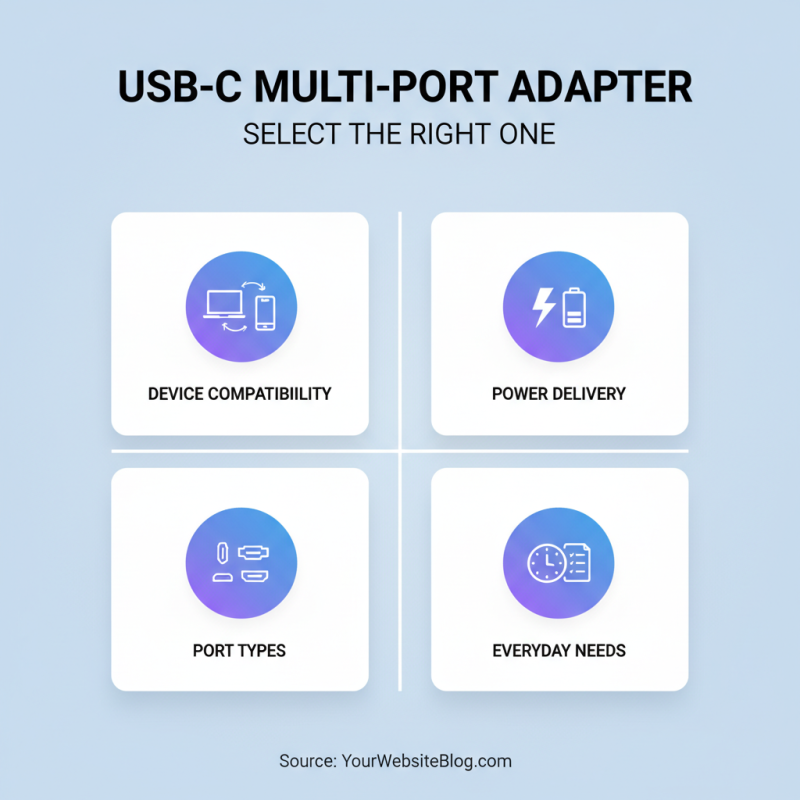
When selecting a USB Type C multi-port adapter, consider your device compatibility. Ensure it works seamlessly with your laptop, tablet, or smartphone. Check the specifications for power delivery. Some adapters provide fast charging; others do not. An adapter should support your everyday needs. Think about the types of ports you use most often.
Evaluate the number of ports carefully. If you often connect multiple peripherals, look for models with several USB-A and HDMI ports. Some adapters include an Ethernet port, which is valuable for stable internet connections. Look for a lightweight design if portability is essential for your lifestyle. A compact option is easier to carry around.
Pay attention to quality features. Consider build materials; aluminum casings are often more durable. Read user reviews for reliability insights. Sometimes, products look good but fail in real-world use. Aim for ongoing performance, not just initial appeal. Reflect on your own usage habits to find an adapter that will truly add value.
Common Use Cases for USB Type C Multi Port Adapters
USB Type-C multi-port adapters offer versatility for modern devices. Users often connect their laptops to multiple peripherals like monitors, keyboards, and external storage. According to a recent industry report, over 52% of professionals prefer adapters that support HDMI and USB connections. This trend indicates a growing reliance on these devices for both work and play.
In daily use, these adapters simplify tasks. For example, you can project a presentation on a larger screen while simultaneously accessing a USB drive. This dual functionality enhances productivity. However, the quality of ports varies. Some adapters may not deliver consistent data transfer rates. Ensure your adapter meets USB 3.1 standards for optimal performance.
**Tip**: Always check compatibility with your primary device. Some adapters only work with specific models.
Choosing the right adapter involves considering connection types and data transfer speed. High-quality materials improve durability. Look for options with robust construction, especially if traveling frequently. A flimsy adapter may fail and disrupt your workflow.
**Tip**: Read user reviews. They provide insights into real-world performance and reliability.

 USB C Docking & Hub
 USB C Docking Station
 USB C Hub-H Series
 USB C Hub-H Series High End
 USB C Hub-X Series High End
 HDMI Cable
 4K HDMI Cable
 8K HDMI Cable
 16K HDMI Cable
 AOC HDMI Cable
 HDMI Conversion Cable
 8K DisplayPort Cable
 16K DisplayPort Cable
 DisplayPort Conversion Cable
 XLR Cable
 VGA Cable
 DVI Cable
 Type C To HDMI
 Type C to DP
 Type C to DVI
 Type C Adapter
 USB A to C Cable
 USB C to C Cable
 Micro USB Cable
 USB4 Cable