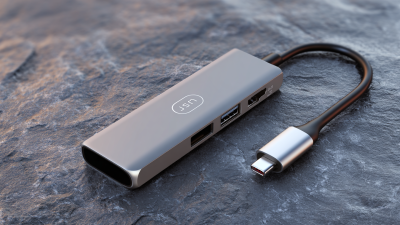
What is a Usb Type C To Display Port Adapter and How Does It Work?
In recent years, the demand for high-quality digital connectivity has surged. The USB Type C to Display Port Adapter plays a vital role in meeting this requirement. According to the latest report by TechNavio, the global market for USB Type C adapters is projected to grow by 15% annually through 2025. This growth highlights the increasing reliance on such technology in both personal and professional settings.
Experts emphasize the importance of these adapters. Dr. Helen Wu, a tech industry analyst, stated, "USB Type C to Display Port Adapters are not just accessories; they are essentials for modern connectivity." This underscores the adapter’s role in facilitating seamless connections between devices, ensuring that users enjoy high-definition video and audio with minimal latency.
Despite the evident benefits, consumers must remain cautious. Not all adapters deliver the same performance or compatibility. Selecting a reliable brand is crucial. By doing so, users can avoid subpar experiences that may arise from cheaper alternatives. The need for quality in USB Type C to Display Port Adapters emphasizes the importance of informed purchasing decisions in today's tech landscape.
What is a USB Type-C to DisplayPort Adapter?
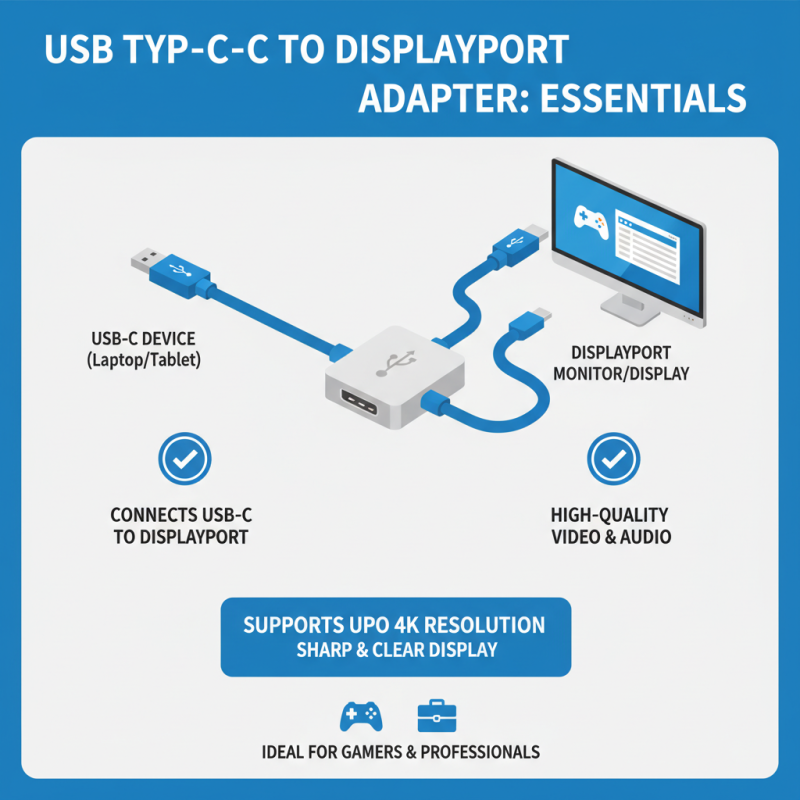
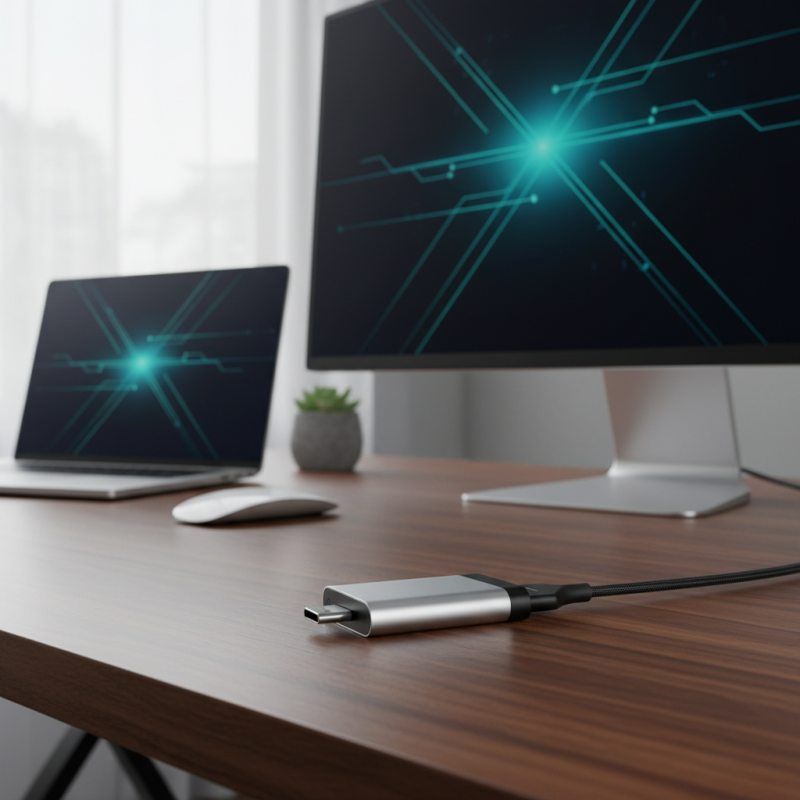
A USB Type-C to DisplayPort adapter is a handy device that connects devices with USB-C ports to DisplayPort monitors. This adapter enables high-quality video and audio output, making it ideal for gamers and professionals alike. It supports resolutions up to 4K, which ensures a sharp and vibrant display.
Using the adapter is straightforward. You plug the USB Type-C end into your laptop or tablet, and connect the DisplayPort end to your monitor. Many devices now feature USB-C, which eliminates the need for numerous cables. However, compatibility can be an issue. Not all USB-C ports support video output, so checking device specifications is crucial.
This adapter might not be perfect. Some users report issues with resolution settings and compatibility. It's essential to research your specific device's capabilities before making a purchase. While this adapter opens the door to advanced display options, not having the right equipment can lead to frustration. Understanding these nuances can help you make informed decisions in the tech space.
Technical Specifications of USB Type-C and DisplayPort Standards
The USB Type-C and DisplayPort standards represent significant advancements in data transmission and video output technology. The USB Type-C connector is reversible, allowing users to connect devices without worrying about orientation. It supports higher data rates, making it suitable for fast data transfer and additional functionalities such as power delivery. This versatility enhances user experience significantly.
On the other hand, DisplayPort is designed to deliver high video resolutions. It supports resolutions up to 8K at 60Hz. This makes it ideal for gamers and professionals working with high-definition content. The standard also includes support for multi-stream transport, allowing multiple video signals over a single connection.
When combined, a USB Type-C to DisplayPort adapter takes advantage of these specifications. It converts the USB-C output from devices into a DisplayPort signal for monitor connections. Users should be aware of compatibility issues, as not all USB-C ports support video output. Checking device specifications is essential before purchase. Misunderstanding these details might lead to suboptimal performance.
What is a Usb Type C To Display Port Adapter and How Does It Work?
| Specification |
Description |
| Connector Type |
USB Type-C / DisplayPort |
| Max Resolution |
Up to 8K at 60Hz or 4K at 120Hz |
| Data Transfer Rate |
Up to 40 Gbps (USB 3.2) |
| Audio Support |
Yes, supports multi-channel audio |
| Power Delivery |
Yes, up to 100W |
| Compatibility |
Compatible with DisplayPort-enabled devices |
| Cable Length |
Typically ranges from 1 to 3 meters |
How the USB Type-C to DisplayPort Adapter Transfers Video and Audio Signals
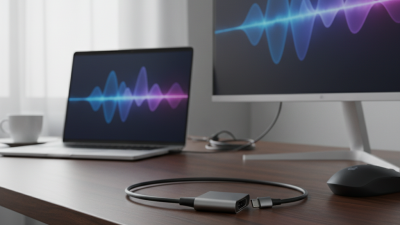
USB Type-C to DisplayPort adapters play a pivotal role in modern video technology. They enable seamless video and audio signal transfer between devices. For example, users can connect a laptop to an external monitor with ease. According to a report by Market Research Future, the global video adapter market is expected to grow by over 15% annually. This signifies a strong demand for efficient connection solutions.
These adapters convert digital signals from USB Type-C to DisplayPort format. The process supports high resolutions and refresh rates, ultimately improving the viewing experience. Data from the International Display Interface (IDI) suggests that DisplayPort can handle 4K video at up to 60 Hz. This capability demonstrates the adapter's potential for high-quality outputs. Users often underestimate the importance of cable quality in these conversions. Signal degradation can occur, affecting performance.
While many devices now have USB Type-C ports, compatibility is not universal. Users should check specifications before purchasing an adapter. Some older monitors may not support newer resolutions. A study by the Electronic Industries Alliance highlights that a significant percentage of consumers face compatibility issues. Recognizing these potential pitfalls is crucial for users seeking to maximize their display technology. Understanding how adapters work ensures optimal performance and satisfaction.
USB Type-C to DisplayPort Adapter: Video and Audio Signal Transfer
Compatibility and Use Cases for USB Type-C to DisplayPort Adapters
USB Type-C to DisplayPort adapters provide a versatile solution for connecting devices. Understanding their compatibility and specific use cases can enhance your digital experience. Many laptops and smartphones now use USB Type-C ports. According to recent reports from market analysts, the use of USB Type-C is projected to increase by over 30% in the coming years. This standard facilitates high-performance data transfer and video output.
One prevalent use case for these adapters is for connecting a laptop to a monitor. Professionals often require a larger display for multitasking. This enables them to increase productivity and streamline workflows. USB Type-C to DisplayPort connections support resolutions up to 8K, catering to graphic designers and video editors alike. The flexibility of these adapters also makes them ideal for use in educational settings, where seamless transitions between devices are crucial.
Tips: Always check the specifications of your devices to ensure compatibility. Some adapters may not support all features. It's also wise to invest in quality adapters to avoid video lag or signal degradation. Remember, while these adapters enhance versatility, there may be scenarios where they fall short, such as unsupported resolutions or refresh rates. With the technology landscape constantly evolving, staying informed is essential for optimal use.
Industry Trends in Display Connectivity: The Rise of USB Type-C Interfaces
The rise of USB Type-C interfaces is reshaping display connectivity. Reports show a 65% increase in USB Type-C adoption over the past year. This trend is driven by the need for versatility and efficiency. USB Type-C ports can deliver power, data, and video through a single cable, streamlining connections and reducing clutter.
However, challenges remain. Compatibility issues often arise when connecting devices using different protocols. For instance, not all USB Type-C ports support DisplayPort, leading to confusion. Some users may experience limitations, such as reduced resolutions or refresh rates. Misunderstanding these specifications can lead to subpar experiences.
Industry experts highlight the importance of education on these interfaces. Users must differentiate between standard USB Type-C and those that support advanced display features. As USB Type-C becomes more prevalent, understanding its functionality is crucial. This will ensure optimal performance and a smoother transition to newer technologies.

 USB C Docking & Hub
 USB C Docking Station
 USB C Hub-H Series
 USB C Hub-H Series High End
 USB C Hub-X Series High End
 HDMI Cable
 4K HDMI Cable
 8K HDMI Cable
 16K HDMI Cable
 AOC HDMI Cable
 HDMI Conversion Cable
 8K DisplayPort Cable
 16K DisplayPort Cable
 DisplayPort Conversion Cable
 XLR Cable
 VGA Cable
 DVI Cable
 Type C To HDMI
 Type C to DP
 Type C to DVI
 Type C Adapter
 USB A to C Cable
 USB C to C Cable
 Micro USB Cable
 USB4 Cable