How to Choose the Best USB Hub Ethernet Adapter for Your Needs?
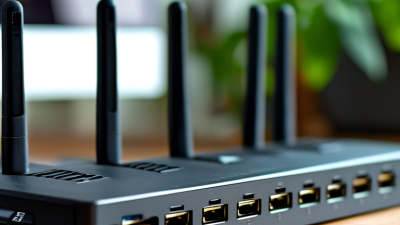
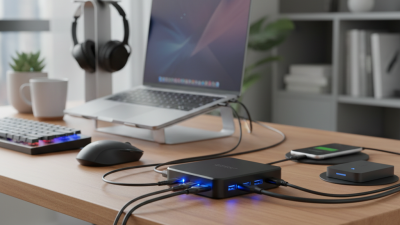
In today's digital landscape, having a reliable network connection is essential. The USB Hub Ethernet Adapter has become a vital tool for many. This device allows users to expand their connectivity options. It bridges the gap between USB ports and Ethernet networks, often enhancing internet speed and stability.
Choosing the right USB Hub Ethernet Adapter can be overwhelming. There are numerous options available with varying features and capabilities. It is crucial to assess your specific needs before making a decision. What type of devices do you commonly use? How important is data transfer speed for you? These questions should guide your selection process.
Remember that not all adapters are created equal. Some may not support higher speeds, while others might lack essential ports. It’s worth researching brands with positive reviews and proven reliability. Your investment in a quality adapter can significantly improve your experience. A well-chosen USB Hub Ethernet Adapter can be a game changer in enhancing connectivity.
Understanding USB Hub Ethernet Adapters: Basic Concepts
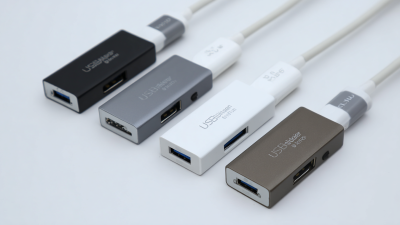
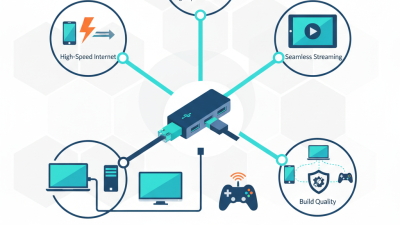
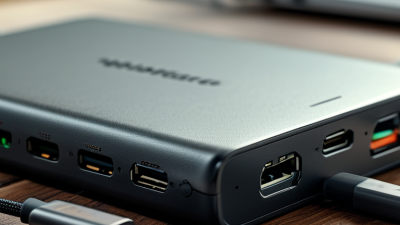
When considering a USB hub Ethernet adapter, it's essential to grasp its basic functions. These devices expand connectivity by combining USB ports with Ethernet capabilities. They enable a wired internet connection while simultaneously allowing the connection of multiple USB devices. This is particularly useful for laptops lacking built-in Ethernet ports.
Understanding the specifications is vital. Look for adapters that support USB 3.0 or higher. This ensures faster data transfer compared to older USB versions. Another factor is the Ethernet speed, often rated at 10/100 Mbps or Gigabit speeds. A Gigabit adapter is more future-proof but can be overkill for simple tasks.
Consider your specific needs. If you frequently travel, portability and durability become important. An adapter with a compact design is beneficial, yet it should withstand daily wear. It's also worth noting that some adapters may have compatibility issues with certain operating systems. Make sure to verify compatibility before purchasing to avoid frustration later. Reflect on your usage habits; sometimes, simpler solutions might suffice.
USB Hub Ethernet Adapter Features Comparison
Key Features to Consider When Choosing an Adapter
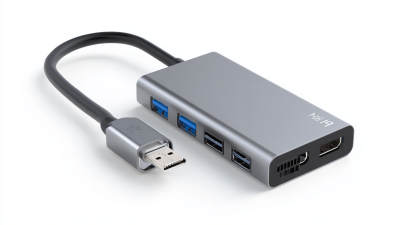
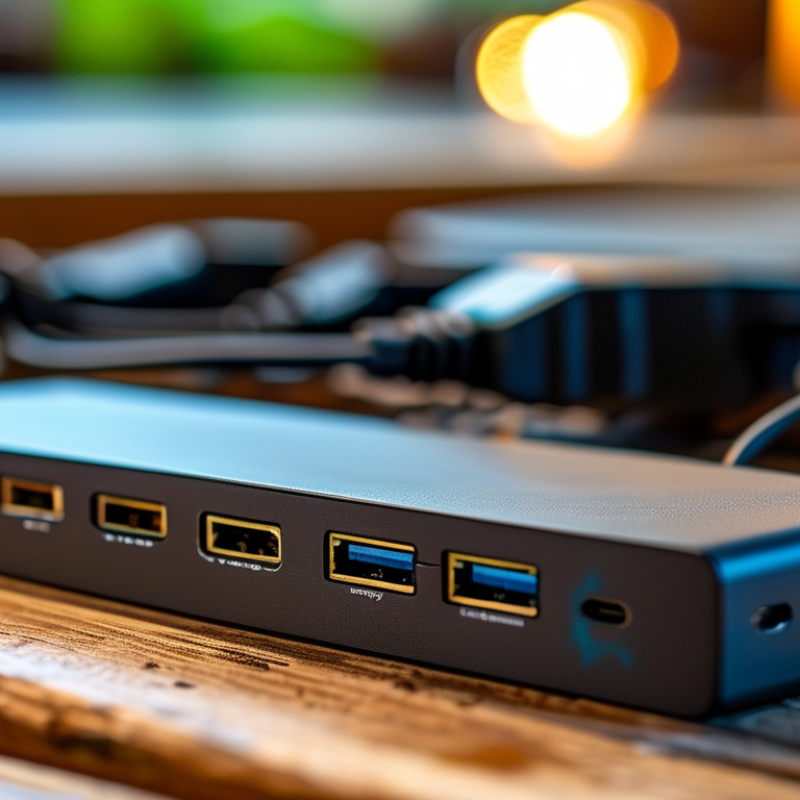
When choosing a USB hub Ethernet adapter, several key features come into play. A reliable adapter should have multiple USB ports. Look for at least three to five ports. This allows for connecting various devices simultaneously. Consider the speed of the Ethernet connection as well. Gigabit compatibility is ideal for smooth internet performance. If you stream videos or frequently download large files, this speed matters.
Power delivery is an important aspect too. An adapter that supports power delivery can recharge your devices while providing data transfer. Check the power output to ensure it meets your needs. You might also want to think about the build quality. A sturdy design can enhance durability, especially if you plan to travel with it.
Compatibility is another crucial factor. Ensure the adapter works with your operating system. Some adapters may have limited support for certain devices. Don’t ignore the length of cables either. Longer cables can make placement easier but be wary of potential signal loss. Ultimately, consider your specific use case and environment when making a choice. Reflection on these aspects can guide you toward the best adapter for your needs.
Assessing Compatibility with Your Devices
When selecting a USB hub Ethernet adapter, compatibility with your devices is crucial. Many users overlook this aspect. In fact, a survey by the International Data Corporation (IDC) found that 45% of tech failures stem from compatibility issues between devices. This statistic underscores the importance of verifying device specifications before making a purchase.
Be sure to check the operating system of your devices. For instance, some adapters may only support Windows, leaving macOS or Linux users in the dark. Additionally, consider the ports available. Not all USB-C ports support the same functions, which can lead to frustration and wasted time. According to a report by the Consumer Technology Association, 30% of users experienced issues due to incompatible ports when using adapters.
Another vital factor is power delivery support. Some USB hubs provide external power, while others don't. Without proper power, performance may suffer. A study from the Electronics Industry Association revealed that around 25% of users faced connectivity problems due to inadequate power supply from adapters. This highlights the need for thorough compatibility research before investing in a USB hub Ethernet adapter.
How to Choose the Best USB Hub Ethernet Adapter for Your Needs? - Assessing Compatibility with Your Devices
| Adapter Type |
Number of Ports |
Ethernet Speed |
Supported OS |
Price Range ($) |
| USB-C Hub |
4 |
Gigabit |
Windows, Mac, Linux |
30-50 |
| USB 3.0 Hub |
7 |
100 Mbps |
Windows, Mac |
20-40 |
| USB-C to Ethernet Adapter |
1 |
1 Gbps |
Windows, Mac, Chrome OS |
15-25 |
| Multiport Adapter |
6 |
Gigabit |
Windows, Mac, iOS |
40-70 |
| Portable USB Hub |
3 |
100 Mbps |
Windows, Mac |
10-30 |
Evaluating Speed and Data Transfer Rates
When evaluating a USB hub Ethernet adapter, speed and data transfer rates are critical factors. The average data transfer rate for USB 3.0 hubs can reach up to 5 Gbps, while USB 3.1 can exceed 10 Gbps. These numbers indicate significant potential for fast and reliable connections. Yet, many users might overlook the real-world performance, which often lags due to various factors. For instance, cable quality, device compatibility, and network conditions play crucial roles in actual speed.
Testing has shown that while theoretical maximums are impressive, common usage scenarios often yield lower rates. A report from the USB Implementers Forum highlights that environmental factors, like interference from other devices, can reduce speeds substantially. Users frequently encounter these issues when connecting multiple devices simultaneously. Some hubs may struggle to maintain stable connections while delivering optimal speeds across all ports, leading to frustration.
Moreover, it's important to recognize that not all Ethernet adapters perform equally. While they may advertise high speeds, the technologies behind them can vary greatly. Some may prioritize speed, while others focus on stability. Understanding the specific needs and environments for usage can greatly influence the actual performance of your chosen device.
Budget Considerations and Brand Recommendations
When considering a USB hub Ethernet adapter, budget is a primary concern. Recent industry reports indicate that costs can vary significantly. The range typically spans from $15 to $100, depending on features and brand reputation. In 2022, the market saw a growth trend towards affordable options, with an increase in demand for reliable yet cost-effective devices. This suggests that you don’t need to overspend for good quality.
Brand recommendations often arise from user reviews and reliability metrics. A survey by tech analytics firms shows that consumers favor brands with at least 4.5 stars on review platforms. Many stress the importance of warranty and customer support as critical factors. Reports indicate that 70% of buyers would choose a product with good post-purchase service, even if it costs slightly more. Quality assurance is crucial, as inadequate support can lead to dissatisfaction, biting into the perceived value of lower-priced options.
Finding the right balance of price, quality, and brand assurance is essential. An inexpensive adapter may cut corners, leading to performance issues. On the flip side, a top-end model may offer features you don’t need. Analyze your specific requirements carefully before making a choice.

 USB C Docking & Hub
 USB C Docking Station
 USB C Hub-H Series
 USB C Hub-H Series High End
 USB C Hub-X Series High End
 HDMI Cable
 4K HDMI Cable
 8K HDMI Cable
 16K HDMI Cable
 AOC HDMI Cable
 HDMI Conversion Cable
 8K DisplayPort Cable
 16K DisplayPort Cable
 DisplayPort Conversion Cable
 XLR Cable
 VGA Cable
 DVI Cable
 Type C To HDMI
 Type C to DP
 Type C to DVI
 Type C Adapter
 USB A to C Cable
 USB C to C Cable
 Micro USB Cable
 USB4 Cable