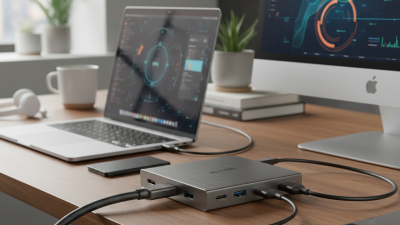
What is a Usb C Hub for Charging and How to Choose One?
In today's digital age, the need for efficient charging solutions is paramount. A USB-C hub for charging serves as a versatile accessory that enhances connectivity while streamlining power delivery. With a USB-C hub, users can connect multiple devices, transfer data, and, most importantly, charge their laptops and smartphones simultaneously.
Choosing the right USB-C hub for charging can be overwhelming due to the variety of options available. It’s essential to consider factors such as power output, number of ports, and compatibility with your devices. Not all hubs are created equal, and finding a reliable one may require some research. Many people overlook important specifications, leading to potential frustration later.
When shopping for a USB-C hub for charging, focus on trusted brands and read user reviews. This can provide insights into the hub's performance and durability. Remember, investing in a quality product can save you time and energy in the long run. However, consider your specific needs; what works for one person might not suit another. Understanding these nuances will help you make a more informed choice.
What is a USB-C Hub and Its Primary Functions?
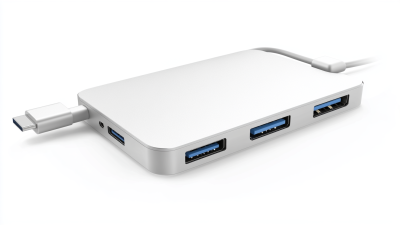
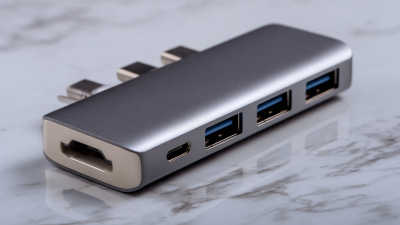
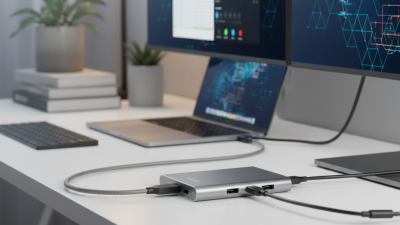
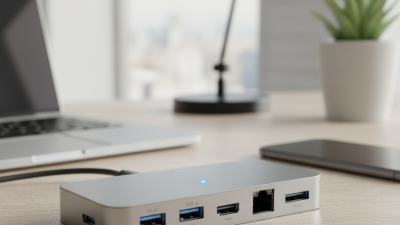
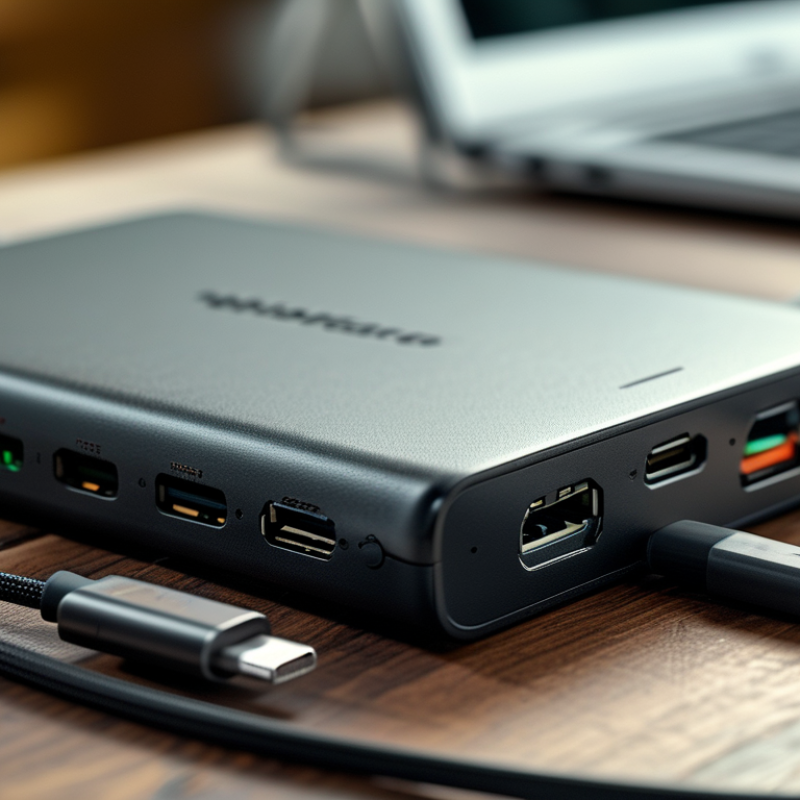
USB-C hubs have transformed how we connect devices. A USB-C hub is a compact device that enhances connectivity options. It allows users to connect multiple devices, such as laptops, phones, and peripherals, using a single USB-C port. This central hub often includes HDMI outputs, USB-A ports, and card readers, which boost productivity.
Research shows that over 70% of professionals use USB-C hubs for their daily tasks. These hubs provide plug-and-play functionality, making them accessible to users with minimal tech skills. However, choosing the right hub can be tricky. Consider the number of ports you need. Overprovisioning can lead to unnecessary costs.
Some products may offer more features, but they might not suit every user. Quality can vary. A study by a tech analyst group indicates that cheaper models often lack durability. Users should assess their priorities. Are additional ports essential, or is data transfer speed crucial? Defining needs can lead to better choices.
Key Features to Look for in a USB-C Hub for Charging
When choosing a USB-C hub for charging, several key features stand out.
A hub should provide multiple ports. Look for at least one USB-C port and several USB-A ports.
This allows for diverse connectivity options. An efficient power delivery (PD) capability is also essential.
A hub with PD can charge your devices while simultaneously transferring data.
Another important feature is the hub's design and compatibility.
A compact and lightweight design enhances portability.
Ensure that the hub is compatible with your devices, as specifications can vary.
Additionally, consider the hub's charging speed.
Check the wattage rating—it should meet your device's charging needs.
Lastly, pay attention to safety features.
Over-voltage and over-current protection can prevent damage to your devices.
Some hubs include cooling mechanisms to prevent overheating during use.
While many hubs offer various features, not all function perfectly.
User reviews often highlight these inconsistencies.
It’s wise to investigate before making a purchase.
Different Types of USB-C Hubs: Which One Suits Your Needs?
When choosing a USB-C hub for charging, it's essential to understand the different types available. A significant number of devices now use USB-C ports. According to recent industry reports, over 50% of all laptops will switch to USB-C for charging by 2024. This trend has heightened the need for reliable USB-C hubs.
There are powered hubs and unpowered hubs. Powered hubs provide additional power to connected devices. This is crucial for those using multiple peripherals. An unpowered hub is typically more portable but may struggle with power-hungry devices. Assess your typical usage to make the right choice.
Tip: Always check the power delivery (PD) specifications. A good hub should support at least 60W PD for effective charging. Also, consider the number and type of ports. Some hubs include HDMI or Ethernet, catering to various connectivity needs. It’s useful to weigh the features you prioritize. Often, users find themselves wanting more from their hubs after purchase. This realization can affect their overall satisfaction. So, be mindful in your selection.
Safety and Compatibility Considerations for USB-C Hubs
USB-C hubs have become essential for many users. When selecting a hub, safety and compatibility are critical. According to a report by the USB Implementers Forum, over 1 billion USB-C devices are in use globally. This rapid adoption highlights the need for ensuring devices are compatible with various standards.
Safety is paramount. Some hubs lack protection against overcurrent and overheating, posing risks to both the hub and connected devices. A study from the International Electrotechnical Commission emphasizes that inadequate safety features lead to potential fire hazards. Thus, look for hubs with built-in safety mechanisms, like overcharge protection.
Compatibility can vary significantly. Not all USB-C hubs support power delivery for charging. Many users face charging issues because they do not check wattage ratings. For example, a hub may support only 60W, while a laptop requires 100W for efficient charging. This oversight can result in prolonged charging times and reduced device performance. It's crucial to review technical specifications to ensure proper functionality.
What is a Usb C Hub for Charging and How to Choose One? - Safety and Compatibility Considerations for USB-C Hubs
| Feature |
Description |
Considerations |
| Power Delivery (PD) |
Allows charging devices while using the hub. |
Ensure compatibility with your device's charging specifications. |
| Data Transfer Speed |
Supports different USB standards (USB 3.0, 3.1, etc.). |
Check the maximum speed supported by your devices. |
| Number of Ports |
Includes multiple USB ports and possibly HDMI, SD card, or Ethernet. |
Choose based on the number of devices you plan to connect. |
| Size and Portability |
Design for travel versus a stationary setup. |
Consider where you will primarily use it. |
| Build Quality |
Material used in construction (plastic vs. metal). |
Higher quality often means better durability. |
| Safety Features |
Includes over-current and over-voltage protection. |
Essential to prevent damage to devices. |
| Price Range |
Varies widely depending on features and brand. |
Determine your budget before shopping. |
Tips for Maintaining and Optimizing Your USB-C Hub Usage
When using a USB-C hub for charging, it's essential to optimize your approach. Regular maintenance can significantly enhance performance. Keep the hub clean and free from dust. This simple step prevents overheating and ensures stable connections.
Consider the environment where you use the hub. Don't place it on soft surfaces that can block ventilation. Additionally, avoid using it in damp areas. Water damage can cause malfunctions, and these issues can lead to unexpected failures over time.
Always check your cables. Wear and tear can affect charging speed. Replace frayed cables promptly. They pose risks not just to your hub but also to your devices. Regular inspection can save you from frustration. Charge your devices in a controlled manner. Rapid charging might seem efficient, but it can shorten battery life. Use standard charging rates for a balance between speed and longevity.
USB-C Hub Charging Capacities
This bar chart displays the charging capacities of various USB-C hubs, measured in watts. Choosing a hub with the appropriate charging capacity is essential for efficient device management and performance.

 USB C Docking & Hub
 USB C Docking Station
 USB C Hub-H Series
 USB C Hub-H Series High End
 USB C Hub-X Series High End
 HDMI Cable
 4K HDMI Cable
 8K HDMI Cable
 16K HDMI Cable
 AOC HDMI Cable
 HDMI Conversion Cable
 8K DisplayPort Cable
 16K DisplayPort Cable
 DisplayPort Conversion Cable
 XLR Cable
 VGA Cable
 DVI Cable
 Type C To HDMI
 Type C to DP
 Type C to DVI
 Type C Adapter
 USB A to C Cable
 USB C to C Cable
 Micro USB Cable
 USB4 Cable