How to Use Type C Hub Ethernet for Faster Internet Connection?
In today's digital world, a stable internet connection is vital. Many users seek ways to optimize their browsing experience. The Type C Hub Ethernet offers a solution that enhances speed and reliability. Experts like Mark Johnson, a leading technology consultant, emphasize, "Type C Hub Ethernet can transform your internet connectivity."
This technology allows users to connect multiple devices seamlessly. It merges versatility with efficiency, often yielding faster performance than Wi-Fi. Nonetheless, some find it daunting to set up such devices. The absence of comprehensive guides contributes to this challenge. Although many appreciate the benefits, others remain hesitant.
Embracing the Type C Hub Ethernet can be a game changer. Users might initially struggle with the transition. However, overcoming these hurdles is part of the learning curve. By taking the time to explore its potential, individuals may discover new avenues for enhanced connectivity in their digital lives.

Understanding Type C Hubs and Their Purpose in Connectivity
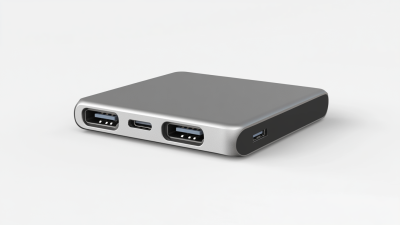
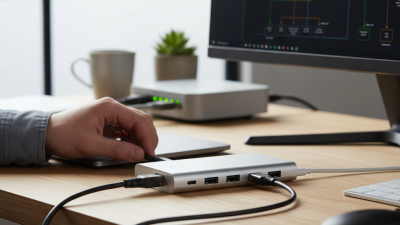
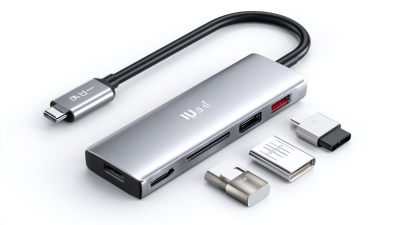
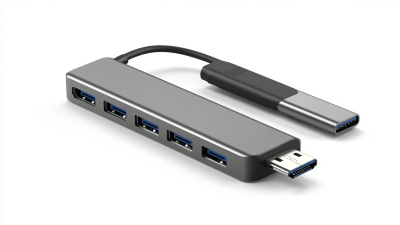
Type C hubs serve a key role in enhancing connectivity. They allow multiple devices to connect through a single port. This is especially useful for laptops and tablets. Users can connect external monitors, USB drives, and, importantly, Ethernet cables. The latter provides a stable internet connection, which is essential for many tasks. With remote work on the rise, having a reliable internet is more important than ever.
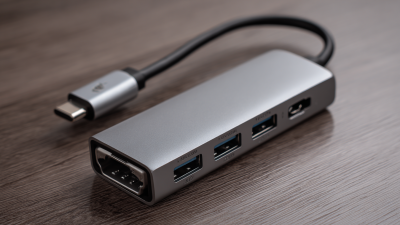
When using a Type C hub, ensure it supports Ethernet. Not all hubs have this feature. Selecting the right hub can be a challenge. Some hubs may deliver slower speeds than expected. It's crucial to check specifications closely. Users should also consider their network setup. A good Ethernet cable can make a significant difference. Connect directly to the router for the best performance.
In practice, connecting your Type C hub may raise questions. What about compatibility with various devices? Some devices may not support full functionality through the hub. This can lead to confusion and frustration. Experimentation might be required to achieve optimal setups. Understanding limitations helps in troubleshooting. The right hub can simplify daily tasks but awareness of its capabilities is key.
Impact of Type-C Hub Ethernet on Internet Speeds
This chart illustrates the average internet speed (in Mbps) achieved using different types of connections: Type-C Hub Ethernet, standard Wi-Fi, and wired Ethernet. It highlights the significant improvement in speeds when using a Type-C Hub Ethernet for reliable connectivity.
Exploring the Advantages of Ethernet Over Wi-Fi Connections
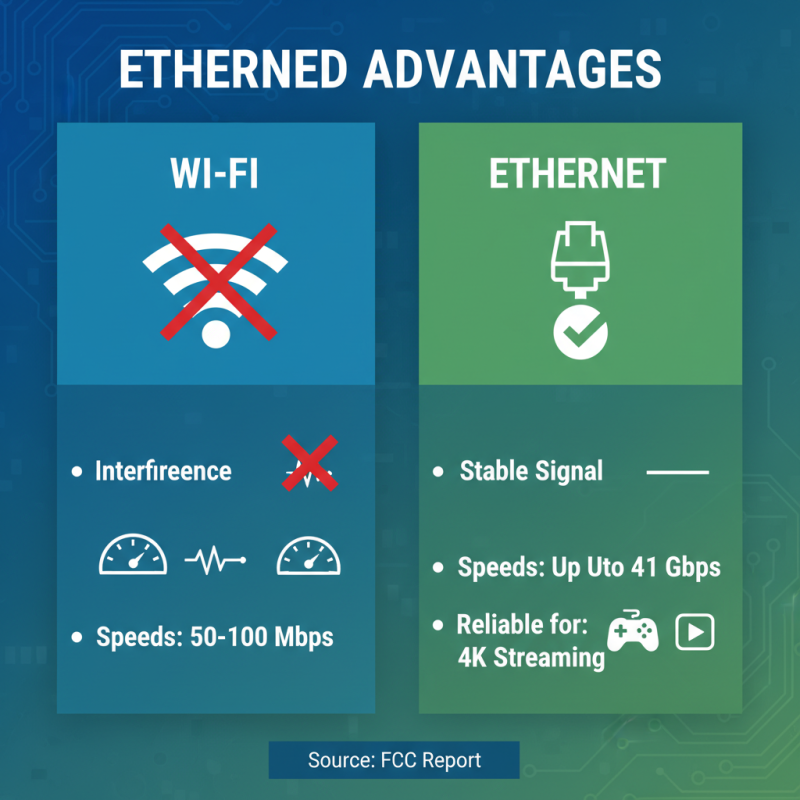
Ethernet connections bring several advantages that can significantly enhance your internet experience. Unlike Wi-Fi, which often suffers from interference, Ethernet offers a stable and consistent signal. A report by the Federal Communications Commission states that wired connections can provide speeds up to 1 Gbps, while typical Wi-Fi networks average around 50-100 Mbps. In a household with multiple devices, this difference in speed becomes crucial. Responsive gaming and smooth video streaming thrive on reliable connections.
Latency is another critical factor where Ethernet excels. The average latency for wired connections is around 5-10 ms. In contrast, Wi-Fi can easily push this to 20-50 ms, or higher in crowded environments. For applications like online gaming, where reaction times matter, this delay can be game-changing. By using a Type C hub, you can easily connect devices to an Ethernet network. It opens doors to better overall performance.
However, there are potential pitfalls to consider. Cables can clutter your workspace and are less flexible than Wi-Fi. Setting up a complex wiring system may become tedious. Additionally, in certain scenarios, the need for mobility outweighs the benefits of speed. As technology evolves, the balance between wired and wireless holds questions for future innovations in connectivity.
Step-by-Step Guide to Setting Up Your Type C Hub for Ethernet
Connecting your device to the internet via a Type C hub can significantly enhance your speed. The process may seem daunting, but it’s quite straightforward. Start by ensuring your hub supports Ethernet connectivity. Many hubs feature a dedicated Ethernet port. This increases speed and reliability compared to Wi-Fi.
Once you have a compatible hub, plug it into your device’s Type C port. Connect an Ethernet cable from your router to the hub’s Ethernet port. Your device should automatically detect the wired connection. Check your network settings to confirm the connection. According to a recent industry report, wired connections can be up to 10 times faster than typical Wi-Fi connections, especially in congested areas.
**Tip:** If you experience connection issues, try restarting your hub and device. Sometimes, a simple reboot can resolve glitches.
Also, keep in mind that not all Ethernet ports are the same. Some may support faster speeds. If you work with large files or stream high-definition video, opt for a hub that supports gigabit Ethernet.
**Tip:** Regularly check your hub’s firmware. Updates can improve performance and fix security vulnerabilities.
Connecting via a Type C hub may take a few tweaks. However, the potential for a smoother online experience makes it worth the effort.
Troubleshooting Common Issues with Type C Hub Ethernet Connections
Troubleshooting Type C Hub Ethernet connections can often feel daunting. Common issues include inconsistent speeds, connection drops, and failure to connect. According to recent industry reports, nearly 30% of users experience these problems when using hubs. It’s essential to identify the root cause early.
One common issue arises from the hub's power supply. Some hubs may not provide adequate power, leading to poor performance. Ensure your hub is powered correctly. A faulty cable can also result in speed drops. Opt for high-quality cables that adhere to the USB-C standards for the best experience.
Tips: Restart your devices when issues occur. Sometimes, a simple reboot clears many glitches. It could be that the Ethernet port is not detected. Plugging and unplugging can help reset connections. If speeds remain slow, test the hub with other devices. It's vital to ensure the hub is functioning properly.
Some performance problems might stem from network settings. Check your device settings. Misconfigured settings can lead to frustration. If all else fails, updating drivers can resolve lingering issues. Always seek manufacturer guidelines for the most up-to-date information.
Tips for Optimizing Internet Speed Using Type C Hub Ethernet
Using a Type C hub with Ethernet can significantly improve your internet speed. To get the best results, start by checking your cables. Use high-quality Ethernet cables to ensure a stable connection. You should avoid cheap, low-quality options that can slow down your experience. They might work, but not as well.
Next, locate a suitable spot for your hub. Keeping the hub close to your router can help maintain a stronger signal. Consider potential interference from walls and other devices. Sometimes, small adjustments can make a big difference in speed. Ensure the hub is not too crowded with devices, as this can also slow down speeds.
Lastly, regularly test your internet speed. Use online tools to measure performance. If speeds are still slow, try resetting your hub or checking for software updates. Sometimes, these simple steps can fix many issues. It's also wise to reflect on whether the devices you're using are up to date. Slow hardware can hinder your overall internet experience.

 USB C Docking & Hub
 USB C Docking Station
 USB C Hub-H Series
 USB C Hub-H Series High End
 USB C Hub-X Series High End
 HDMI Cable
 4K HDMI Cable
 8K HDMI Cable
 16K HDMI Cable
 AOC HDMI Cable
 HDMI Conversion Cable
 8K DisplayPort Cable
 16K DisplayPort Cable
 DisplayPort Conversion Cable
 XLR Cable
 VGA Cable
 DVI Cable
 Type C To HDMI
 Type C to DP
 Type C to DVI
 Type C Adapter
 USB A to C Cable
 USB C to C Cable
 Micro USB Cable
 USB4 Cable