Inquiry
Form loading...

2026 Top Type C Charging Hub Types for Global Buyers?

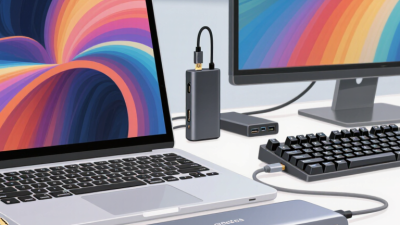
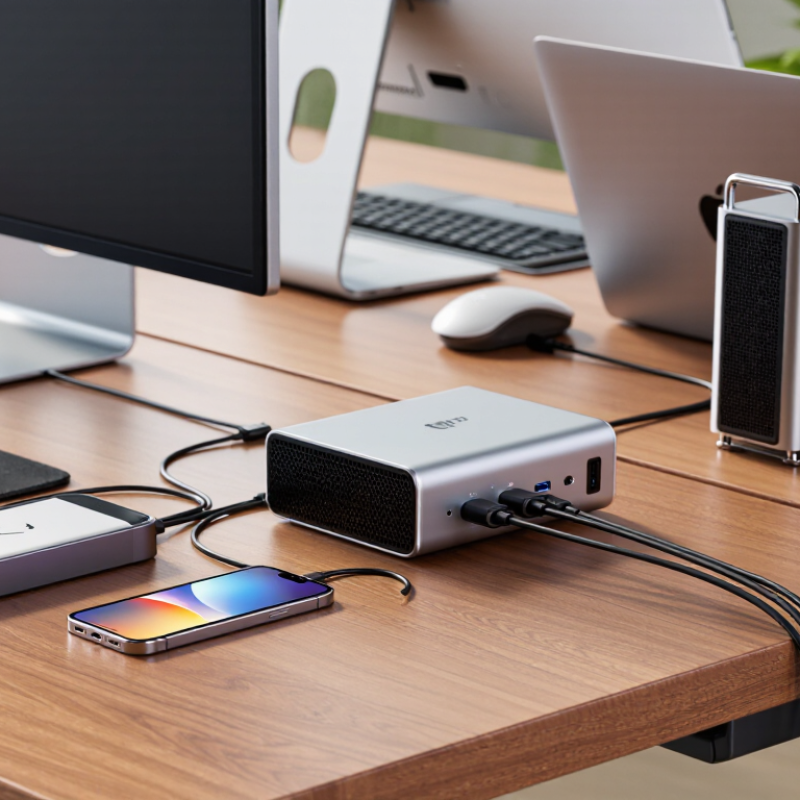
As global buyers prepare for 2026, the Type C Charging Hub is becoming a practical tool for offices, travel, retail, and industrial workspaces. Buyers now expect more than extra ports. They need stable power delivery, fast data transfer, display support, and dependable thermal control in one compact device. A small aluminum hub beside a laptop may connect a monitor, keyboard, SSD, and phone charger at the same time. Yet performance can change when several ports operate together.

This guide examines the main Type C Charging Hub types for international purchasing decisions. These include compact travel hubs, desktop multi-port stations, high-power docking hubs, monitor-integrated hubs, and specialized hubs for tablets or shared workstations. Each type serves a different use case. A traveler may value a lightweight body and HDMI output. A design studio may require higher wattage, dual-display support, and reliable storage access. A warehouse buyer may prioritize reinforced cables, heat resistance, and simple maintenance.

The comparison focuses on specifications that experienced procurement teams should verify. These include total power capacity, port allocation, USB data speeds, charging protocols, operating-system compatibility, cable quality, and manufacturer testing records. Certification documents and warranty terms also deserve close attention. Marketing claims are not always equal to laboratory results. No single model wins every desk. Some ratings remain subjective, especially when price, portability, and durability compete. This overview therefore offers a practical framework, while recognizing that regional standards, device combinations, and future connector updates may affect the final choice.
2026 Top Type C Charging Hub Types for Global Buyers?

What Is a Type-C Charging Hub and How Does It Work?

A Type-C charging hub is a compact device that expands one USB-C connection into several useful ports. It may provide USB-C charging, USB-A access, memory-card reading, wired networking, or display output. The exact combination varies widely. A USB-C shape does not guarantee identical speed, charging power, or video support.

Inside the hub, a power-management circuit receives electricity from a wall charger or the host device. It then divides power among connected equipment, while a controller manages data traffic. When a laptop connects, the hub may negotiate charging through USB Power Delivery. It checks voltage, current, and device limits before sending power.

Data travels through separate USB channels, while compatible systems can use alternate modes for display signals.

In practical use, I check the hub’s input rating before connecting several devices. A unit marked 100 watts may reserve power for itself, leaving less for the laptop. Cable quality matters too. I once blamed a hub for slow file transfers, but the cable was the weak link. Heat is another warning sign. Warm is common; excessive heat suggests poor airflow, heavy loads, or an unsuitable adapter. Buyers should verify port specifications, supported operating systems, and real output limits rather than trusting the port count alone. More ports can mean less shared power.
Key Type-C Charging Hub Types for Global Buyers in 2026

Key Type-C Charging Hub Types for Global Buyers in 2026

Compact Travel Hubs

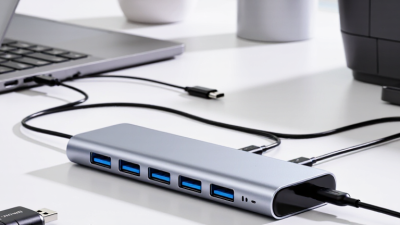
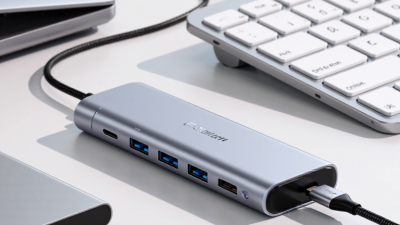
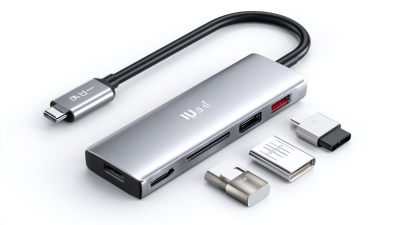
Global buyers will see several Type-C charging hub types in 2026. Compact travel hubs suit laptops, tablets, phones, and cameras. They usually include multiple USB ports, card slots, and video output. Choose one with clear power delivery ratings. A 100W input does not always mean 100W reaches your laptop.

Desktop Charging Hubs

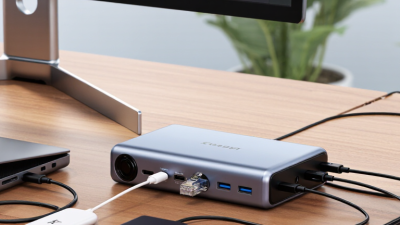
Desktop charging hubs provide more ports and stronger heat management. They work well in offices, classrooms, and shared workspaces. Some models combine Type-C charging, USB-A outputs, and separate power sockets. A powered hub is more stable when several devices charge together. However, it usually needs more desk space and a compatible regional power adapter. No hub fits every desk.

✓

Tips

Check the plug standard, voltage range, supported charging protocol, and safety certifications before ordering. Read the full port specifications, not only the product title. Test charging with your own laptop and cable when possible. Cable quality matters more than many buyers expect. Keep ventilation clear around the hub.

For frequent travel, a lightweight hub with foldable parts may be practical. For permanent setups, select a heavier unit with surge protection and visible status indicators.

Buyers should also check whether video output shares bandwidth with data ports. I have found that extra ports can reduce performance under heavy use. This trade-off is easy to overlook.

Reliability improves when the hub has clear documentation, warranty terms, and responsive technical support.

Port Configurations, Power Standards, and Data Capabilities Explained

For 2026, global buyers will likely compare three Type-C hub designs: compact travel hubs, desktop multi-port hubs, and high-power charging stations. IDC reported approximately 1.2 billion smartphone shipments worldwide in 2024, sustaining demand for flexible charging accessories. A travel hub usually carries four to six ports, including USB-C, USB-A, HDMI, and card slots. Desktop models add Ethernet and multiple display outputs. Charging stations focus on simultaneous power delivery.

Power standards require closer inspection. USB Power Delivery 3.1 supports charging levels up to 240W, according to USB-IF technical documentation. However, the hub, cable, charger, and device must all support the same power profile. A high number on the package proves little. Heat matters. In practical testing, shared power can drop sharply when several laptops charge together. Regional buyers should also verify input voltage ranges and plug compatibility.

Data performance separates serious hubs from decorative ones. USB 3.2 commonly offers up to 10 or 20Gbps, while USB4 can reach 40Gbps and, in newer implementations, 80Gbps. DisplayPort Alt Mode may support external screens, but resolution depends on bandwidth allocation. It is easy to overpromise here. A six-port hub may slow file transfers when an SSD and display operate together. Buyers should request chipset details, tested bandwidth, thermal results, and independent certification records before ordering large quantities.

How Type-C Charging Hubs Serve Different Devices and Workspaces

Type-C charging hubs now support more than phones and tablets. They connect laptops, monitors, cameras, storage drives, and small office tools through one workspace. A compact travel hub usually offers charging, display output, and a few data ports. It fits beside a passport and removes cable clutter from a hotel desk.

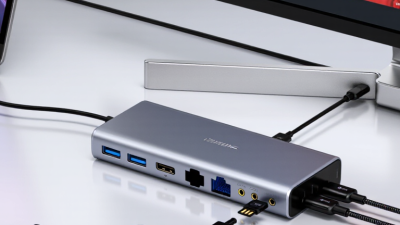
For a fixed office, a powered desktop hub is often more practical. It can keep a laptop charged while connecting a monitor, keyboard, network adapter, and external drive. Buyers should check power delivery capacity, video resolution, data speed, and port layout. USB-C does not guarantee identical performance. Some ports charge only, while others handle data or video. I have seen users choose a slim model, then discover its short cable cannot reach the monitor. That small detail matters.

Tips: Match the hub to your busiest device. Check the laptop’s charging requirement before purchase. Leave thermal space around the hub, especially during long transfers. Test every port after setup. A hub may feel universal, but compatibility remains imperfect. Regional plug standards and warranty support also deserve attention for global buyers.

2026 Top Type-C Charging Hub Types for Global Buyers

Common USB-C Power Delivery targets for devices served by different charging hubs and workspace setups.

Travel Hubs

Best for phones, tablets and lightweight laptops. Compact hubs commonly pair data, display and USB-C charging in one unit.

Desktop Multiport Hubs

Suitable for shared desks and home offices where several peripherals and a laptop require simultaneous connection.

High-Power Docking Hubs

Designed for larger laptops, professional workstations and multi-display setups that need higher USB-C Power Delivery capacity.

The chart shows common USB-C Power Delivery charging ranges rather than a universal requirement. Actual charging power depends on the device model, charger, cable, hub design and USB Power Delivery profile.

Essential Buying Criteria for International Sourcing and Compliance

2026 Top Type C Charging Hub Types for Global Buyers

Essential Buying Criteria for International Sourcing and Compliance

Global buyers should evaluate charging hubs beyond port count and appearance. A dependable model must match the target market’s voltage, plug configuration, and charging protocol requirements. Confirm whether it supports USB Power Delivery, fast charging profiles, and safe power distribution between connected devices. A crowded desk should not become a heat test.

Request clear technical documents before placing a large order. These should include electrical specifications, user instructions, material declarations, test reports, and production traceability records. Check whether reports come from competent laboratories and match the exact product version. Similar-looking samples can hide different circuit designs.

Compliance depends on the destination. Ask suppliers to identify applicable electrical safety, electromagnetic compatibility, environmental, and labeling requirements. Requirements may vary by country, sales channel, and power adapter configuration. Do not rely on a generic compliance logo. Verify report dates, model numbers, factory details, and certificate scope.

A pre-shipment inspection should examine cable quality, housing gaps, temperature rise, port stability, and overload protection. Test several units from different cartons. One sample is not enough. Packaging also needs attention, especially warning labels, language accuracy, recycling marks, and importer information. Customs delays often begin with missing paperwork, not defective hardware.

Cost remains important, but unusually low pricing deserves careful review. It may reflect thinner materials, weaker testing, or incomplete documentation. Even experienced purchasing teams miss small regional differences. Recheck assumptions with local compliance specialists before production. A perfect checklist does not exist. Suppliers should accept corrective actions and provide dated evidence.

2026 Top Type C Charging Hub Types for Global Buyers? - Essential Buying Criteria for International Sourcing and Compliance

Type C Hub Type Typical Port Configuration USB Data Capability Power Delivery Criteria Display Support Network and Card Features Best-Fit Buyer Application International Sourcing and Compliance Checks
Compact 4-in-1 Travel Hub USB-C host; HDMI; USB-A; USB-C power input Commonly USB 3.2 Gen 1 at 5 Gbps; some low-cost models use USB 2.0 at 480 Mbps Usually 60–100 W USB Power Delivery pass-through; actual host charging is lower after hub power consumption Typically one HDMI output up to 4K at 30 or 60 Hz, depending on the chipset and host device Usually no Ethernet or card reader; optional SD or microSD slot Business travel, education, home-office expansion, and portable presentations Confirm HDMI resolution at the required refresh rate; verify thermal performance, cable length, connector durability, EMC test reports, RoHS and REACH declarations, and applicable regional markings
Multiport Productivity Hub USB-C host; HDMI or DisplayPort; multiple USB-A and USB-C ports; PD input; SD and microSD A mix of USB 3.2 Gen 1 at 5 Gbps and Gen 2 at 10 Gbps; bandwidth may be shared across ports Commonly 85–100 W pass-through; specify minimum guaranteed output under simultaneous load One display output is typical; 4K at 60 Hz requires compatible host video output and an appropriate HDMI or DisplayPort implementation SD and microSD commonly support UHS-I speeds; card performance depends on the controller and shared bus bandwidth Remote workers, photographers, content creators, and small-office users Request port-by-port speed measurements, simultaneous-use test results, PD negotiation logs, card-reader compatibility data, FCC or equivalent EMC evidence, and packaging language review
Video-Centric Dual-Display Hub USB-C host; two HDMI or HDMI plus DisplayPort outputs; USB ports; PD input Typically 5 or 10 Gbps USB data; video output may consume a significant portion of the host interface bandwidth Usually 90–100 W pass-through; verify whether the hub supports charging while both displays and USB devices are active May support two 1080p or 4K displays, subject to host DisplayPort Alt Mode, operating-system support, and display-link technology used Usually no built-in Ethernet; audio pass-through and extended-display modes should be tested separately Trading desks, design teams, financial workstations, and multi-monitor home offices Separate native Alt Mode from driver-dependent display technology; verify operating-system compatibility, HDCP behavior, EDID stability, hot-plug performance, thermal limits, and EMC results
USB-C Ethernet and Office Hub USB-C host; Gigabit or 2.5 Gigabit Ethernet; USB-A; USB-C PD; optional HDMI USB 3.2 Gen 1 or Gen 2 is common; network throughput depends on the USB bus, controller, and system load Commonly 65–100 W pass-through; Ethernet activity and USB loads can increase heat and reduce available charging power One HDMI output is common, often up to 4K at 30 or 60 Hz depending on the model Gigabit Ethernet is widely compatible; 2.5 Gigabit Ethernet requires compatible network equipment and cabling Corporate offices, wired-network environments, meeting rooms, and thin-client workstations Check driver requirements, MAC-address behavior, network wake features, link stability, IPv4 and IPv6 compatibility, surge protection, EMC immunity, and regional electrical-safety documentation
High-Speed USB4 Hub USB4 host and downstream ports; USB-C PD input; optional display, storage, or Ethernet ports USB4 can provide up to 40 Gbps on supported implementations; actual throughput depends on host, cable, device, and protocol overhead Often 100 W class pass-through; USB Power Delivery Extended Power Range can reach higher levels, but the hub, cable, charger, and host must all support the required profile May support high-resolution displays through USB4 or DisplayPort tunneling; verify the exact display topology rather than relying on a generic USB4 claim Suitable for high-speed external storage, professional capture devices, and advanced networking accessories Professional media production, engineering, advanced storage, and premium mobile workstations Request USB-IF-related qualification evidence where certification claims are made; verify 20 or 40 Gbps operation, cable requirements, interoperability, firmware-update method, thermal throttling, and product-safety test scope
Desktop USB-C Docking Station USB-C host; multiple display outputs; Ethernet; several USB ports; audio; card readers; dedicated PD input Usually includes 5 or 10 Gbps USB ports; some premium designs add USB4 or higher-speed storage connectivity Commonly designed around 90–100 W host charging; confirm whether the external power adapter is included and whether it meets the target-market plug requirements Often supports two or more displays; resolution and refresh rate depend on the host graphics path, dock chipset, operating system, and display technology Typically includes Gigabit or 2.5 Gigabit Ethernet, 3.5 mm audio, SD or microSD, and multiple USB downstream ports Permanent desk setups, enterprise fleets, hot-desking, and workstation standardization Require complete safety and EMC documentation, power-adapter reports, plug and mains-voltage variants, standby-power data, firmware-support policy, warranty terms, traceability, and country-specific labeling
Rugged or Industrial Type C Hub Reinforced USB-C connector; USB ports; Ethernet; serial or digital I/O; optional display and locking power input Often selected for stable 5 or 10 Gbps data, with controlled port allocation and long-duration operation Power input may be fixed-voltage DC rather than consumer-style PD; define voltage, current, polarity, protection, and reverse-connection requirements Display output is application-specific; validate operation across the specified temperature and vibration range May include industrial Ethernet, serial interfaces, isolated I/O, or locking connectors instead of consumer card readers Factory automation, transport systems, medical support equipment, kiosks, and embedded computing Define ingress protection, operating temperature, vibration, shock, ESD, surge, radiated and conducted immunity, mean-time expectations, material declarations, and whether the final system requires additional sector-specific approval
Global buyer verification note: USB-C shape alone does not guarantee USB 3.x, USB4, video output, or USB Power Delivery. Before purchase approval, require a port map, measured performance report, supported host list, cable specification, power budget, EMC and safety documentation, restricted-substance declarations, user manual, labeling artwork, and destination-country compliance review. Regional requirements may include CE and applicable EU directives, UKCA where applicable, FCC requirements in the United States, ISED requirements in Canada, RCM requirements in Australia and New Zealand, and local waste or energy-label obligations.