- Home
- Products
- About Us
- OEM&ODM
- News
- Contact Us
 USB C Docking & Hub
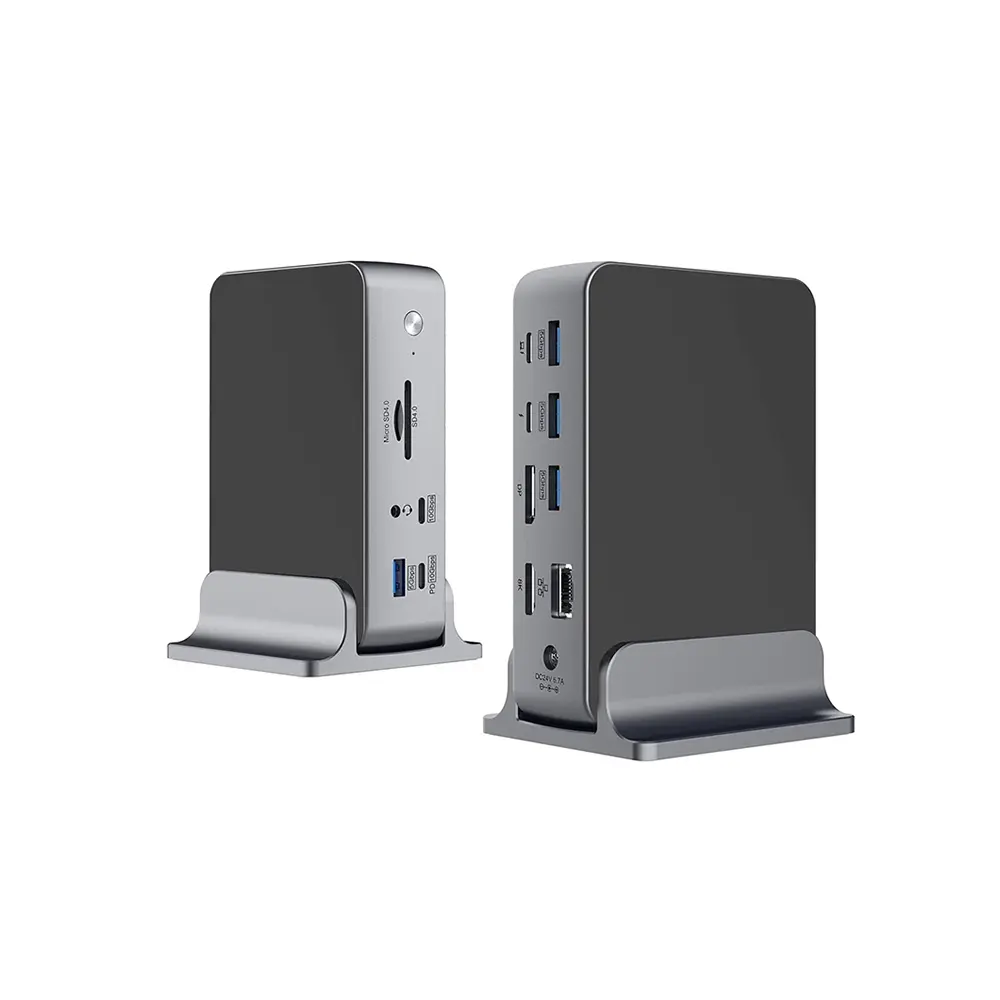 USB C Docking Station
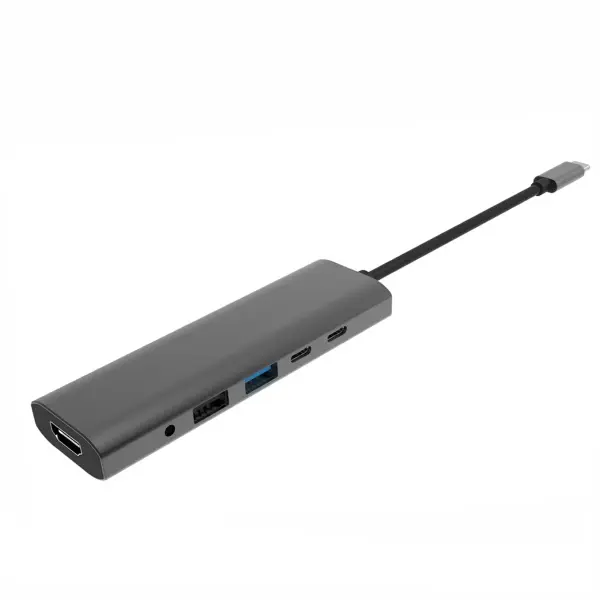 USB C Hub-H Series
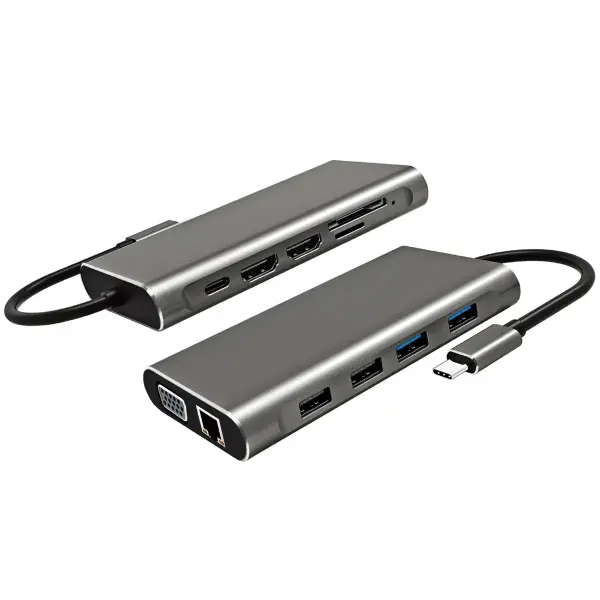 USB C Hub-H Series High End
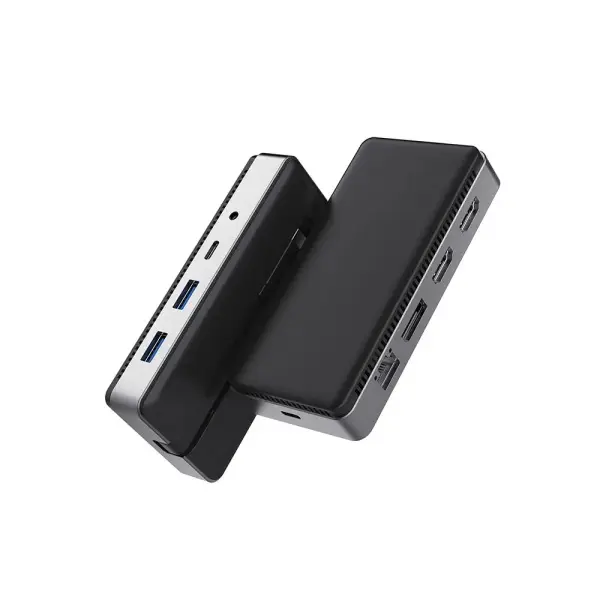 USB C Hub-X Series High End
 HDMI Cable
 4K HDMI Cable
 8K HDMI Cable
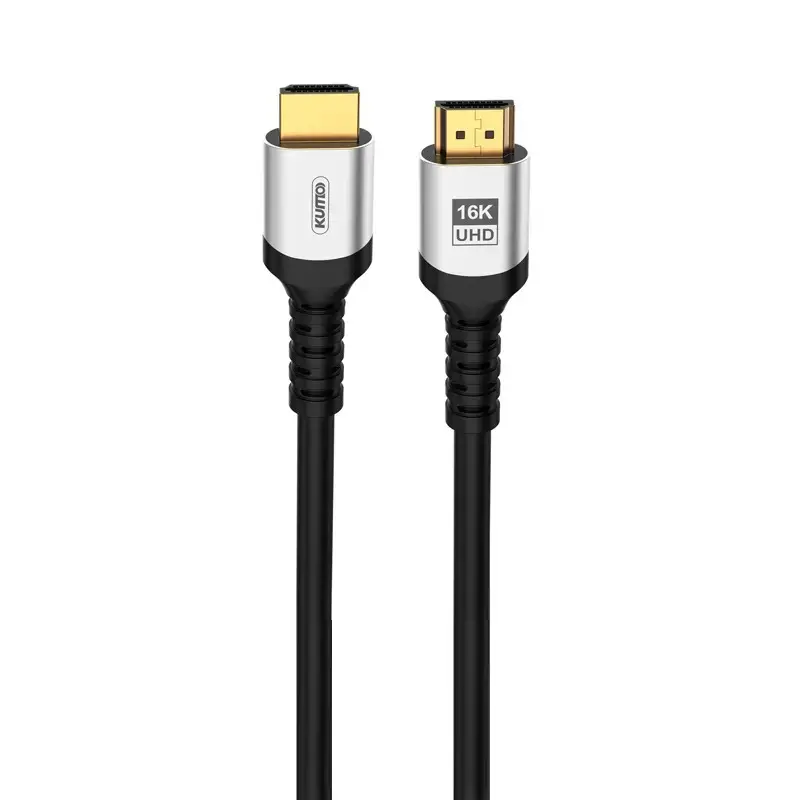 16K HDMI Cable
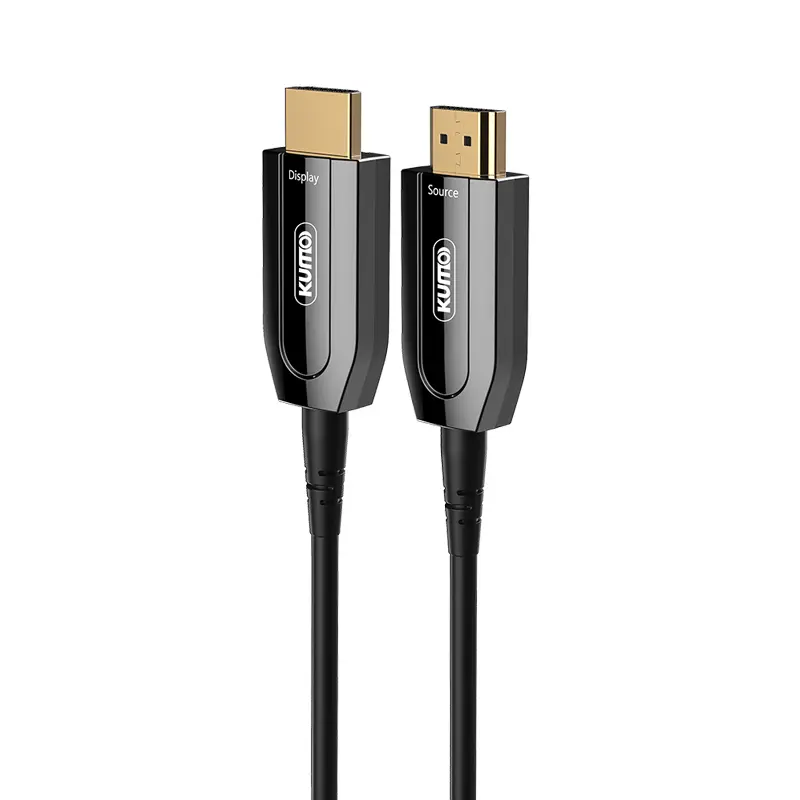 AOC HDMI Cable
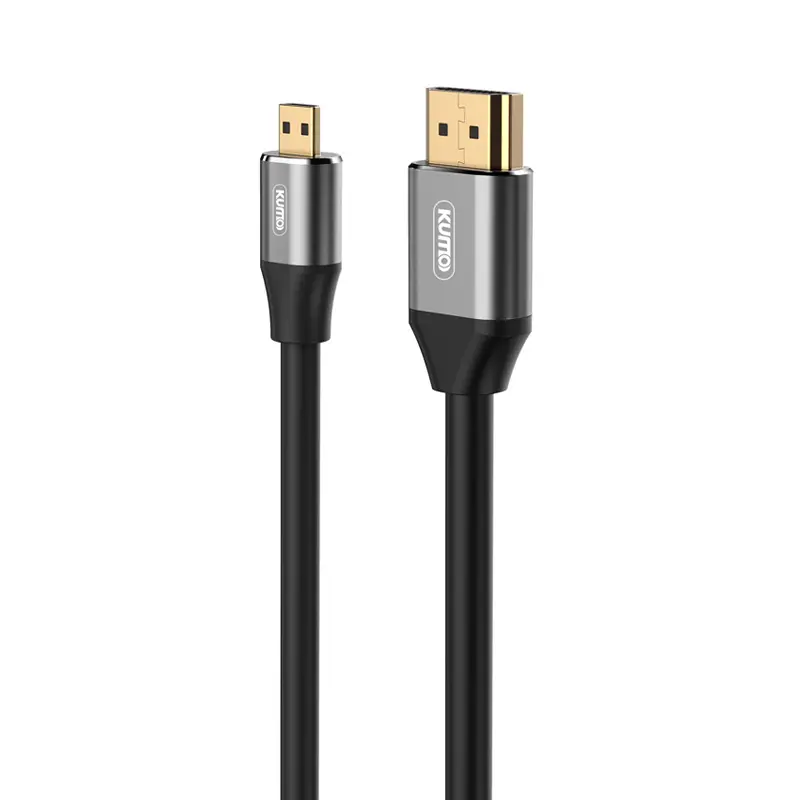 HDMI Conversion Cable
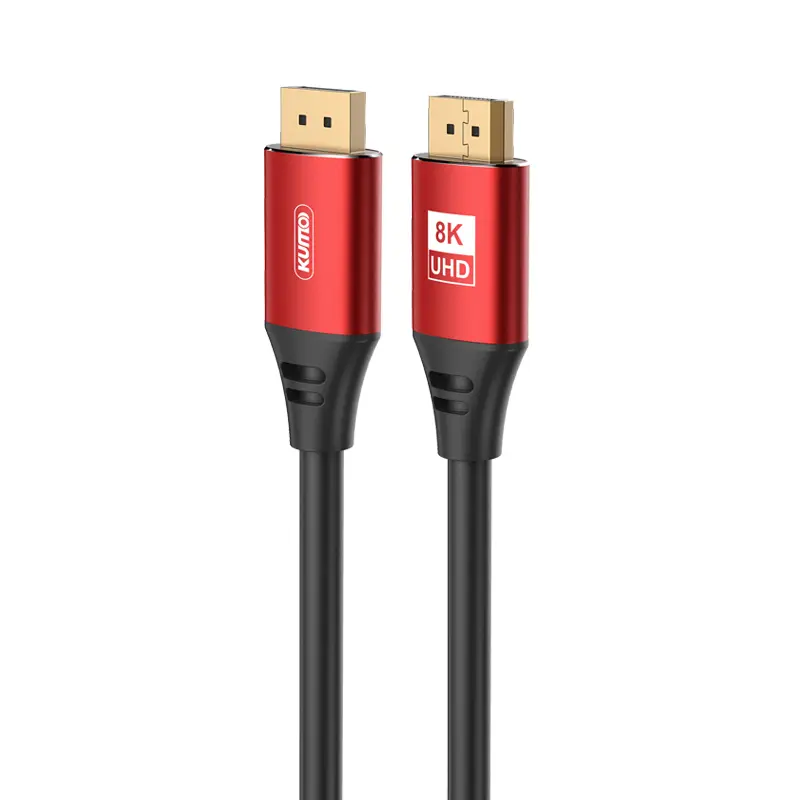 8K DisplayPort Cable
 16K DisplayPort Cable
 DisplayPort Conversion Cable
 XLR Cable
 VGA Cable
 DVI Cable
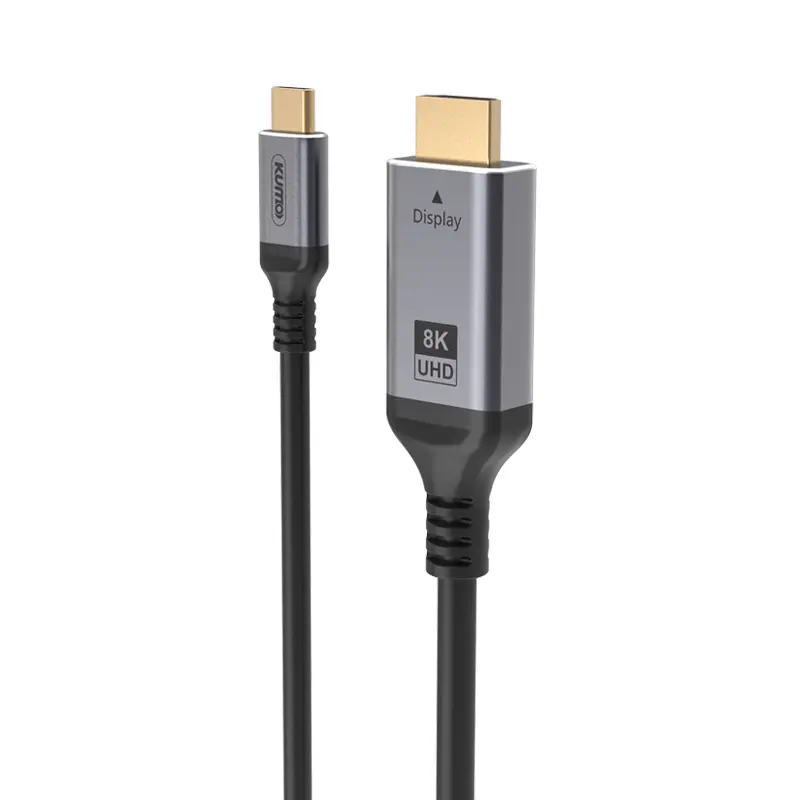 Type C To HDMI
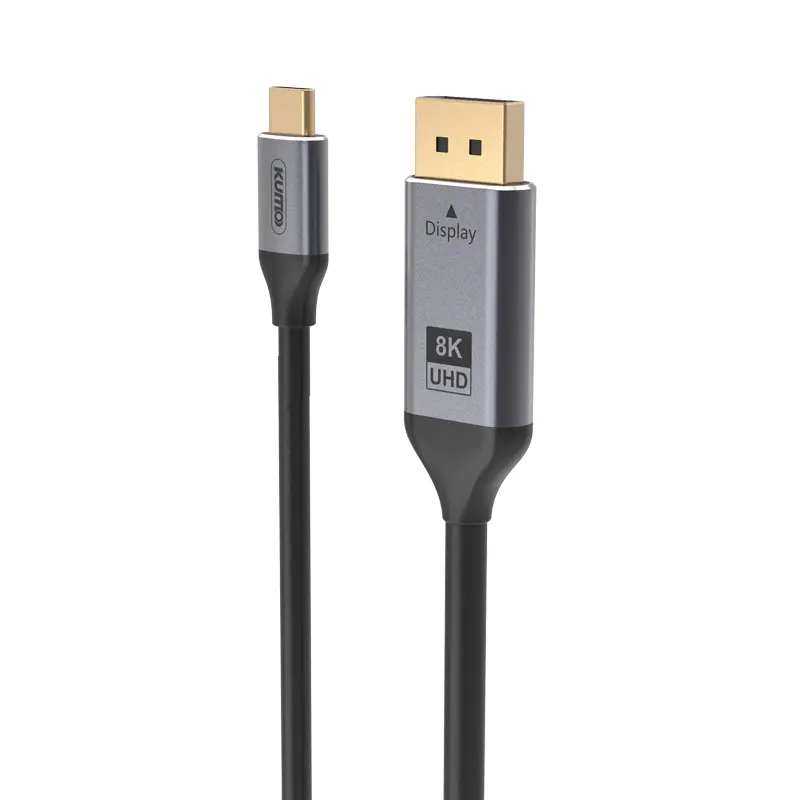 Type C to DP
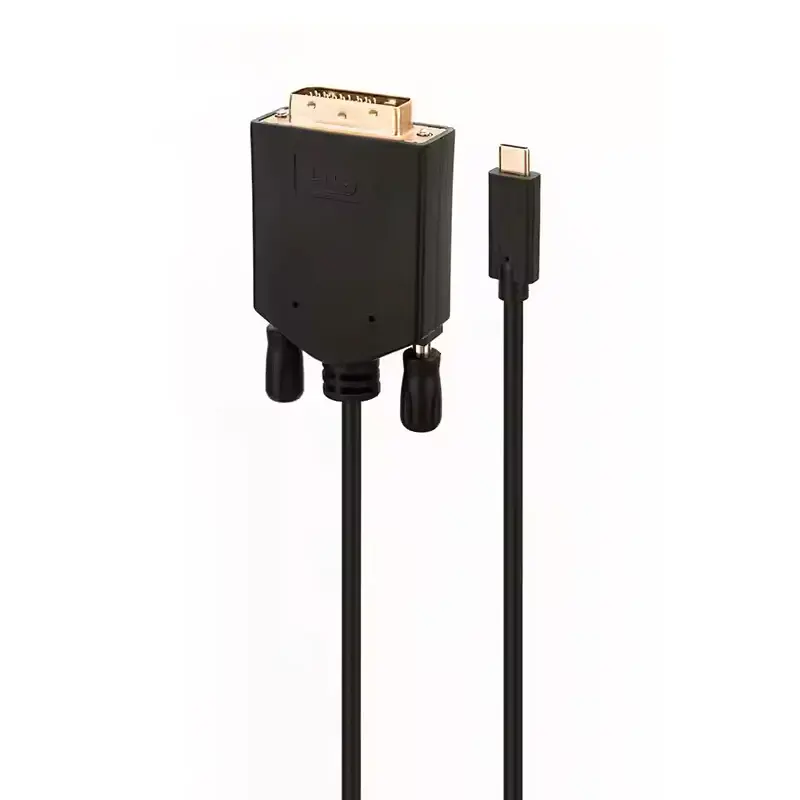 Type C to DVI
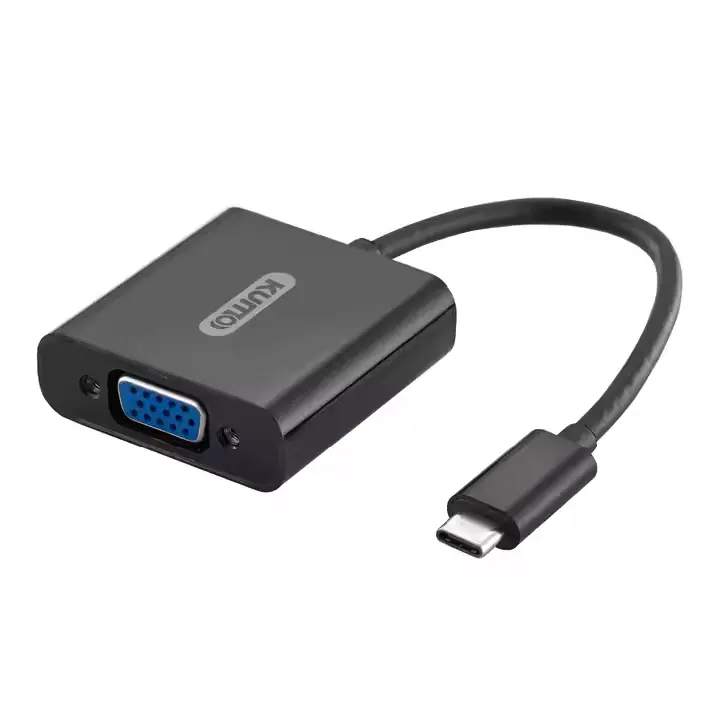 Type C Adapter
 USB A to C Cable
 USB C to C Cable
 Micro USB Cable
 USB4 Cable
Inquiry
Form loading...
A Type C Charging Hub can look impressive on a desk: several ports, a compact shell, and a large wattage printed on the box. But the best choice in 2026 depends on what those numbers mean in daily use. Can it charge a laptop while a phone and tablet are connected? Does it maintain stable power, or slow each device when ports are shared? These details matter more than a crowded port list.
For a dependable starting point, consult the USB Implementers Forum’s USB Power Delivery 3.1 specification. It defines support for power levels up to 240 watts, but that does not mean every hub can deliver 240 watts to one device. The power adapter, hub design, cable rating, and connected devices all affect the result. USB-IF specifications are technical standards, not independent product rankings. Buyers should still check each model’s port-by-port power table and test results.
USB-C cable-testing specialist Benson Leung is known for examining whether cables meet their stated capabilities. His practical lesson is simple: the connector shape alone does not confirm safe charging or full performance. That caution belongs in any comparison. A hub may advertise fast charging, yet offer limited data speeds or share power unevenly. This guide will compare real-world charging, data support, heat, build quality, and value. No hub wins every desk. The right one depends on your devices, and some product labels still leave too much unclear.
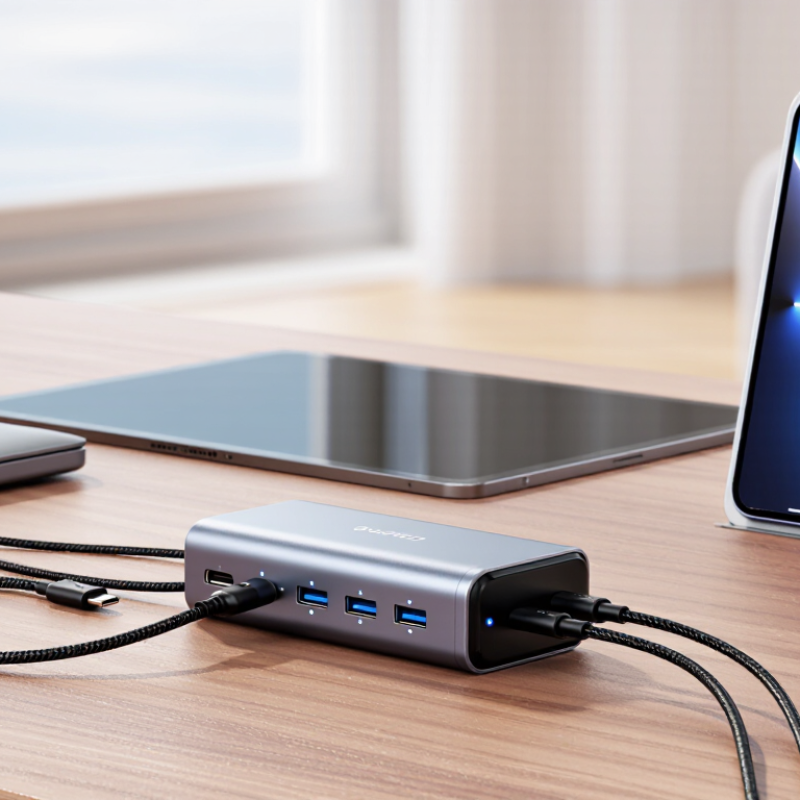
Which Type C Charging Hub Is Best in 2026?
What a Type-C Charging Hub Is and How It Works
A Type-C charging hub is a compact device that expands one USB-C connection into several ports. Depending on its design, it may provide USB-A, HDMI, memory-card, or extra USB-C connections. Some hubs also accept power from a separate charger and pass it to a laptop or tablet. This is called power delivery, or pass-through charging. The hub and connected device negotiate how much power to use; the result depends on both devices and the charger. A hub cannot create extra power.
Inside, small circuits manage data, video, and power across the ports. Not every USB-C port supports every function. One may transfer files but not display video, while another may charge only slowly. Check the hub’s specifications against your device’s port capabilities and the charger’s output. A common desk surprise: connecting several power-hungry devices can reduce charging speed. I would not assume every port works at full capacity at once.
Tips: Match the hub’s rated power to your device’s needs, and use a suitable wall charger. Check whether the listed wattage is shared across ports. Keep vents clear, and disconnect the hub if its casing becomes unusually hot. Short cables can also make a crowded desk awkward.
A USB-C charging hub expands one USB-C connection into ports for charging, data, and sometimes display output. The best choice depends on the host device, required ports, and supported USB-C features. Specifications below are typical design characteristics, not guarantees for every hub.
| Hub type | Typical connections | Charging behavior | Video capability | Best suited for | Key limitation to check |
|---|---|---|---|---|---|
| Compact USB-C splitter | Usually a small number of USB-A and/or USB-C ports | May provide data only; charging pass-through is not universal | Often none | Basic peripherals and travel | Confirm whether a USB-C port supports charging, data, or both |
| Multiport USB-C hub | Commonly USB-A, USB-C, HDMI, and a card reader or Ethernet port | Many models accept a USB-C Power Delivery charger and pass power to the host | May support an external display when the host and hub support a compatible video mode | Everyday laptop expansion and desk use | Power available to the host can be lower than charger input because the hub uses some power |
| High-bandwidth USB-C hub | Multiple high-speed USB ports, often with display and network connections | Power Delivery pass-through may be included; maximum input and output vary by model | Higher display resolutions or refresh rates may be possible with compatible host hardware and sufficient bandwidth | Fast storage, multiple peripherals, and demanding workflows | Actual speed depends on the host port, hub controller, cable, and connected devices |
| Powered desktop hub or dock | A wider selection of USB, display, Ethernet, audio, and card-reader connections | Usually uses an external power adapter; host charging support and wattage vary | May drive one or more displays, subject to host, operating-system, and dock support | A fixed workstation with several connected devices | Check display count, supported resolutions, host compatibility, and whether the dock requires a specific USB-C capability |
| Part or feature | What it does | What to verify |
|---|---|---|
| USB-C connector | Provides a reversible physical connection. USB-C describes the connector shape, not one guaranteed data speed, charging rate, or video capability. | Check the host port and hub specifications for supported data, power, and display functions. |
| Hub controller | Shares the host connection among the hub’s ports and manages supported data connections. | Ports sharing a connection may share available bandwidth, especially when several devices transfer data at once. |
| USB Power Delivery pass-through | When supported, a charger connected to the hub can supply power through it to the host device. | The charger, hub, cable, and host must all support suitable power levels; some input power is used by the hub and its attached devices. |
| Display output | A hub may carry video from a compatible host over USB-C DisplayPort Alternate Mode or a supported USB4/Thunderbolt connection, then provide an output such as HDMI. | Display support depends on the host, hub, cable, monitor, resolution, refresh rate, and operating system. |
Selection tip: For most laptop users, a multiport hub with clearly specified Power Delivery pass-through and the exact ports required is a practical starting point. Confirm host compatibility and display support before choosing; no hub can add features that the host’s USB-C port does not support.